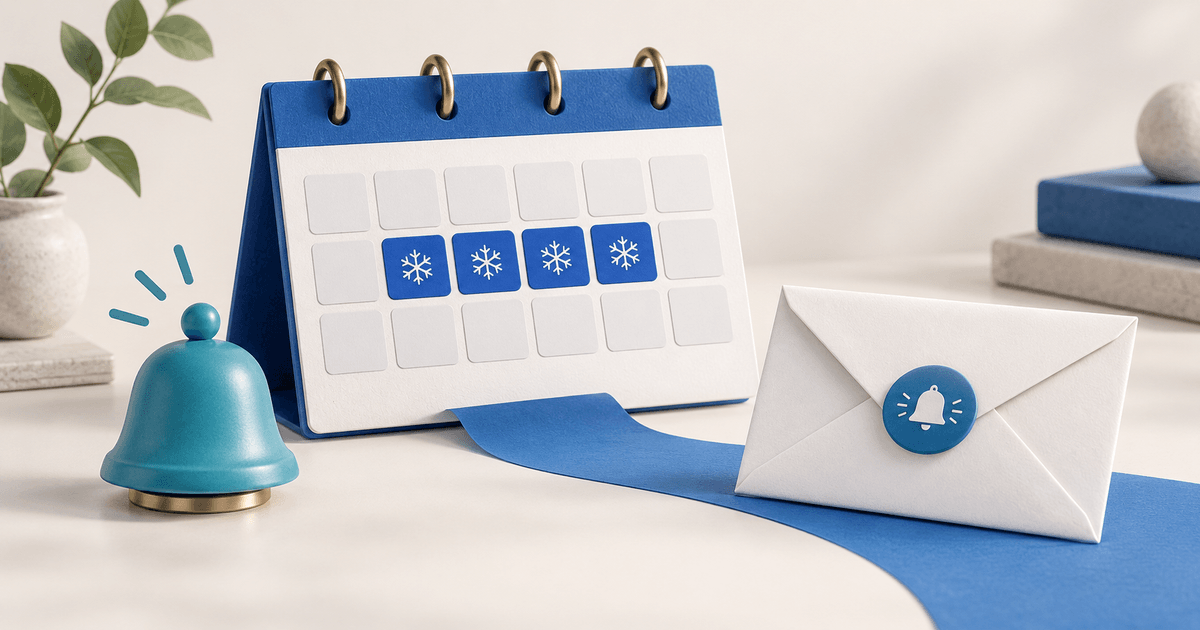
A scheduled customer portal banner and an email announcement have different clocks. In PayRequest, a future start date controls when the portal notification appears, while the optional email is sent when you create the notification. Editing that notification later does not send another email.
For a service business preparing an office closure, this distinction matters more than choosing a banner color. Decide when customers need advance notice, when the closure message should appear inside their billing portal, and how they can ask a question.
Separate the two notification clocks
The PayRequest Portal Notifications documentation describes announcements, price-change notices, vacation notices and problem alerts. Notifications appear as portal banners and in the header bell. You can target all customers, selected customers or customers with tags, set a future start and expiry, and choose whether dismissal is allowed.
The same documentation specifies that optional emails go out at creation, not when you edit the notice. A future banner start is therefore not an instruction to hold that email until the closure begins. Nor does creating a notification prove that a customer read either channel.
Work through a closure timeline
Here is an original planning example, not a test of an account. Assume an office closes from 21 through 23 December 2026 and reopens at 09:00 Europe/Amsterdam on 24 December. Create the notice on 18 December; schedule its portal start for 21 December and expiry for 24 December. Verify the actual configured time and timezone before saving.
| Event | Portal consequence | Email consequence |
|---|---|---|
| Create on 18 December with email enabled | Future-dated banner is scheduled | Announcement is sent at creation |
| Reach configured start on 21 December | Active notice can appear to targeted customers | Do not assume another email is sent |
| Edit reopening time on 22 December | Saved portal message changes | Edit does not resend the email |
| Reach configured expiry on 24 December | Notification hides after expiry | Previously sent email remains in the mailbox |
Use this matrix to choose a communication plan, not to promise message delivery. If advance notice is wanted, the creation-time email may be appropriate. If the email must go out later, do not enable it while creating an earlier scheduled banner and assume the start date will delay it.
Choose the audience before the type
For a business-wide closure, all customers may be appropriate. For a closure affecting only one service team, pick specific customers or a reviewed tag group. PayRequest's tag audience matches customers with at least one selected tag. Selecting both “consulting” and “support” includes either group; it does not require the customer to have both.
Write down the intended group and check several included and excluded customers. Do not use tags as evidence that a customer has read the message. A portal notice also depends on the customer visiting the portal; email can complement it without proving inbox placement.
Prepare a message customers can act on
Choose Vacation for an availability notice. Use a short title, exact closure and reopening dates, timezone where relevant, and the next support action. An illustrative message is: “Our office is closed 21–23 December. Support resumes at 09:00 Europe/Amsterdam on 24 December. For an account question, open a support ticket from your customer portal.”
That wording describes office availability. It does not say invoices stop, subscriptions pause or payment deadlines move. Handle any billing changes separately and communicate only what has actually been arranged.
Review the live preview, audience, email choice, start, expiry and permanent setting together. Dismissible notifications can be removed by customers from both the banner and bell. Permanent notices prevent dismissal; use them sparingly and give time-limited notices an expiry.
Handle corrections and reopening
If the reopening time changes after sending, editing fixes the portal message but not the email already sent. Decide whether a separate correction is needed for the affected customers. Record which version went out and who owns the correction; do not describe an edit as a resend.
Notifications are one-way. Customers can use the portal's Support section for a ticket instead of replying to the banner. After reopening, check that the expired or deactivated notice is no longer presented as current.
Prepare one reviewed notice with PayRequest Portal Notifications, and use the Customer Portal as the account context for invoices and support. The practical next step is a clear audience and two verified times.
Editorial note: AI assisted with this article and cover. Published documentation was checked on 6 October 2026. The timeline is an original planning example, not a delivery test or customer result.