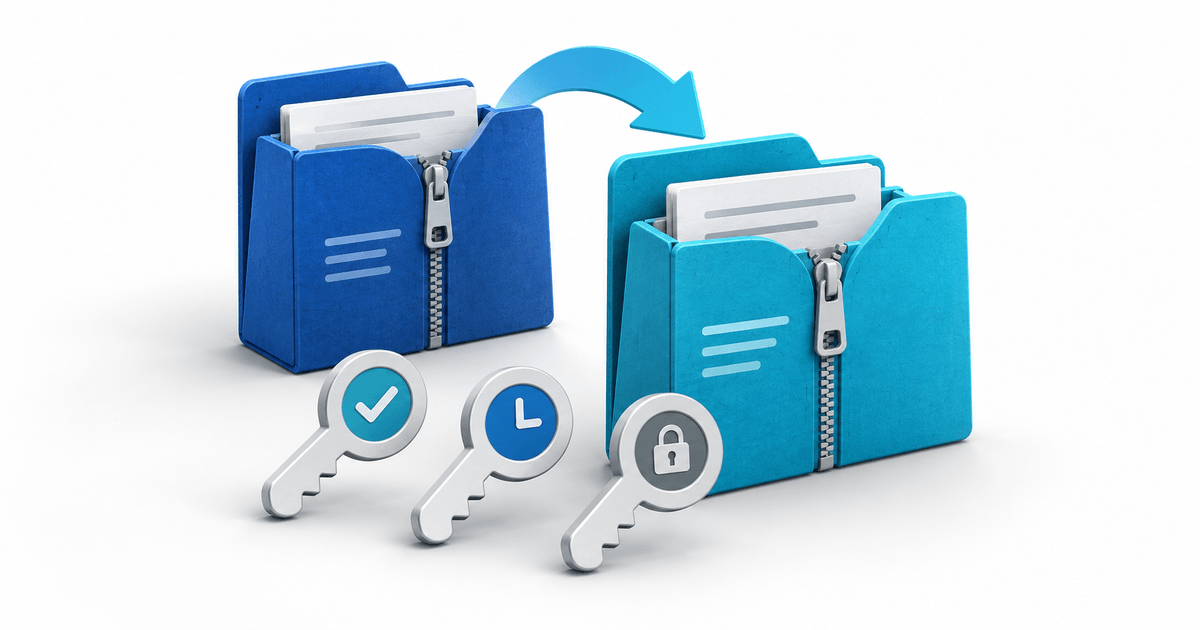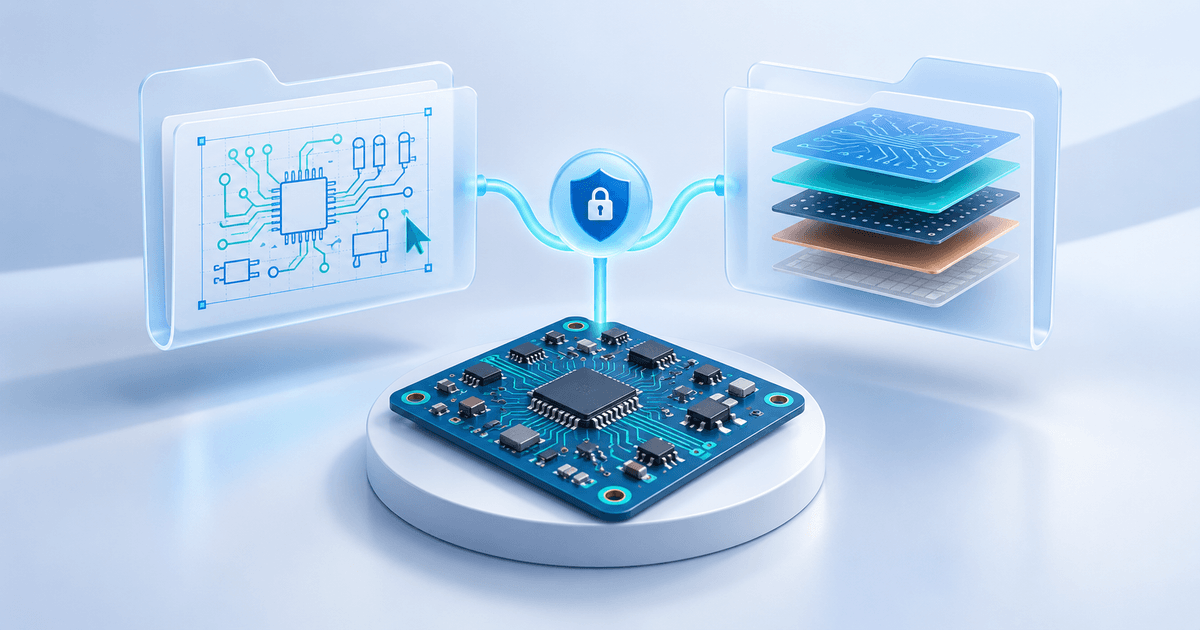
To sell KiCad PCB files, define whether the buyer receives editable design sources, fabrication outputs, or both. Put the promised deliverables in a versioned ZIP, document dependencies and usage rights, and review the exact package a buyer will download. Payment-gated delivery cannot make an incomplete board design usable.
This guide is for makers selling their own reusable electronic designs. It is not a PCB manufacturing service, an electrical safety approval or a promise that every board house accepts the same outputs. Keep the physical board, assembly service and digital design offer clearly separate.
What is the buyer actually purchasing?
An editable KiCad project and a fabrication package answer different needs. A buyer changing a connector or component needs the source and relevant dependencies. A buyer ordering a board needs outputs accepted by their manufacturer and an unambiguous revision. Offering both can be useful, but “PCB files” alone leaves too much undefined.
KiCad's version 9 PCB Editor manual documents Gerber and drill outputs. Treat version 9 as a documentation example, not a claim that it is the newest release. KiCad's Gerber Viewer explanation also makes clear that Gerber data does not reconstruct a normal editable KiCad design. Do not market a fabrication export as the original source project.
A two-package manifest for a sensor board
This is an original fictional release card for a low-voltage sensor board, Revision B. No board was fabricated or electrically tested for this article. The purpose is to make the seller's promise checkable.
| Package area | Example contents | Buyer expectation |
|---|---|---|
| Editable source | .kicad_pro, .kicad_sch, .kicad_pcb and required project-local dependencies | Open and modify the declared revision |
| Fabrication outputs | Reviewed Gerber layers and drill outputs for Rev B | Review with the intended board house |
| Assembly information, if sold | BOM and placement data matching Rev B | Understand the included component and assembly scope |
| Buyer guide | Declared KiCad version, opening instructions and limitations | Follow the package without private seller paths |
| Rights and release record | Usage terms, dependency notices, revision and change log | Know the permitted use and exact release |
Include only the areas you actually offer. A BOM is not an assembled board. A checked design-rule report is not evidence that a physical circuit works. If firmware, enclosure models or support are excluded, say so next to the offer before checkout.
Review the source on a clean folder
Extract the retail ZIP into a new folder and open it using the exact KiCad version you advertise. Check schematic, board and required libraries or models without relying on an absolute path to your personal machine. Record any external dependency and its setup instructions. Do not claim compatibility with other versions that you have not checked.
Run the design's relevant checks and review unresolved warnings. Explain deliberate exceptions instead of silently calling the design error-free. If assembly information is included, confirm that component references and revision identifiers agree with the board. These are suggested release checks; this article does not assert that a sample project passed them.
For fabrication outputs, inspect the exported layers and drill data in an appropriate viewer and obtain the manufacturer's requirements. Keep source and exports on the same revision. A newer source file beside an older fabrication ZIP is a failed handoff even when both archives open successfully.
Set usage rights without overclaiming the library license
Describe whether the buyer may edit the design, fabricate boards for personal use, sell manufactured boards or redistribute the files. Use terms you can support for your own work, and check third-party material separately.
The official KiCad library license distinguishes using library data in a design from redistributing library collections. Its design exception does not make every downloaded model or third-party design yours to resell. Preserve required notices and do not add someone else's library bundle to the ZIP merely because the project opens with it installed.
Deliver the reviewed ZIP after payment
The PayRequest Digital Products documentation supports ZIP bundles through the Other digital download flow. Native KiCad extensions are not the direct-upload promise here: upload the reviewed ZIP. Document the exact revision, required software, package scope and usage terms in the listing.
PayRequest documents purchase-specific download tokens, configurable expiry and download limits, and access after payment through the success page, order email and customer portal. Review the real checkout and downloaded archive before launch. These delivery controls do not validate electronics, enforce the buyer's license or prevent a purchaser from copying extracted files.
Keep a seller-side release record with product, ZIP filename, revision, review date and declared dependencies. If you later replace the package, use the existing-buyer update checklist rather than promising that every past customer gets a fresh entitlement. For broader formats, see selling CAD files.
Create one clearly scoped offer with PayRequest Digital Products and review its digital delivery workflow. The next useful step is a complete Revision B package, not an unexplained buy button.
Editorial note: AI assisted with this article and cover. Documentation was checked on 7 October 2026. The release card is an original planning example; no hardware, manufacturer acceptance or customer delivery test is claimed.