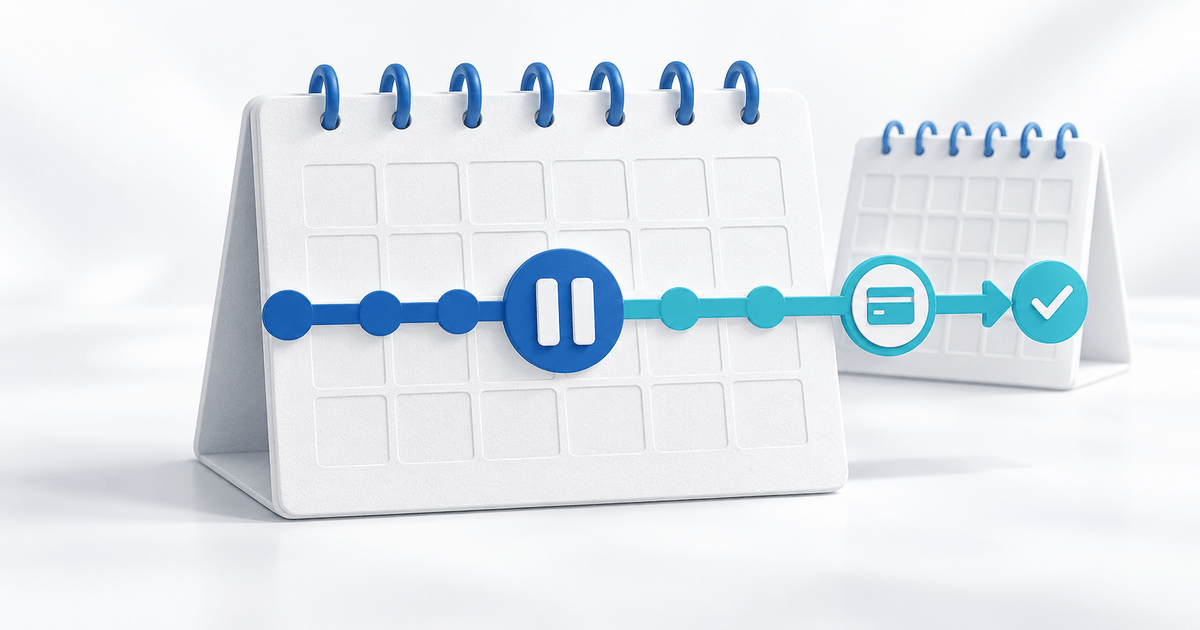
To pause and resume a PayRequest subscription, record the current billing schedule, pause the eligible subscription, and check its next scheduled billing date when it returns to Active. A temporary billing pause is different from cancellation, a refund or suspension for nonpayment.
This checklist is for service businesses handling an agreed customer break. It keeps the billing action and the service commitment aligned without assuming that every payment provider uses the same meaning of “pause”.
Establish the product's actual pause behavior
PayRequest's pausing and resuming documentation says that pausing changes the subscription to Paused and stops billing immediately. The customer's mandate remains active. An optional resume date returns the subscription to Active automatically; billing resumes on the normal schedule. Manual resumption also returns it to Active, with billing resuming from the next scheduled billing date.
Do not turn “normal schedule” into a promise of an immediate charge or a shifted monthly anniversary. Inspect the dates shown for the individual subscription. The documentation does not establish every past-due scheduling edge case, so resolve an unclear date before confirming it to the customer.
Record the before, during and after handoff
Use this original log for one subscription. It is your operational record, not a built-in PayRequest export.
| Checkpoint | Record | Verify |
|---|---|---|
| Before pause | Customer, subscription ID, status, next billing date, payment method | Correct subscription and agreed service break |
| While paused | Pause date, initiator, optional resume date, owner | Paused status and outstanding invoices separately |
| Before resume | Current schedule, payment method, service restart agreement | Customer understands the next billing date |
| After resume | Active status, next scheduled date, activity entry | Billing and service handoff agree |
For an illustrative monthly service, the record might show a next billing date of 1 November and an agreed break starting 10 October. If you resume on 24 October, verify the schedule still displayed before saying when the next bill will run. This is a checklist example, not a tested scheduling result or a universal date calculation.
Pause the eligible subscription
In the business dashboard, open Subscriptions, choose the subscription and use Pause Subscription. Confirm the Paused status; add the optional resume date if that is the agreed workflow. Record who will check it before billing restarts. PayRequest logs who initiated the pause.
For customer-initiated pauses, review the product's Customer Portal Actions settings. Pause and cancel controls can be configured separately per product. A missing button is not evidence that the customer has successfully paused anything.
VPNresellers subscriptions are an explicit exception: the published documentation says they do not support customer pausing. Verify other service-specific restrictions rather than applying this checklist indiscriminately.
Agree what happens to service access and existing invoices
Stopping future billing does not establish what happens to already-issued invoices, unused service time or access in an external system. Review those items separately. Do not promise that a pause deletes an outstanding invoice or generates a refund.
For coaching or maintenance, write down whether appointments or work continue during the break and who restarts delivery. If a connected system controls access, check its supported behavior; a billing status is not proof of an external access change. For nonpayment, PayRequest documents Suspension as a separate workflow with different notifications and reactivation behavior.
Confirm the restart before closing the task
Open the paused subscription and use Resume Subscription, or check the scheduled auto-resume result. Verify Active status, the next scheduled date and the payment method. If a payment is already pending, investigate that record before initiating another collection.
Send this original confirmation: “Subscription [reference] is [Paused / Active]. Our agreed service break is [dates]. The next billing date currently shown is [date]. Existing invoice [reference/status] is handled separately. [Person] will confirm service restart.” Keep unknown fields open instead of replacing them with guesses.
Review PayRequest Subscriptions to organize the billing workflow, then check the Subscription Portal for the customer actions you want to offer. The next step is one verified pause-to-restart handoff.
Editorial note: AI assisted with this article and its illustrative cover; documentation checked on 3 October 2026. The log and timeline are original planning examples, not a live subscription test or customer result.