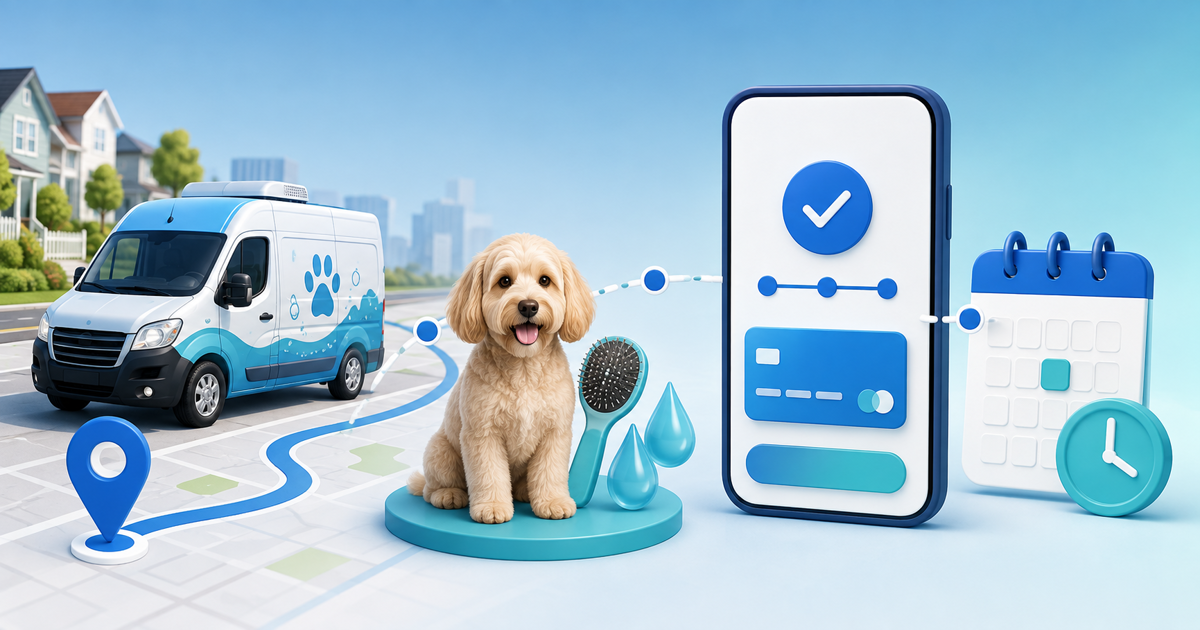
A mobile dog groomer should collect a booking deposit only after confirming that the address, pet, service and duration fit the route. The payment secures a specific workable slot; it should not turn an unqualified enquiry into an automatic appointment.
This workflow is for solo groomers and small mobile teams. Its original asset is a route-slot commitment card that connects service area, travel buffer, pet intake, quoted work, deposit status and final balance in one record.
Qualify the Visit Before Sending a Payment Link
Collect the service address, preferred window, dog count, breed or size, coat condition, requested service and any handling information needed to decide whether the visit is suitable. Ask only for operationally necessary information and protect sensitive notes.
Check the location against the service area and the surrounding appointments. A 10:00 opening is not sellable if the van cannot reach it after the earlier groom. Add realistic setup, cleaning and travel buffers before holding the slot.
Choose Deposit, Full Prepayment or Pay After Service
| Payment model | Best fit | Main control |
|---|---|---|
| Fixed deposit | New client or travel-heavy slot | Explain balance and cancellation treatment |
| Full prepayment | Fixed-scope, known-price service | Handle scope changes and groomer cancellation clearly |
| Pay after service | Variable coat or add-on work | Confirm price changes before charging |
There is no universal correct percentage. Base the amount on the real commitment and local rules, then show the amount, what it reserves, when the balance is due and what happens after a cancellation, reschedule, unsafe handling situation or weather disruption. This is operational guidance, not legal advice.
Use a Six-State Route-Slot Record
Track each request as enquiry, qualified, slot held, deposit pending, confirmed or completed/cancelled. Record customer, pet, service, address zone, duration, travel buffer, appointment time, deposit amount, provider transaction and remaining balance.
Hold an unconfirmed slot for a defined period. Confirm only after the connected payment provider reports a successful transaction that matches the correct customer, currency and amount. A screenshot or browser return page is not payment evidence.
Specialist mobile-grooming booking results consistently combine service-area checks, pet intake, travel timing and booking payments. That is the missing workflow in generic deposit advice: the route must be feasible before money converts the request into a commitment.
Rehearse the Exceptions
Test a new-client deposit, two-dog household, underestimated coat condition, address outside the zone, duplicate payment, failed payment, client reschedule, groomer cancellation, severe weather and a visit stopped for safety. For each case, decide who contacts the client, whether the slot returns to inventory and how the deposit is credited or refunded under the disclosed policy.
Do not hide uncertain extras. If de-matting, size or behavior can change the final price, state how approval works before additional work begins.
Build the Workflow in PayRequest
Create the suitable service and availability in PayRequest Bookings. For a manually qualified route, send a customer-specific payment link only after the route-slot card is complete. Keep the booking reference and provider transaction together, then request only the remaining confirmed balance.
Run one buyer-view rehearsal on a phone: enquiry, qualification, link, provider confirmation, appointment message, service completion and balance. Check that the customer never sees the slot as confirmed before payment is actually verified.
Start with one route zone and one service. Measure confirmed workable appointments, reschedules and payment exceptions—not merely links sent.