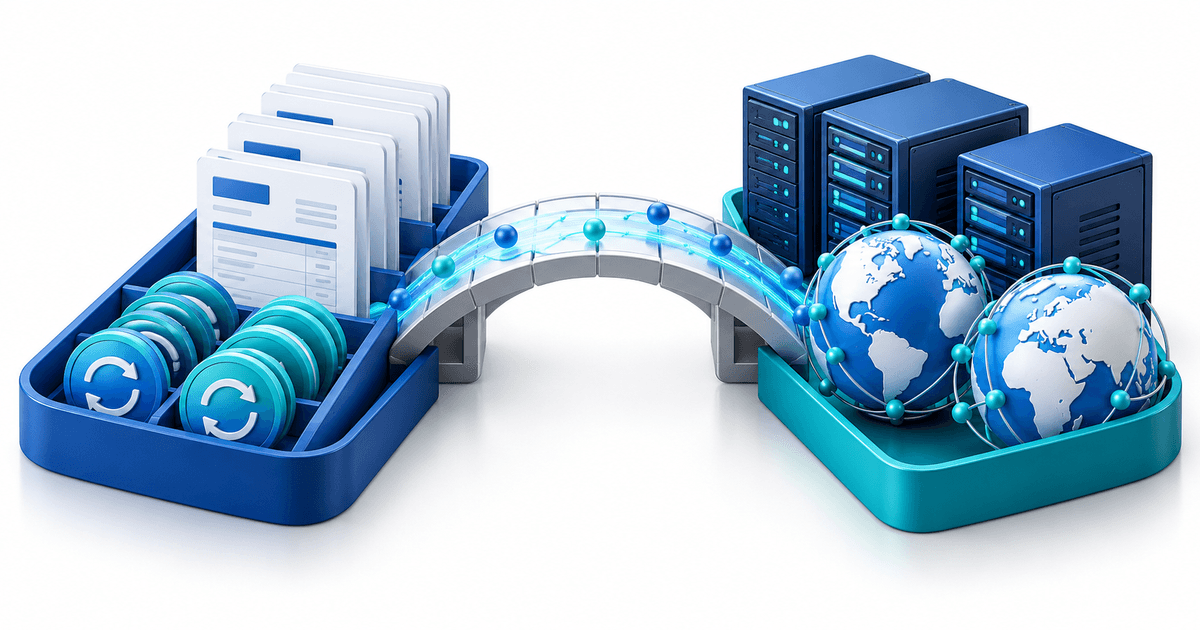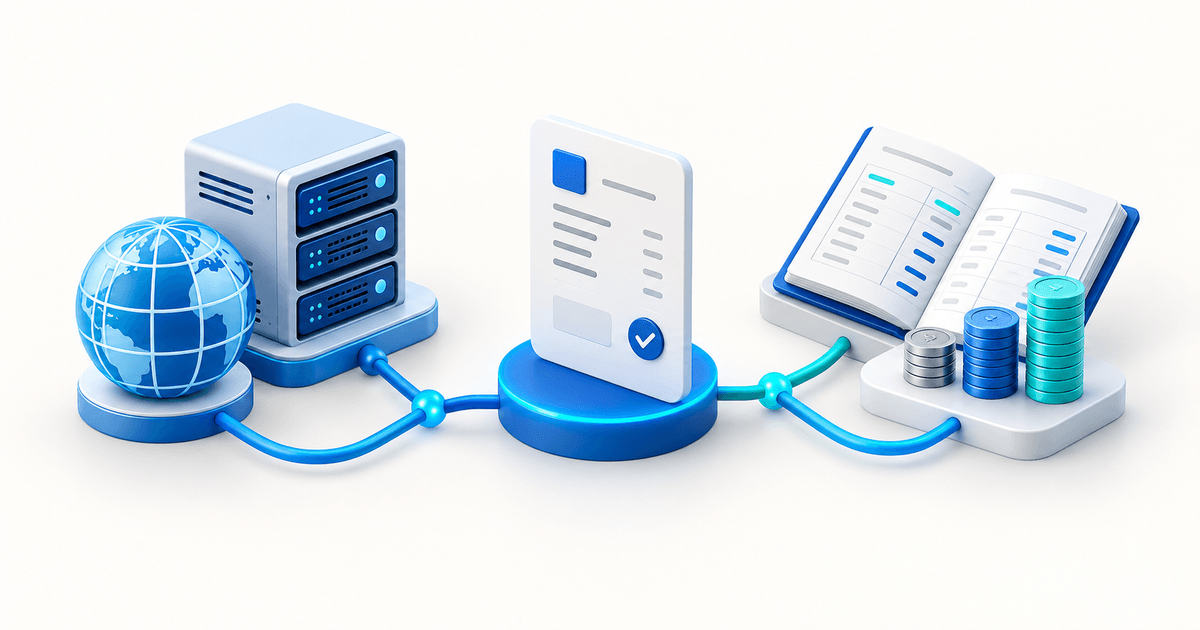
Freelancers can accept PayPal payments with a customer-specific invoice, a payment link for a standard service, or a hosted checkout for a fixed offer. The right choice depends on what is known before the client pays: customer and scope, a reusable service, or a product with a fixed price.
Choose the right PayPal payment route
PayPal distinguishes invoices from shareable payment links. An invoice fits a named client, line items, due date and project terms. A payment link fits a repeatable offer such as a €90 audit or a standard discovery session. A product page fits a package with a clear description and delivery.
| Situation | Recommended route | Keep beside the payment |
|---|---|---|
| Custom project for one client | Invoice or quote | Scope, due date and approval |
| Repeatable fixed service | Payment link | Service description and booking step |
| Download or template | Digital product | Version, licence and delivery event |
| Deposit or milestone | Customer-specific request | Agreement, date and balance |
Do not use a public open-amount link for detailed work just because it is quick. You lose useful context and make it harder to reconcile what the client intended to pay for.
Send a professional link
Name the service, amount, currency, due date and next step in the page or invoice. If the client approved “Website audit, €450, delivery in five working days”, the payment route should repeat those details. Do not include full card information or sensitive project data in email or chat.
PayPal's Payment Links overview supports shareable hosted checkout for eligible accounts, while PayPal Invoicing is designed around customer-specific billing. Account, country and available payment methods vary; check your actual PayPal Business account.
Reconcile before starting the work
Mark a project paid only after the provider shows the required successful state. Match client, reference, amount and currency. Keep pending, refunded, duplicated and partially paid transactions as separate states. A client email saying “sent” or a screenshot does not prove that the funds are available for the project.
For recurring work, do not assume that a one-time PayPal payment link renews automatically. Use the billing workflow that actually supports the agreed renewal and tell the client what will happen next.
Set up the workflow in PayRequest
Use quotes and estimates while the scope is still being approved, invoicing for a named client and payment links for a standard offer. Connect an eligible PayPal provider and open the customer view privately before sending it.
PayRequest can keep the payment route and billing workflow together, but it does not replace your contract, tax records, delivery promise or professional liability obligations. Review pricing: the Free plan has no monthly charge and PayRequest charges 2% per successful payment, capped at €25 per transaction; provider fees remain separate.
Editorial note: AI assisted with this article and its illustrative cover. The route-selection table and reconciliation states are original operational tools; no client payment, tax result or contract outcome is claimed.