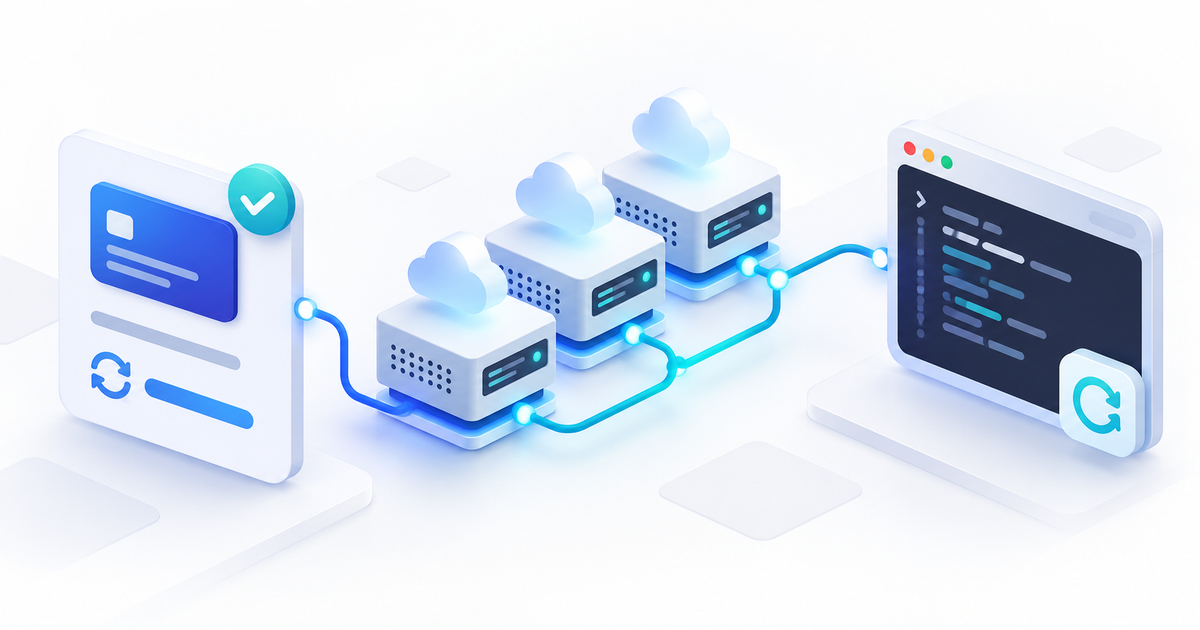
The Hetzner Cloud integration connects your own Hetzner project to PayRequest. Link existing servers to subscriptions or sell VPS products with server creation after confirmed, full payment. Customers see their server and the controls you permit in their subscription’s Server tab.
For hosting businesses and agencies, this brings recurring billing and customer server access together. You retain your Hetzner project and responsibility for Linux access, support, backups and termination. Cancelling a subscription does not delete its server.
Choose existing servers or automatic VPS delivery
Link an existing server when you already manage customer infrastructure. Each server and subscription can have one association. Linking preserves billing and server settings; reboot and console are separate permissions. The association alone does not enable provisioning, customer controls or deletion.
For new sales, create a VPS product with a fixed configuration. One subscription delivers one VPS. PayRequest checks the resources when saving and before creation. Capacity may change, so delivery can require review.
| Task | Link an existing server | Sell a VPS product |
|---|---|---|
| Create infrastructure | Already exists | After confirmed full payment |
| Billing | Existing settings preserved | Monthly or annual |
| Customer controls | Enable reboot and console separately | Start, graceful shutdown and restart during paid access; console with valid access |
| Termination | Owner review | Owner review; no automatic deletion |
Connect your own project
Open Services & integrations → Hetzner Cloud. Choose a separate customer-server project in Hetzner Console. Under Security → API Tokens, create a Read & Write token, paste it into PayRequest and select Save connection.
The token is encrypted and not shown again. The connection test reads project information without creating a paid test server. A successful read test does not prove write permission.
The server list includes all project servers, including those created outside PayRequest. Refreshing never imports them as managed services or attaches them to customers. Private notes of up to 4,000 characters per server are accessible only to the business owner account.
Create a VPS product and deliver after payment
Select Create VPS subscription. Choose the connection, server type, location, compatible system image and an existing project SSH key. Set your selling price, currency and monthly or annual billing. The first payment is immediate; free trials, quantity selection and customer pauses are disabled.
Delivery starts only after a positive, fully paid order or a paid invoice line belonging to that subscription. Pending bank transfers and payment verification do not deliver a server. The initial order and its invoice cannot deliver two servers or grant two periods.
For example, you sell one fixed VPS configuration on monthly billing. While payment is under verification, delivery does not start. After full payment is confirmed, PayRequest can create the server. You arrange the customer’s SSH access yourself: the selected public SSH key is installed, but PayRequest neither stores nor distributes private keys.
Create a new product to sell a different server configuration. Existing services keep their original configuration and billing interval. See PayRequest subscriptions for the wider billing workflow.
Offer reboot and browser console access
For an existing server, choose Link to subscription, search by subscription name or number and confirm. Enable Allow customer reboot and/or Allow console separately. Permissions apply to the subscription’s current customer. Unlinking clears them; changing the customer requires enabling access again.
The Server tab shows IP addresses, configuration and last synchronized status; automatically delivered servers also show paid-until information. Primary customers and enabled admin or operations contacts may use permitted controls. Billing and viewer contacts cannot operate the server or open its console.
The customer chooses Open console → Connect. A full-screen window in the same subscription page provides the server screen through Hetzner VNC. Customers enter their own Linux username and server password. An SSH private key does not sign them in through VNC, and PayRequest does not sign in automatically or reset passwords.
Connection credentials are issued only after Connect and stay in browser memory. Establish the connection within one minute. Browser access checks run every 15 seconds and the console closes after 30 minutes. Disabling access blocks new credentials immediately, but PayRequest cannot revoke an established direct Hetzner connection at the provider. Log out of Linux before Disconnect: closing VNC does not end the Linux login session.
Cancellation does not stop Hetzner charges
Hetzner continues charging while a server exists, even when powered off. Cancellation or a missed renewal does not automatically stop or delete a server, or revoke SSH access. Cancellation preserves customer controls through the remaining paid period. Expired, paused, archived or reversed paid access blocks controls; a credit against the latest paid invoice requires owner review.
Use this handover checklist when ending a service:
- Confirm the remaining paid period and agree the termination date.
- Arrange customer backups, exports and Linux/SSH access removal.
- Have the business owner review the exact server name and reason before deleting a managed server.
- Review subscriptions, invoices and other Hetzner resources separately. Deletion does not cancel billing, credit invoices or remove separate volumes and additional IPs.
If creation is uncertain, PayRequest looks for the original server before allowing another attempt. Uncertain power actions are not automatically repeated. Check Hetzner Console; after at least ten minutes the owner can use the appropriate verification or manual review. A server removed outside PayRequest is never automatically recreated.
Start with a clearly defined VPS offer
Define configuration, support, customer access and termination before selling. This integration supports Hetzner Cloud VPS servers. Robot dedicated servers, automatic resizing, cloud backup management and usage-based billing are outside its scope.
Create a PayRequest account and connect your project under Services & integrations. Read the complete Hetzner Cloud guide for settings and recovery procedures, and the official Hetzner billing FAQ for provider charges.