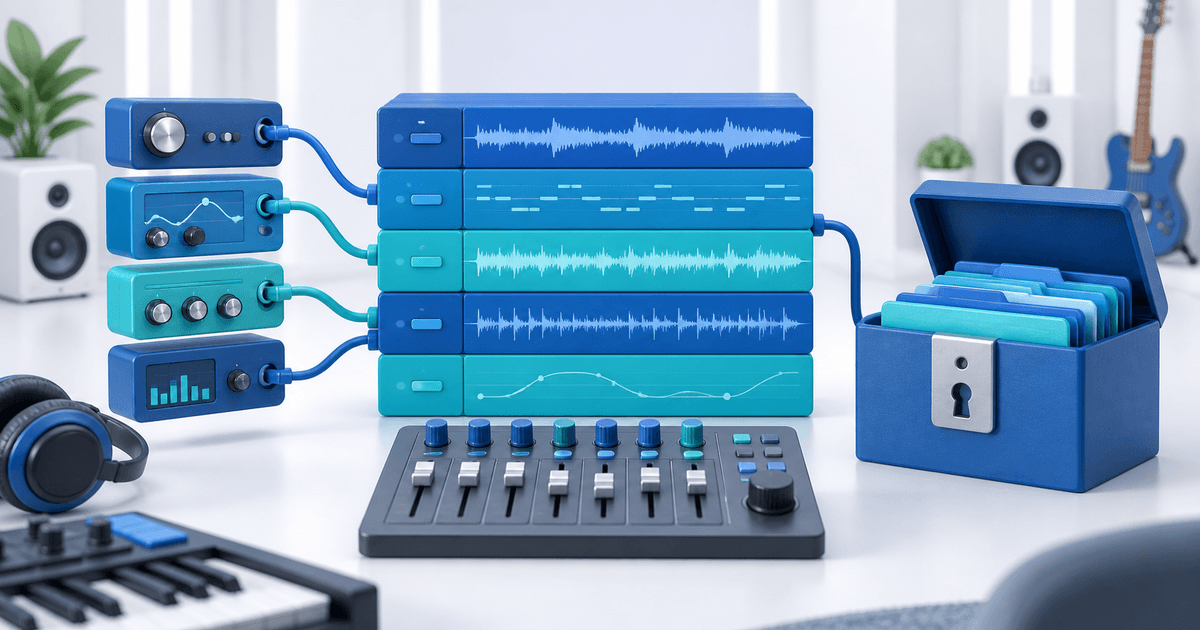
To sell Cubase project templates, deliver a project that opens with the Cubase edition, plug-ins and sound libraries listed on your product page. A project file alone is not proof that the buyer has its audio or instruments. Package the project, document dependencies and test the retail ZIP away from your working folders.
This workflow is for producers selling original routing, mixing or composition templates. Its original asset is an edition-and-dependency register tied to the exact paid download. The example below is a release plan, not a claim that we ran Cubase or tested commercial plug-ins.
Define What Your Cubase Template Includes
A blank routing template and a finished demonstration song serve different buyers. Say which one you sell. List the required Cubase edition and version, operating systems actually tested, track structure, project sample rate and included audio. Do not imply that Pro, Artist and Elements provide identical features.
If a preview uses third-party instruments, identify those before payment. “Sounds like the demo” is an incomplete promise when the demo depends on a library the buyer does not own. A stock-only edition can reduce dependencies, but stock content still depends on the buyer's Cubase edition and installed components.
For comparison, the Ableton project-file workflow solves a different application's collection and compatibility process. Avoid selling one archive as though it works across both applications.
Build a Cubase Dependency Register
Create this register alongside the project and copy the purchase-critical fields to the listing. Fill it with actual names and versions from your project; the rows below are illustrative categories.
| Component | Required buyer entitlement | Included in ZIP? | Fallback and verification |
|---|---|---|---|
| Cubase project | Stated edition/version | Project file | Open in the advertised edition |
| Third-party instrument | Named plug-in and library license | No installer or library unless redistribution is permitted | Optional rendered audio if your rights allow it |
| Original demo audio | Your documented distribution rights | Yes, if promised | Play without access to source folders |
| External hardware bus | Named device or rerouting instructions | No hardware | Route to an ordinary output and explain the difference |
A rendered stem may let a buyer hear the example, but it does not replace editable instrument settings. Say whether the fallback is for reference playback or a genuinely usable part of the template.
Back Up the Project Into a Retail Folder
Steinberg's Cubase Pro 15 Back up Project options let you control how the backup handles audio and unused files. Choose settings for the product you promised, not merely the smallest archive. Minimizing media can remove material a buyer expected to edit.
Work from a copy and keep your original project safe. Review the Pool to identify media references. Do not delete source recordings just to make the release folder look tidy. A backup operation is not permission to redistribute third-party samples, and it is not a plug-in installer.
Put the project, allowed media, readme, license, dependency register and version history in one clearly named folder. PayRequest accepts ZIP uploads; use a ZIP around the Cubase project rather than assuming the native project extension is accepted directly. The current upload validator was checked on 9 September 2026.
Test the ZIP Without Your Studio's Hidden Dependencies
Move the release ZIP to a separate test location. Make the original source folders unavailable to the test session without deleting them. Open the extracted project, review missing-media and missing-plug-in notices, verify the output bus and play every promised example.
Test using the exact edition and plug-in set you advertise. Record untested combinations as untested. If you cannot access a second operating system, limit the claim instead of inferring compatibility from a successful export.
Use a stop rule: a missing essential component blocks release unless it is both disclosed before purchase and covered by a workable buyer instruction. Silent tracks that require an undisclosed paid instrument fail that rule.
Connect the Approved Archive to Paid Delivery
Create the offer through digital products and attach the retail ZIP to protected file delivery. Download the artifact through the buyer path and compare its filename/version with the approved release. Keep your dependency register as a separate release document; PayRequest does not audit plug-ins for you.
State the license for the original template and included audio, whether client work is allowed, and whether raw-file redistribution is prohibited. Do not bundle installers, activation codes or someone else's library merely to make setup easier.
Use PayRequest pricing to model the sale: 2% per successful payment on Free, capped at €25 per transaction, plus separate provider fees. Your next step is one clearly scoped template with a complete dependency register, not a catalog of untested variants.
Editorial note: AI assisted with this article and illustrative cover. Product upload behavior was checked in code; the Cubase protocol is an original checklist for sellers to execute, not a reported application test.