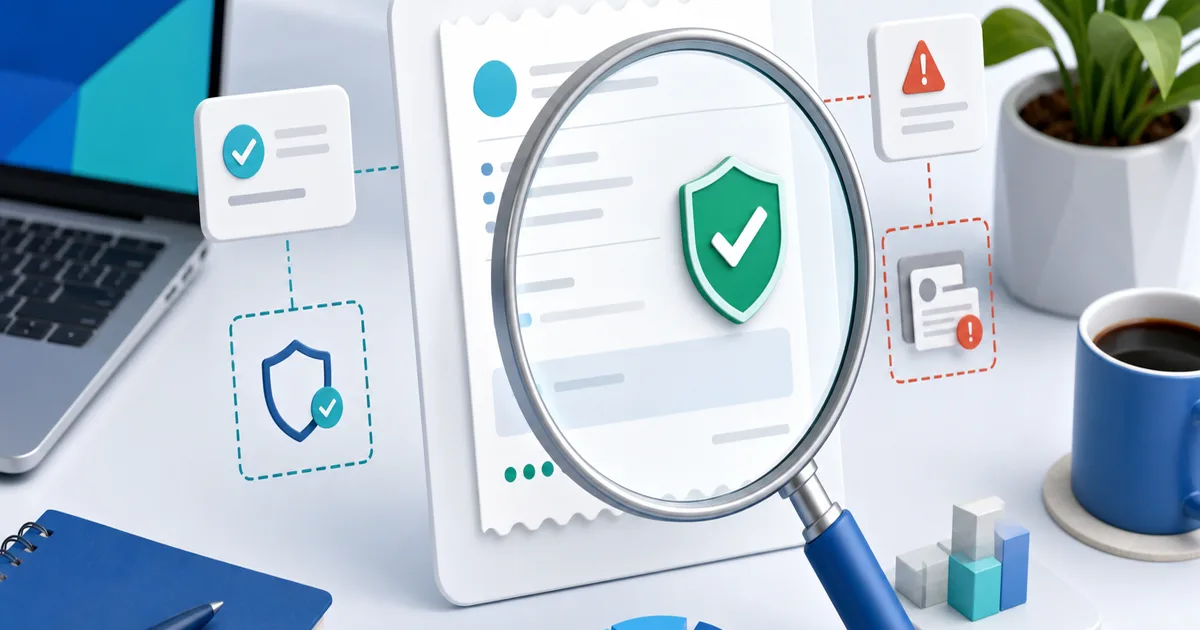
A PayPal screenshot is not proof that money reached your account. Before shipping an order, releasing a download or marking an invoice paid, verify the payment inside your own PayPal activity—not in an image, email or message supplied by the buyer. PayPal's anti-phishing guidance likewise tells sellers to sign in and check that a received payment appears in Activity before shipping.
This seven-point check takes about two minutes. It separates a useful receipt for record-keeping from the live transaction record that determines whether you were actually paid.
The Two-Minute Verification Checklist
- Sign in by typing paypal.com yourself or using the official app; do not follow a buyer's link.
- Find the payment in your own Activity list.
- Match the transaction ID, gross amount, currency and payer.
- Read the live status and any hold, review, reversal or refund notice.
- Confirm the recipient email or merchant account is yours.
- Check the shipping address and Seller Protection eligibility when physical delivery is involved.
- Deliver only under the conditions shown in the account and keep your own fulfilment evidence.
If the payment does not appear in your account, treat it as unpaid. A convincing PDF, email or screenshot cannot replace that test.
Receipt, Notification and Transaction Record
| Item | Useful for | What it cannot prove alone |
|---|---|---|
| Buyer screenshot | Starting a support conversation | That your account received settled funds |
| Email notification | Alerting you to check PayPal | That the sender, link or displayed status is genuine |
| Downloaded receipt | Bookkeeping and customer records | That a later hold, refund or reversal did not occur |
| Live account transaction | Current payment status and details | That delivery was completed correctly |
A receipt records information at a moment in time. The live transaction is the authoritative place to check what PayPal currently shows. Keep both payment and delivery evidence because they answer different questions.
Seven Red Flags in a Fake PayPal Receipt
- The payment exists only in an attachment or chat screenshot.
- The sender pressures you to ship before the transaction appears.
- The amount or currency differs from the agreed order.
- The recipient address is similar to, but not exactly, your PayPal email.
- The message claims you must pay a fee, buy gift cards or upgrade an account to release funds.
- Buttons lead to a domain that is not PayPal's real site.
- Fonts, spacing or wording look unusual—but remember that perfect design still proves nothing.
Visual mistakes can support your suspicion, but absence of mistakes is not verification. The decisive check remains your own account activity.
What Each Payment Status Means for Delivery
| Status you see in your account | Seller action |
|---|---|
| Completed | Match the order details and fulfil under your normal policy |
| Pending or under review | Wait and follow the instructions shown in PayPal |
| On hold | Do not assume the money is freely available; review the hold and fulfilment conditions |
| Denied, cancelled or failed | Do not deliver as a paid order |
| Refunded or reversed | Stop unfulfilled delivery and preserve your records |
Exact labels and eligibility can vary by transaction and country. Never rewrite an ambiguous status into “paid” just because a customer is waiting.
Build an Evidence Pack Before Delivery
For physical goods, preserve the order page, buyer address, carrier acceptance and online tracking. Ship only to the address and under the conditions that apply to the transaction. For services, record the scope, acceptance, meeting or delivery history. For downloads, preserve the product description, terms, successful-payment event and delivery or access log.
The pack should connect one chain: offer → buyer → payment → delivery. A receipt covers only the payment-document part of that chain.
A Safer Workflow Than Reading Screenshots
Use a hosted payment page that creates a payment record automatically. With PayRequest and PayPal, the buyer sees the offer before checkout and you manage the resulting payment from a consistent order flow. A generated receipt can then serve as customer documentation, while the provider transaction remains the status source.
Use the free PayPal receipt generator when you need a clean record based on a real transaction. It does not connect to PayPal, validate a payment or create funds; enter only details you have already verified.
If the Buyer Says They Paid but You See Nothing
Ask the buyer to confirm the exact recipient address, amount, currency and transaction ID. Have them inspect their own live activity rather than forwarding another screenshot. Check whether the payment was sent to a different email, left unclaimed, failed or was never completed.
Do not ask for card numbers, passwords or one-time codes. If the discrepancy remains, contact PayPal through the official help route from your signed-in account. Keep the order unfulfilled until the payment appears with an actionable status.
The rule worth training into every sales process is simple: screenshots inform; your own account verifies.