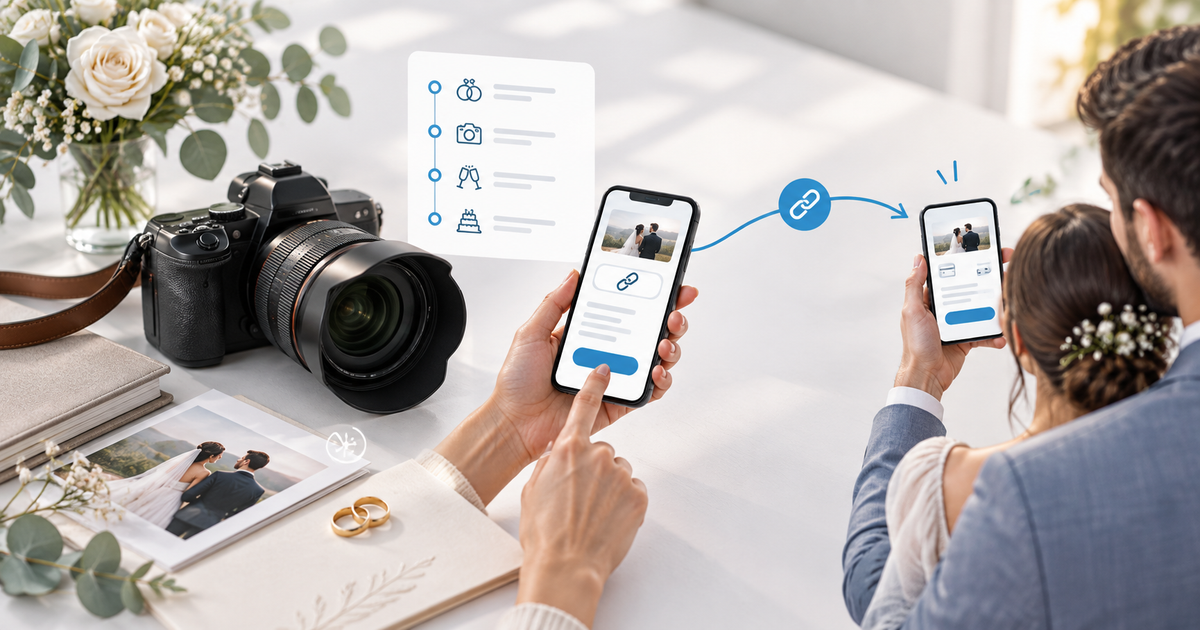
A PayPal payment link can help a wedding photographer collect a clearly named booking payment without building a full store. The link is only the checkout route: your agreement, package, date availability, payment status and next booking action still need their own record.
This guide is for independent wedding photographers who want to share one PayPal-compatible checkout by email, Instagram DM, WhatsApp or a proposal. Its original asset is a booking-link handoff matrix that separates enquiry, accepted package, payment confirmation and date reservation. It is operational guidance, not contract or legal advice.
Define the offer before creating the link
Choose one payment job per link: a booking payment, a planned milestone, an album upgrade or an approved extra. Put the package name, coverage, event date, amount, currency and what happens after payment in the description. Do not use one generic “wedding photography” link for several prices or couples.
| Booking state | Customer sees | Photographer records |
|---|---|---|
| Enquiry | Availability and a proposal | Couple, date, package version |
| Accepted package | Exact booking payment and terms | Signed agreement or approval |
| Payment confirmed | Receipt and next planning step | Provider state and reference |
| Date reserved | Confirmed booking status | Calendar and capacity update |
A fictional €600 booking payment on a €2,400 package illustrates the control; it is not a recommended percentage or legal treatment. The payment page must match the agreement, and a link being opened or shared does not reserve the date.
Use PayPal for the provider choice, not the booking ledger
PayPal describes Payment Links as hosted pages that can be shared through email, text and social channels, subject to account, market and product eligibility. PayPal also distinguishes links for products or services from invoicing for a specific customer. Check the current PayPal Payment Links documentation and the live checkout available to your account.
PayRequest can provide the branded payment-link layer around a connected provider. Before sharing, open the customer view privately and verify provider, amount, currency, title and the next step. Do not promise PayPal, Pay Later or any local method if it is not shown in the actual checkout.
Send the link at the right handoff
Send the link after the couple has accepted the package and you have checked the date. Put the link beside a short message that names the package and amount. After confirmed payment, update the booking record and send the planning task; do not treat a screenshot or a pending status as proof that the booking payment settled.
For an approved extra, create a customer-specific request or invoice instead of reusing the booking link. That keeps the extra, approval and payment reference together. If the scope or date changes, update the agreement and booking record before collecting a different amount.
Keep the photographer's four records aligned
Use one row or record for couple, event date, package version, agreement status, link purpose, amount, currency, provider reference, payment state and next action. A compact review before sending is more useful than a long list of links:
- Does the named couple match the intended booking?
- Does the package and amount match the accepted scope?
- Is the date actually available?
- Will the confirmed payment trigger a documented next step?
Measure confirmed booking payments, time from acceptance to confirmation, payment-related support messages and dates reserved only after the agreed condition is met. Do not measure link clicks as completed bookings.
Create the PayRequest payment link
Start with PayRequest payment links, connect an eligible provider and make the payment page describe one wedding offer. Use PayRequest invoicing for a customer-specific milestone or extra, and keep quotes and estimates in the workflow while the package is still being approved.
Review PayPal for PayRequest and current pricing before publishing. The Free plan has no monthly charge and PayRequest charges 2% per successful payment, capped at €25 per transaction; provider fees remain separate. Create one test link, check the mobile customer view and then share the link in the channel where the couple already communicates.
Editorial note: AI assisted with this article and its illustrative cover. The handoff matrix and four-question review are original planning tools; no live payment, booking, customer result or legal outcome is claimed.