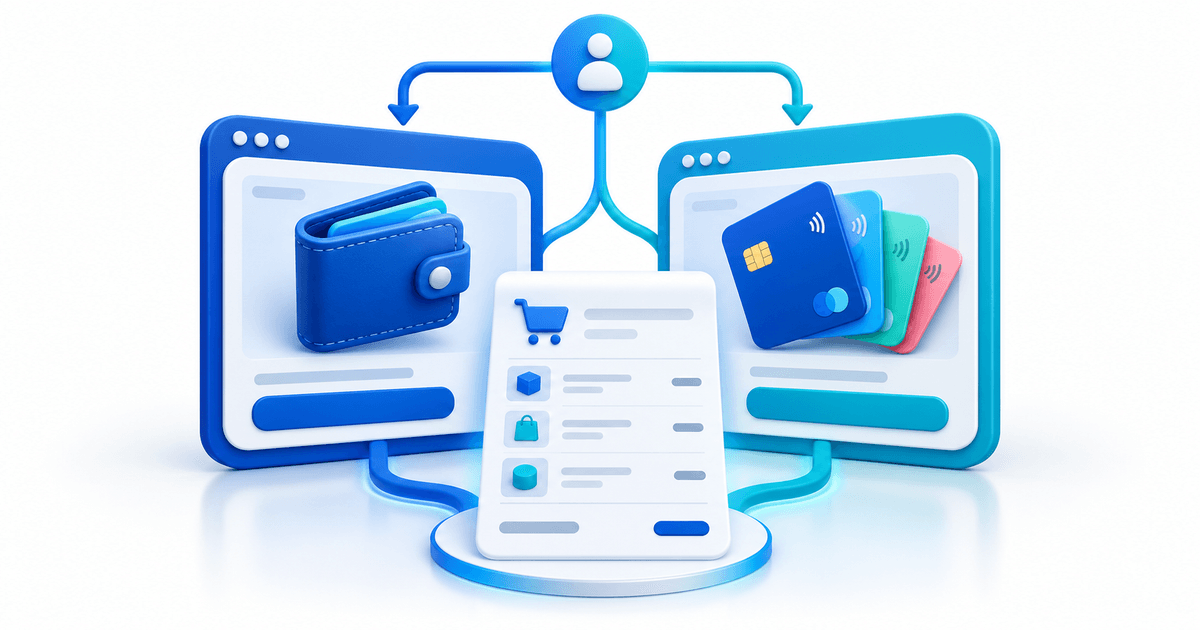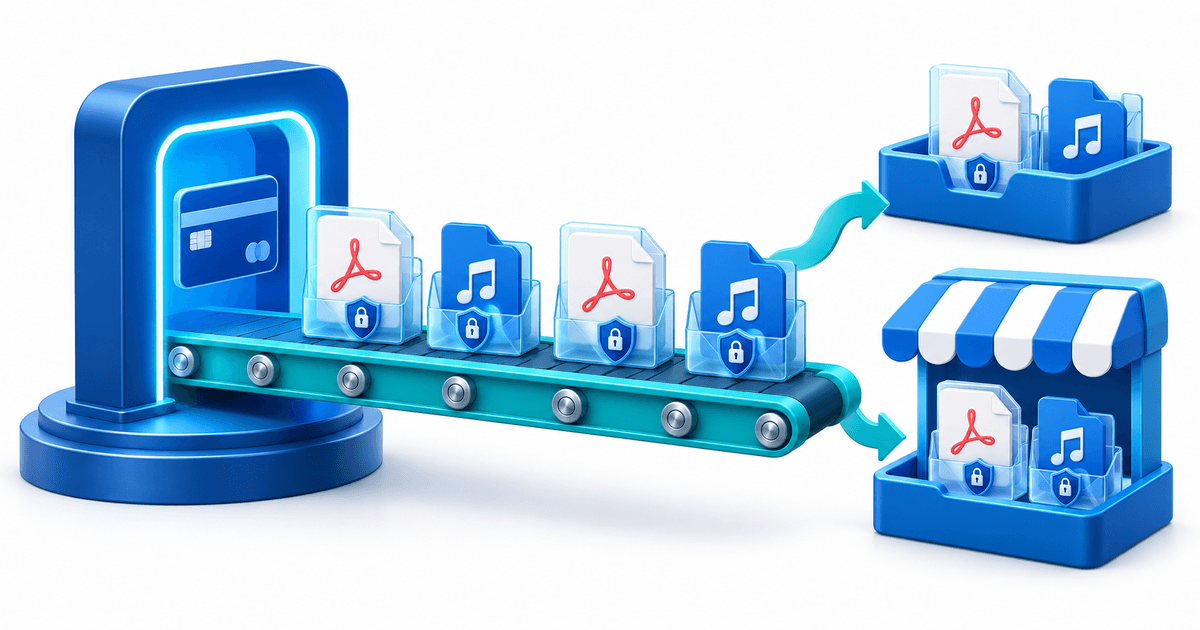
You can sell VPN subscriptions without installing WHMCS by connecting your own VPNResellers API 4.1 account to PayRequest, publishing a paid monthly or annual VPN product and using the customer portal for delivery. Confirmed payment queues a VPN account; the customer manages access under My services → VPN.
This is for a new reseller, agency or small hosting business that wants a dedicated VPN sales channel. It is not a claim that PayRequest replaces every WHMCS hosting module or imports an existing VPN customer base automatically.
Which selling route fits your business?
Start with the software you already operate. Adding another billing platform creates work if the current system already handles your VPN product correctly.
| Your starting point | Route to evaluate | Decision before launch |
|---|---|---|
| Existing WHMCS business | VPNResellers' WHMCS module | Confirm the module and billing automation fit your installation |
| Existing WooCommerce store | VPNResellers' WordPress integration | Check the store's recurring-payment and delivery setup |
| New VPN offer without a hosting billing stack | PayRequest's VPNResellers integration | Connect billing, paid delivery and customer self-service |
| Custom application | VPNResellers API | Budget for payment events, access controls and recovery code |
VPNResellers lists its supported sales channels in its getting-started workflow. The PayRequest integration page explains the dedicated account connection. Choose one system to own each customer's subscription; two active renewal schedules can create duplicate charges.
Define one launch offer before configuring checkout
A clear first product is easier to buy and support than a catalogue of overlapping plans. Write down the audience, billing interval, price, included service, compatible clients and cancellation terms. Set promises from your provider agreement rather than copying a competitor's claims about anonymity, speed or app branding.
Here is a fictional product worksheet, not a suggested market price or customer case study:
| Field | Example to replace with your own offer |
|---|---|
| Product | Monthly VPN access |
| Buyer | Existing clients who asked for VPN access |
| Billing | $7.99 every month, with applicable tax shown separately |
| Delivery | One VPN account after confirmed payment |
| Setup | Compatible WireGuard, OpenVPN or VLESS client |
| Cancellation | Access remains until the end of the paid period |
| Support | Your business handles customer questions through the portal |
The VPN product currently supports one-month or one-year billing. It does not offer free trials, free plans, quantity selection or customer pausing. One subscription delivers one VPN account. Check the current product instructions before advertising a package outside those limits.
Connect VPNResellers and publish the product
The business owner performs the setup. Have a working API 4.1 token, sufficient reseller credit and a payment provider configured for the recurring sales you intend to make.
- Open Sell → Services & integrations → VPNResellers in PayRequest, or /apps/vpnresellers in the dashboard.
- Enter your own API token, connect the account and check the displayed reseller balance.
- Choose Create VPN subscription. Enter the product name, description, positive price, currency and VAT settings.
- Select the VPN delivery provider and billing every one month or one year.
- Save the product and make it active and visible when the checkout and customer instructions are ready.
Each business uses its own reseller account and credit. Connecting VPNResellers does not make it a payment processor, and a customer payment does not top up your reseller balance. Payment-method availability depends on your connected provider and recurring setup; do not promise that every one-time checkout method supports renewals.
Rehearse payment, delivery and customer access separately
Before sharing the offer widely, use this acceptance checklist with a controlled purchase in your own environment. It is a proposed launch test, not a report of tests performed for this article. Delivery and reconciliation can take a few minutes.
| Checkpoint | Evidence to look for | If it fails |
|---|---|---|
| Checkout | Correct amount, currency, interval and business identity | Correct the product before selling |
| Payment | Fully paid order or linked invoice | Resolve pending or failed payment before expecting delivery |
| Delivery | VPN service has a username and active status | Owner checks connection, balance and synchronization |
| Portal | Primary customer can open My services → VPN | Check the customer and linked subscription |
| Configuration | Appropriate client imports the chosen protocol file | Review client compatibility and selected server |
| Permissions | Billing or Viewer contact cannot access credentials | Review the contact role and account ownership |
The primary customer and Admin or Operations contacts can manage VPN credentials while access is active. Keep configuration files private: they contain access keys. The customer-portal guide describes these access rules.
Decide what happens after a failed renewal
An unpaid renewal grants no extra access. Cancellation preserves the already paid period. A paid renewal before expiry extends remaining access; one paid after expiry starts a fresh period from payment time. Explain this before purchase rather than promising an indefinite grace period.
For a delivery problem, the owner checks the integration's balance, token and service status and uses Synchronize as appropriate. An uncertain account-creation result has a separate verification flow; do not repeatedly recreate accounts manually. Follow the delivery-recovery documentation.
How should you onboard your first VPN subscriber?
A paid order should lead to instructions the customer can act on. Write the welcome message before launch and check that its language matches the actual portal. Show where the subscriber logs in, which subscription to select and how to open the VPN tab. Never put the reseller token or a private configuration file in a public help page.
Use this fictional welcome-message template as a starting point: “Thank you for subscribing to [product]. Sign in to our customer portal, open My services and choose your VPN subscription. The VPN tab shows your account and paid-until date. When access is active, choose your protocol and server, download the configuration and import it into a compatible client. If delivery is still pending after a few minutes, contact us through the portal with your order reference. Keep configuration files and passwords private.” Replace the bracketed product and portal destination before sending it.
Do not write “connect instantly on every device” unless you have checked the complete supported-device setup. A WireGuard configuration, an OpenVPN profile and a VLESS link are different artifacts with different client requirements. Give instructions for the configuration route you actually support. If you distribute provider apps, confirm their branding, availability and account setup separately; a branded billing portal does not automatically make the VPN apps custom-branded.
Use the PayRequest customer portal as the stable destination for service and billing questions. Explain the difference between the customer's portal login and the VPN credentials used by a compatible client. A customer who resets the portal password has not necessarily changed the VPN password. This distinction belongs in onboarding because it avoids sending the buyer back through checkout to solve an authentication issue.
Keep a short onboarding record for the first buyers: product purchased, confirmed payment reference, linked subscription, delivery status, chosen client and the question that needed help. Store sensitive credentials in the appropriate restricted systems. The purpose is to improve the instructions, not to build a spreadsheet of customer passwords. If the same question appears repeatedly, revise the welcome message before expanding your marketing campaign.
How can you add VPN subscriptions beside existing billing?
A small hosting business can launch a VPN offer without moving every existing service into a new system. Define what the new channel owns: the new VPN product, its customer relationship, payment schedule and access. Leave any existing hosting renewal under its current arrangement until you have a separately reviewed transition plan. This is a business-process decision, not an automatic migration capability.
Use subscription management for the new recurring relationship and invoicing for the connected billing records. Keep the buyer's email and subscription reference consistent. The same customer buying hosting and VPN does not mean the two subscriptions have the same next payment date or that paying one invoice activates both services. State the specific product and paid period in communications.
For an existing customer who wants the new offer, first identify whether they already have a paid VPN account elsewhere, its expiry date and any active renewal instruction. Explain when the new subscription begins and how the old arrangement will end. This integration charges the first payment immediately; do not promise that publishing or purchasing it will automatically wait for an old account to expire. Review the overlap before the buyer subscribes.
A clean handover record includes the owner of each subscription, the period already paid, the old schedule's effective end and the new confirmed purchase. Do not cancel an old service merely because the customer visited the new checkout. Equally, do not keep an old collection running after agreeing to replace it. When you cannot verify the old account or payment schedule, treat the move as a separate support task rather than claiming the new sale completed a migration.
Acquire the first buyers with a specific offer
Start with an audience you can already reach: clients who requested VPN access, an existing service catalogue or a dedicated website page. Explain the monthly price, supported setup, renewal terms and where customers get help. Send interested buyers to the product checkout instead of asking them to send a payment screenshot.
Measure visits to the offer, completed purchases, successful delivery, support questions and the first paid renewal. A signup is not yet a VPN customer. If buyers stop at checkout, improve the offer and payment options; if they pay but cannot connect, fix onboarding before buying more traffic.
For the cost model behind your offer, use VPN reseller pricing: monthly versus annual subscriptions. For broader billing administration, see the VPN customer-portal guide.
Ready to launch one product? Explore the VPNResellers integration, then connect your reseller account in PayRequest. Check current PayRequest pricing and your account's applicable terms before publication.
Editorial note: AI assisted with this article and its illustrative cover. Integration behavior was checked against the published PayRequest documentation on 3 October 2026. The product worksheet and acceptance checklist are original planning aids; no live purchase test or customer result is claimed.