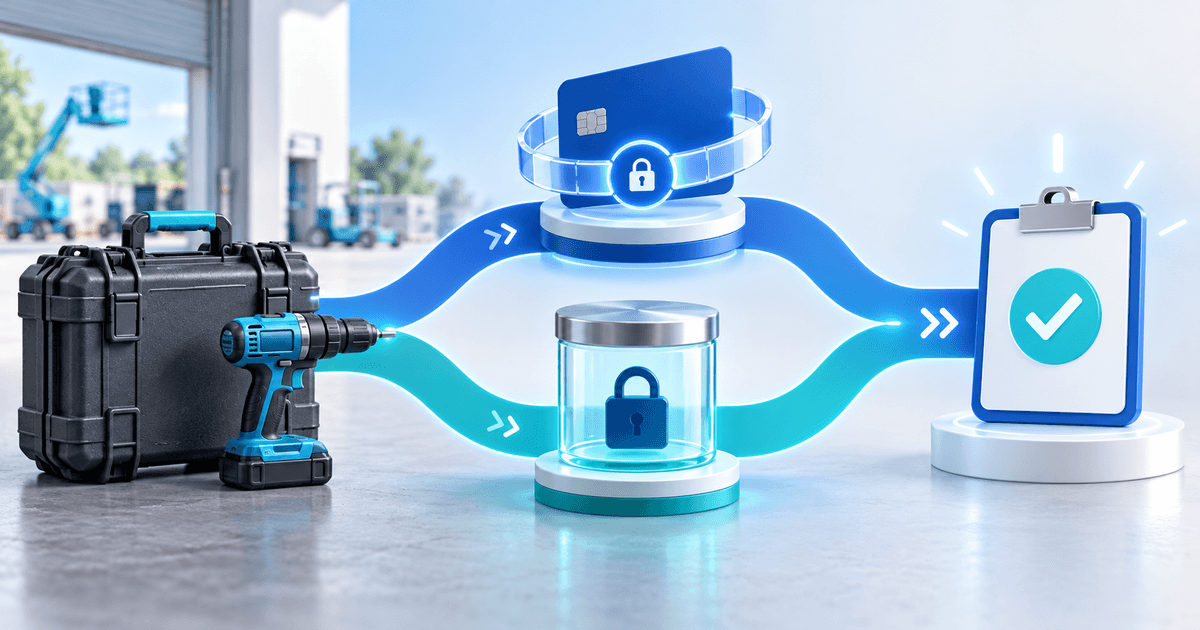
For equipment rentals, choose a card hold when the supported authorization can cover handover, the entire rental and the return decision. Choose a charged refundable deposit only when your agreement, provider and refund process support that route and you have budgeted its costs. A hold reserves spending capacity; a charged deposit transfers money and creates a later refund obligation.
The best choice for a camera kit, tool package or PA system depends on the whole custody period, not just the advertised rental length. A weekend rental shipped on Wednesday and inspected the following Tuesday may exceed a short authorization window. This comparison is for operators choosing a collection method or deposit tool, rather than renters asking when a bank releases money.
Compare the payment outcomes before buying software
Keep the equipment hire fee separate from refundable damage security. A booking part-payment contributes to the hire price; a security deposit covers specified, agreement-supported exposure and may be returned. Neither software nor a pending card amount establishes the right to collect a disputed charge.
| Decision | Card hold | Charged refundable deposit |
|---|---|---|
| Customer's initial experience | Available credit or funds are reserved | Money is charged |
| Clean return | Cancel or release unused authorization | Issue and reconcile a refund |
| Documented €80 deduction from €600 security | Capture €80 if permitted and supported; release €520 | Retain €80 and refund €520 under the agreed process |
| Main operating constraint | Real authorization expiry and final decision time | Refund funding, processing costs and bank timing |
| Rental extension | Reassess whether coverage still fits | Reassess amount and agreement; manage eventual refund |
Stripe's authorization documentation explains that card windows vary by network and transaction type, and that the returned capture deadline controls the actual expiry. Many online authorizations use a seven-day window, but that is not universal. An expired hold cannot simply be captured. Eligible extended authorizations require separate conditions; never advertise a guaranteed month-long hold.
PayRequest's Stripe deposit route uses manual capture, requests an extension only if available and records the actual deadline. It supports one final capture, including a partial amount; it is not a series of withdrawals from a reusable €600 allowance. A final €80 capture releases the unused €520. The Stripe route does not automatically reauthorize an expired deposit. Other provider routes have their own rules; do not transfer Stripe assumptions to Mollie or PayPal.
Calculate the time you actually need
Use this original worksheet before choosing a hold. Add every interval from authorization to the latest defensible capture or release decision, then compare with the real provider deadline. The buffer is your operating assumption, not an extension granted by the card network.
| Illustrative rental | Before pickup or delivery | Rental | Return transport and inspection | Decision buffer | Total required |
|---|---|---|---|---|---|
| Local weekend pickup | 12 hours | 48 hours | 12 hours | 12 hours | 84 hours |
| Shipped specialist kit | 48 hours | 72 hours | 48 hours | 12 hours | 180 hours |
If a particular authorization has 168 usable hours remaining, the local example leaves 168 − 84 = 84 hours of headroom. The shipped example is short by 180 − 168 = 12 hours. If the real remaining window is shorter, recompute it; do not count seven days again from pickup when authorization happened earlier.
For the shipped job, consider authorizing later if it still precedes release of the equipment, confirming an eligible longer window, or choosing an agreed charged-deposit route with a reliable refund process. If none works, change the hire arrangement before accepting the booking. Capturing the full security merely to avoid expiry is not a substitute for the customer's agreement and a justified payment decision.
The equipment-rental inspection checklist supports custody evidence. Here, the purchasing question is whether the collection method leaves enough time for that evidence to inform the decision.
What can refunding a €600 deposit cost?
A clean return does not necessarily make the original processing cost disappear. Stripe's refund documentation says original processing fees are not returned; refunds use available balance and can remain pending if that balance is insufficient. Releasing an uncaptured hold and refunding a settled charge are different operations.
For a Netherlands merchant on Stripe's published standard rate for standard EEA cards, current pricing lists 1.5% + €0.25. In a hypothetical €600 charged-deposit transaction under that rate, original processing is €600 × 1.5% + €0.25 = €9.25. Across 20 identical full-charge/full-refund transactions, that component alone is €185. Other card categories, currencies, negotiated contracts, platform charges and additional fees can change the result.
This is a narrow processor-cost illustration, not the complete price of a PayRequest deposit or a guaranteed saving from holds. Compare your full provider and platform terms, including any authorization or extended-hold costs. Do not deduct processing fees from a renter's refund unless your agreement and applicable rules allow it.
Use a reusable formula for a charged route: number of charged deposits × (deposit amount × applicable percentage + fixed processing fee), then add other applicable charges and the staff time needed to reconcile refunds. Keep enough available funds to honor the refunds you promised. Issuing a refund is not a guarantee that the bank displays the credit immediately.
Choose a deposit link or a full rental system
If you already manage stock, availability, contracts and inspections, an online deposit link may fill the remaining collection gap. PayRequest security deposits for equipment rentals is the relevant product destination; the security-deposit overview explains the deposit workflow. Keep ordinary hire revenue in your invoicing flow rather than confusing it with refundable security.
If you also need rental availability, inventory allocation and handover records, compare a full rental platform first. For example, Booqable's payments page describes payment collection and deposits within rental operations. Verify its actual hold/refund configuration for your region instead of assuming every advertised deposit is an authorization. A payment tool should not be presented as a replacement for equipment scheduling.
Current PayRequest pricing allows Free and Premium accounts three new security deposits per month with one active at a time; Business provides unlimited deposits. Premium is €5/month and Business €20/month. Free has a 2% standard successful-payment fee, capped at €25 per transaction; active paid plans remove that standard fee, while provider charges and commission-payment exceptions remain separate. Check the charges applying to your chosen deposit route before launch.
Create your account and prepare one rental deposit link with an eligible connected provider. Verify the actual authorization amount, expiry, clean-return release and final-capture behavior before sharing it with renters. Choose and activate Business if your concurrent rentals or volume require it; registration alone does not activate paid features.
Editorial note: materially refreshed on 15 October 2026 with AI writing assistance; the existing custom illustration was retained. Provider documentation, PayRequest code and pricing were reviewed. The €600, 84/180-hour and processing-cost examples are original hypothetical worksheets, not a live authorization test, legal determination or promised recovery result.