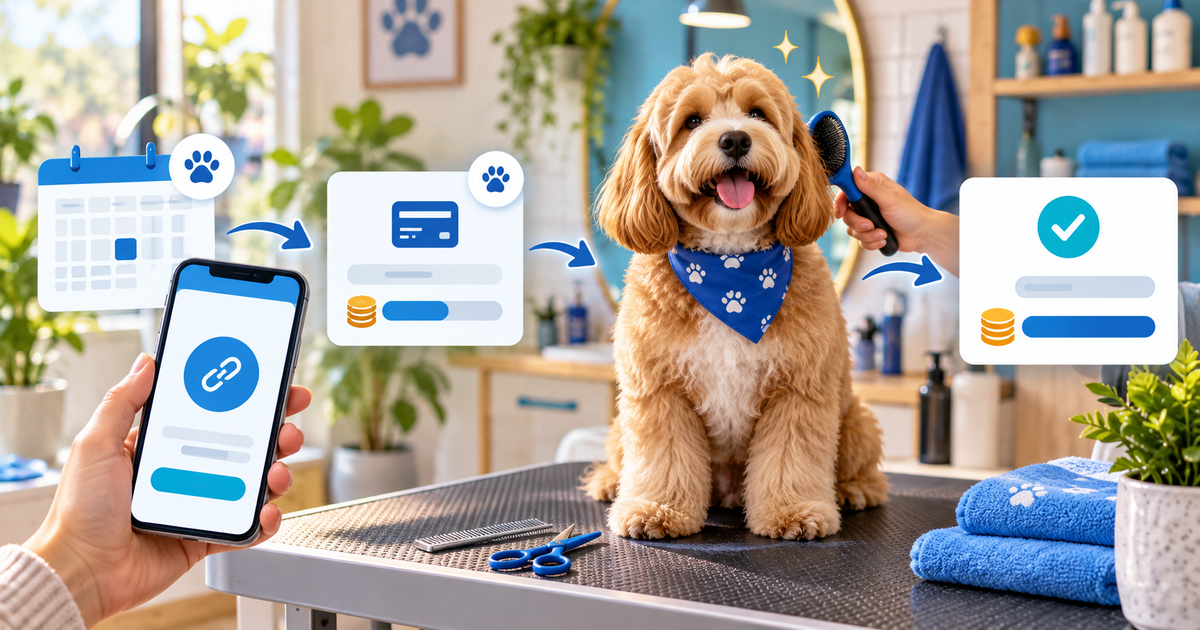
A dog groomer can use a customer-specific payment link to collect a booking deposit, confirm the appointment, and request the remaining balance after the service. The link should identify the dog, appointment, service and payment purpose without exposing unnecessary personal or veterinary information.
This guide is for independent groomers and small salons taking bookings through Instagram, WhatsApp, phone calls or referrals. It focuses on the handoff between an enquiry and a confirmed slot: a payment link helps collect money, but it does not replace your cancellation policy, intake questions or animal-safety decision.
Separate the booking decision from the payment
Before sending a link, confirm the service, dog size or coat needs, appointment date, estimated duration and any preparation requirement. Then decide whether the payment is a booking deposit, a full fixed-price service or an approved balance. Avoid a generic “dog grooming” link when the amount or appointment differs.
| Booking state | What the customer knows | What you record |
|---|---|---|
| Enquiry | Requested service and preferred times | Contact and availability |
| Quote | Service scope and estimated price | Version and assumptions |
| Deposit | Slot condition and cancellation terms | Customer, dog, date and reference |
| Appointment | Confirmed time and intake status | Notes needed for safe service |
| Balance | Actual agreed amount after service | Payment status and receipt |
The labels are an operational model, not a required industry policy. Set amounts, refunds and cancellations in terms appropriate to your business and location.
Make the payment link customer-specific
Use a short reference such as GROOM-2409-18, then put the reference, appointment date, service, amount and currency in the message and product description. Keep sensitive animal or owner details out of public URLs and ordinary chat messages. A customer-specific route makes it easier to match a confirmed payment to the right slot.
Do not treat a screenshot, opened checkout or “I paid” message as confirmation. Check the connected provider's final status, match the reference and then mark the appointment confirmed according to your own policy. Keep payment status separate from intake status: a paid appointment may still need vaccination or behaviour information before service.
Handle deposits and balances without confusion
When the final price depends on coat condition, matting, size or extra services, explain what is fixed and what may change before taking the deposit. If the service changes, update the customer-facing amount and record the reason. Do not silently turn a deposit link into a full balance link.
For a fictional €30 booking deposit and €55 final service, the records should show two separate purposes and two confirmed states. The numbers are only a worked example. They do not recommend a percentage, price or cancellation fee.
Use a simple message template: “Booking GROOM-2409-18 for [date/time], [service] for [dog name]. Pay the €30 booking deposit here. Your appointment is confirmed after the provider shows a successful payment and our intake requirements are complete.” Adapt the language to your real policy and do not promise a slot before the stated condition is met.
Build the PayRequest grooming flow
Use payment links for a fixed deposit or balance, and bookings when the scheduling workflow needs a dedicated appointment experience. For itemised services or a specific customer request, invoicing may be clearer. Open the buyer view on a phone, test an abandoned checkout, and verify that the confirmation step does not reveal another customer's data.
PayRequest can provide the hosted payment route and connected-provider status. It does not assess an animal, replace your intake process, or decide whether a cancellation or no-show term is fair. Review pricing: the Free plan has no monthly charge and PayRequest charges 2% per successful payment, capped at €25 per transaction; provider fees remain separate.
Measure confirmed appointments, deposit-to-attendance rate, late cancellations, unmatched payments, balance collection time and booking-related questions. A high click rate is not the same as a full calendar: the useful outcome is a confirmed, safe appointment with a payment record you can reconcile.
Editorial note: AI assisted with this article and its illustrative cover. The five-state booking table, reference format and message template are original planning tools; no customer result, veterinary advice, legal conclusion or universal deposit policy is claimed.