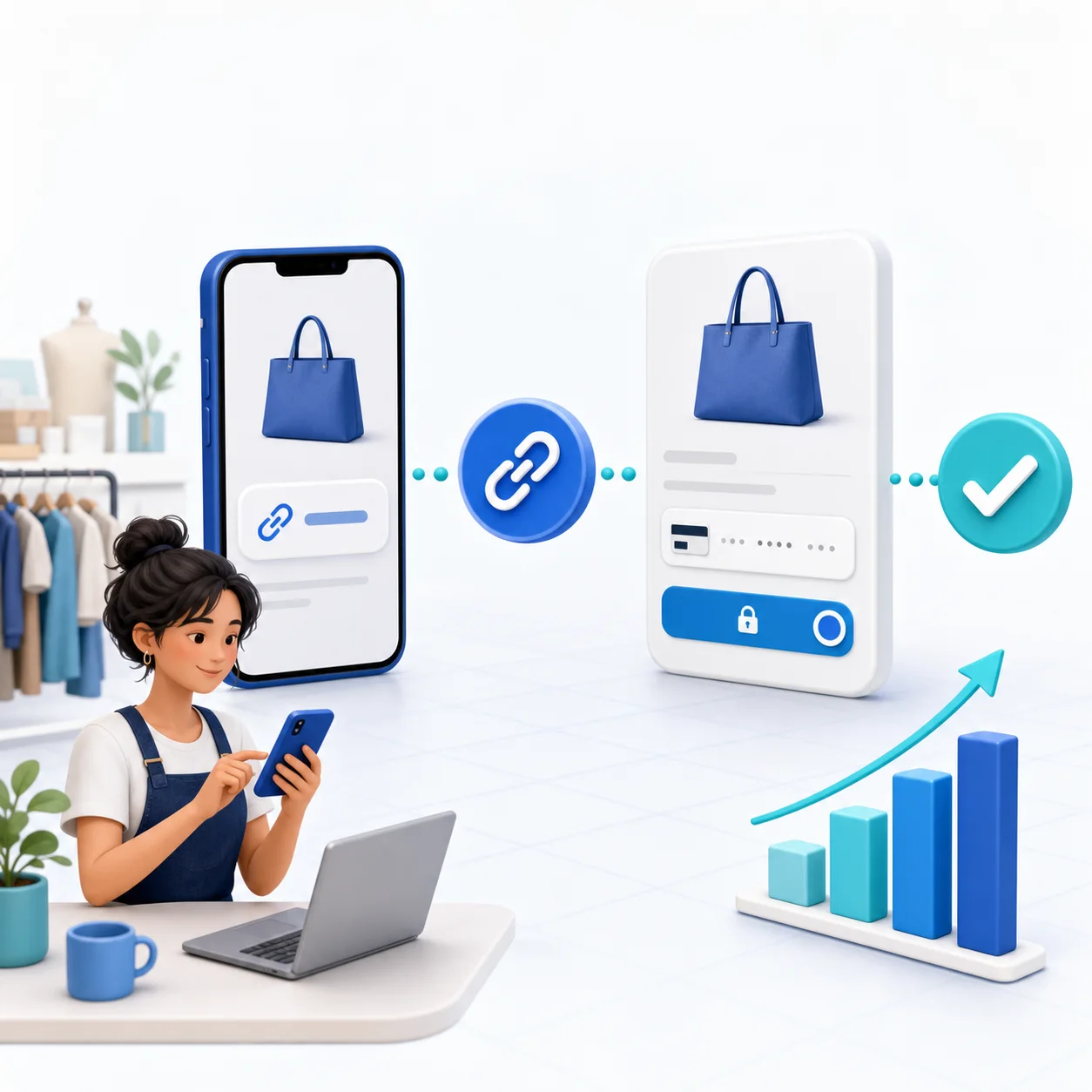
A free payment link lets a small business send customers to a secure checkout without building an online store. You create a page, describe the charge, connect a payment provider and share the URL through email, WhatsApp, SMS, a QR code or social media.
“Free” needs a careful definition. A platform can have no monthly subscription while still charging a fee when a payment succeeds. Stripe, Mollie or PayPal may also charge their own processing fee. Compare the total cost, not only the signup price.
What a Small-Business Payment Link Must Include
The cheapest tool is a bad deal if customers do not trust the page or you must reconcile every payment by hand. Look for:
- Your business name, logo and a recognizable page address
- A precise product, service, deposit or invoice description
- Fixed and customer-entered amount options
- Mobile checkout with the methods your customers use
- A payment status you can verify in a dashboard
- Receipts, references and exportable transaction records
- Reusable links for standard offers and unique requests for one customer
- Clear platform and provider fees before you publish
Free Payment Link Options Compared
| Route | Best for | Monthly platform cost | Main tradeoff |
|---|---|---|---|
| PayRequest Free | Branded links, invoices, products and provider choice | EUR 0 | 2% per successful payment, capped at EUR 25 |
| Stripe Payment Links | Fast Stripe-native checkout | Typically no separate monthly fee | Stripe processing and Stripe-centered workflow |
| PayPal links | PayPal-first customers | Typically no separate monthly fee | Less room for a complete multi-provider sales page |
| Mollie Payment Links | European payment methods | Typically no separate monthly fee | Availability and pricing depend on the Mollie account |
| Bank-transfer details | Known B2B customers | Often no link-platform fee | Manual matching and weaker checkout experience |
Pricing and availability can change. Confirm the current terms with every provider before relying on a comparison.
How to Create a Free Payment Link With PayRequest
- Create your free account
- Add your business name, logo and contact information
- Connect Stripe, Mollie or PayPal, or configure an eligible bank-payment route
- Choose a reusable payment link or a customer-specific request
- Enter the amount, currency, description and relevant terms
- Preview the page on mobile
- Complete a small real or supported test payment
- Share the link using the channel your customer already uses
No-code setup does not remove your responsibility for taxes, refunds, prohibited products, privacy or accurate customer communication.
Five Links a Small Business Can Set Up Today
Collect an agreed upfront amount before reserving project time. State whether it is credited to the final invoice and explain cancellation terms.
Sell a 30- or 60-minute session at a fixed price. Follow payment with the booking or scheduling step so the customer never wonders what happens next.
Let a known customer enter an agreed amount when balances vary. Use a reference field so you can match the payment correctly.
Create one page for a standard offer you sell repeatedly. Add delivery timing, license terms and refund information before checkout.
Put the same secure URL behind a QR code for a counter, event, printed proposal or invoice. Print the business name and purpose beside the code; never expect a customer to scan an unexplained square.
How to Make the Link Convert
A strong payment page answers four questions immediately: who is charging me, what am I buying, how much is it, and what happens after I pay?
Use a description such as “Website redesign — 30% project deposit” instead of “Payment.” Keep the amount and currency visible. Offer only relevant payment methods. Remove unnecessary fields, but collect the information you genuinely need to fulfil the order and issue compliant records.
Send one direct call to action: “Pay the EUR 250 deposit securely” is clearer than “Click here.” When you follow up, resend the same trusted link instead of creating a confusing chain of different URLs.
Payment-Link Security Checklist
- Use a hosted checkout from a reputable platform and provider
- Keep provider credentials and account-recovery codes private
- Turn on multi-factor authentication
- Verify payment in the dashboard, not from a screenshot or email alone
- Avoid collecting card details through forms, chat or email
- Keep product descriptions and delivery evidence
- Use unique customer requests when a public reusable link would expose information
The Real Cost of “Free”
PayRequest's Free plan includes all standard product features and charges 2% only after a successful payment, capped at EUR 25 per transaction. The connected payment provider charges its own processing fee. The quote-only Business plan adds enterprise billing automation that most small businesses do not need.
For a new business, this structure removes a fixed software bill while you validate demand. As volume grows, compare the platform fee, provider pricing, admin time, conversion rate and value of the included billing tools together.
Start With One Real Customer
Do not spend a week designing ten links. Create one page for the next payment you genuinely need to collect, test it on your own phone and send it to one customer. After the transaction, improve the wording based on any question they asked.
Create your first payment link free, connect the provider you already trust and start with a payment flow simple enough to use today.