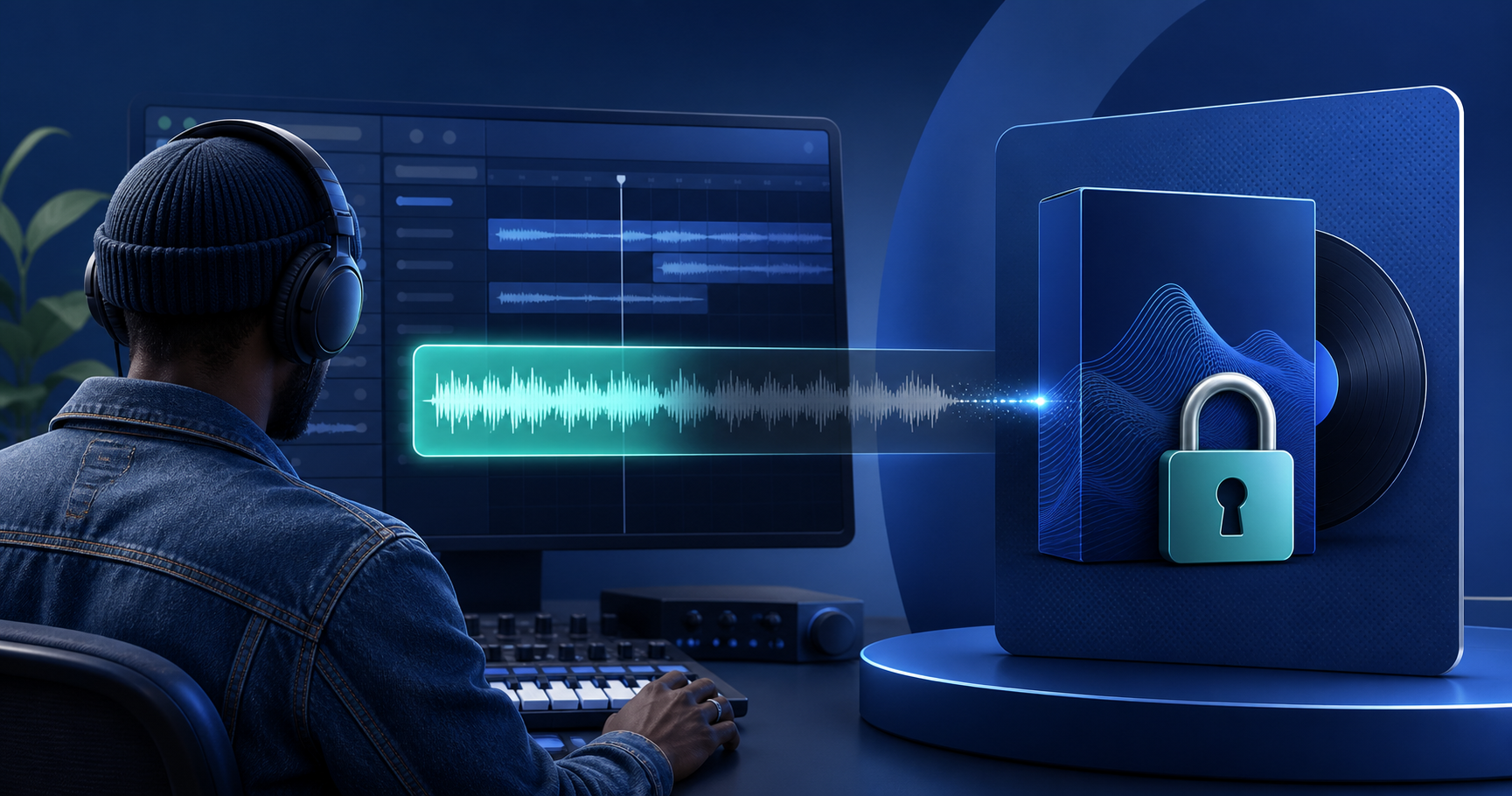
Selling a beat or sample pack works best when a buyer can hear enough to trust the production, but cannot download the complete file before paying. The practical setup is a short, separate preview, a clear license, one price, and instant delivery of the full audio after checkout.
This guide is for producers, beatmakers, sound designers, and sample creators who want a direct sales link instead of sending full files through DMs or building a marketplace profile first.
What Should a Beat or Sample Pack Listing Include?
Buyers are deciding two things at once: does the audio fit my project, and what exactly am I allowed to do with it? Make both answers visible before checkout.
- A specific title that names the sound or intended use
- Cover art or a waveform-friendly thumbnail
- A short preview that demonstrates the strongest moment
- Format and delivery details, such as MP3, WAV, or FLAC
- License terms: personal, commercial, non-exclusive, or exclusive
- Stem, MIDI, one-shot, or loop contents when included
- The price, file size, and any usage limitations
Do not describe a beat as exclusive if you will continue selling the same license. If a sample contains third-party material, confirm that your license permits resale in the form you are offering.
Why the Preview Must Be a Separate File
A browser player that loads the full beat and stops after 25 seconds is only a playback restriction. The original may still be discoverable in the page or network requests.
A safer product flow creates a physically shorter preview from the private original. PayRequest's Pay to Unlock Audio product generates that preview server-side, with a short fade-out. The public player receives only the preview clip; the full beat or pack remains private until payment.
That gives an artist enough information to judge tone, arrangement, and mix quality without asking you to email the complete master to every prospect.
How to Sell a Beat With a Paid Preview
- Export the customer-ready track in MP3, WAV, or FLAC, up to 100MB.
- In Products, choose Pay to Unlock (Audio) and upload the full file.
- Set a free preview length from 5 to 60 seconds. Start around 15–30 seconds and adjust based on the track.
- Add cover art, the license summary, and the one-time unlock price.
- Save, listen to the generated preview, and complete a test purchase before sharing the link.
When you replace the original later, the old track and preview are replaced together. Changing only the preview length regenerates the shorter clip from the stored original.
Choosing a Preview Moment
The first seconds should prove relevance quickly. A beatmaker might use the hook, a clean drop, or the most distinctive drum pattern. A sample-pack creator might preview a representative loop rather than the rarest sound in the collection.
Avoid previewing the entire value proposition. The buyer should understand the quality and intended use, while still having a reason to unlock the full file.
Pricing Beats and Sample Packs
Price the permission and usefulness, not only the duration. A short loop with a clear commercial license can be more valuable than a long file with unclear rights.
| Offer | What to make clear |
|---|---|
| Single beat | Lease or exclusive rights, stems, and file formats |
| Loop pack | Number of files, tempo/key metadata, and permitted uses |
| One-shot pack | Count, file format, and whether resale as samples is prohibited |
| Premium bundle | Included licenses, updates, and any bonus files |
Use a simple first price that lets you learn. If buyers ask the same licensing question repeatedly, improve the product page before changing the price.
Where to Share the Link
Use the places where buyers already discover your work: YouTube descriptions, Instagram or TikTok bios, a producer newsletter, Discord, Telegram, or direct conversations with artists. The link should always lead to the same product page so the preview, price, terms, and delivery stay consistent.
Start With One Strong Product
Do not wait for a full catalog. Publish the beat or pack that gets the most replies, saves, or “can I buy this?” messages. A hosted preview-and-unlock page lets you validate demand before investing in a complete store.
Explore Pay to Unlock Audio, sell audio downloads, or create your free account and publish your first track.