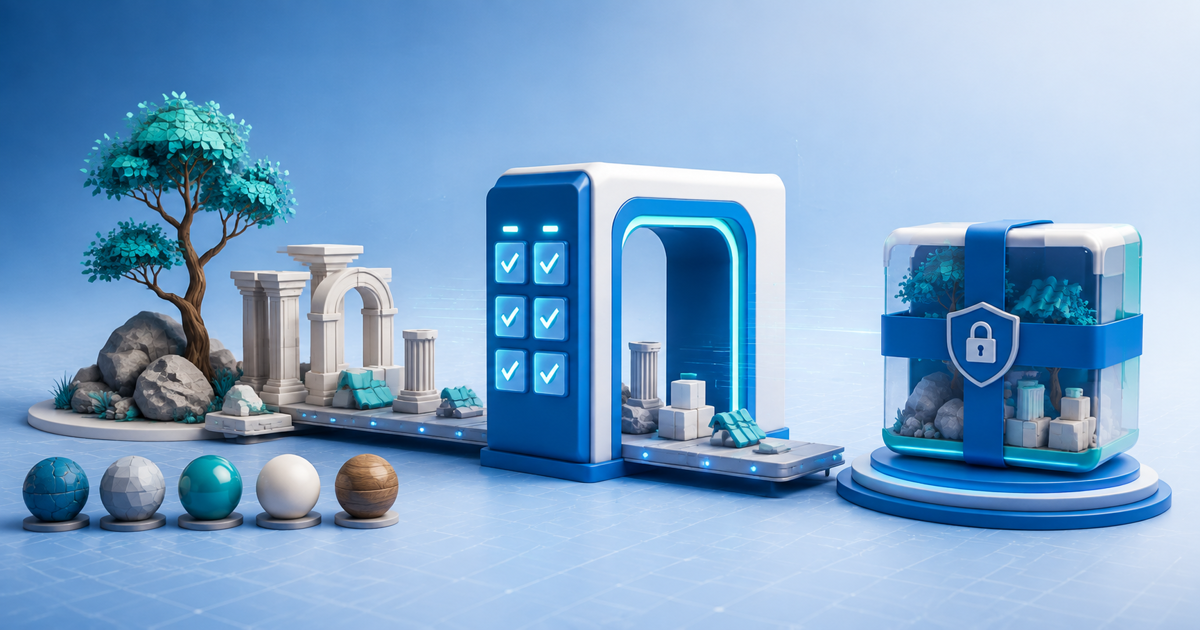
Sell a Blender asset bundle only when the customer download imports into a clean project without silently depending on your workstation. The product is not the attractive demo scene alone; it is the exact bundle, resources, catalog structure, compatibility statement and license a buyer can reuse.
This workflow is for independent 3D artists selling reusable models, materials, node groups or scene-building parts. Its original asset is a clean-project portability matrix run from the downloaded ZIP, not the creator's source folder.
Choose One Bundle Boundary
Define the buyer job: for example a modular coastal village, stylized vegetation kit or product-visualization materials. List the included asset types, Blender version, render engines, units, scale, polycount conventions and promised exchange formats.
Separate required dependencies from optional demo tools. If a material needs an external add-on, font or texture library, either include it under valid terms or identify it before purchase. Never copy third-party assets into the ZIP merely because they appear in the demo file.
Build the Portability Matrix
| Clean test | What to inspect | Pass condition |
|---|---|---|
| Append/link | Collections, materials and node groups | Names and dependencies remain intact |
| Asset Browser | Catalogs, previews and drag-in behavior | Buyer can find and place every promised asset |
| Render | Supported engine and color management | No missing textures or unintended substitutions |
| Scale/export | Units, origins and exchange files | Imported dimensions match the manifest |
Run every path from a new user profile or second machine. Rename the source directory before testing so a hidden absolute file path cannot rescue the build.
Blender's current Asset Browser manual defines an asset bundle as a `_bundle.blend` file without references to other files. Its packed-data documentation explains how eligible external resources can be stored inside the blend file. Use those behaviors when appropriate, while documenting anything that must remain external.
Normalize Assets Before Packaging
Use readable collection, object, material and node names. Apply a consistent unit and origin policy, remove unused data blocks, check normals and transforms, and generate previews that represent the delivered version. Avoid destructive cleanup that breaks legitimate variants.
Create a manifest with bundle version, Blender versions tested, render engine, included asset count by type, units, file layout, dependencies, known limits and license. Record a checksum for the retail ZIP so support starts from an identifiable artifact.
License the Reuse Case
Say whether buyers may use assets in rendered images, video, games, client work, templates or redistributed project files. A finished render and resale of the raw model are different permissions. If you offer personal and commercial tiers, attach the correct license file to each separate product and test both deliveries.
Do not call a product royalty-free without explaining the permitted uses and restrictions. The label does not by itself transfer ownership or authorize resale of source assets.
Test the Customer Download
Create a 3D asset digital product, attach the versioned ZIP and deliver it through protected file delivery. Complete a buyer-view transaction on a clean device, extract the archive and repeat the four portability tests from that download.
When a compatibility fix changes the files, increment the bundle version and keep a correction ledger. State exactly which Blender release and test scene were used; do not change the publication date merely to make an old package look current.
Start with one focused pack. Publish when the retail ZIP—not a source checkout—survives append, Asset Browser, render and scale tests with no unexplained dependency.

