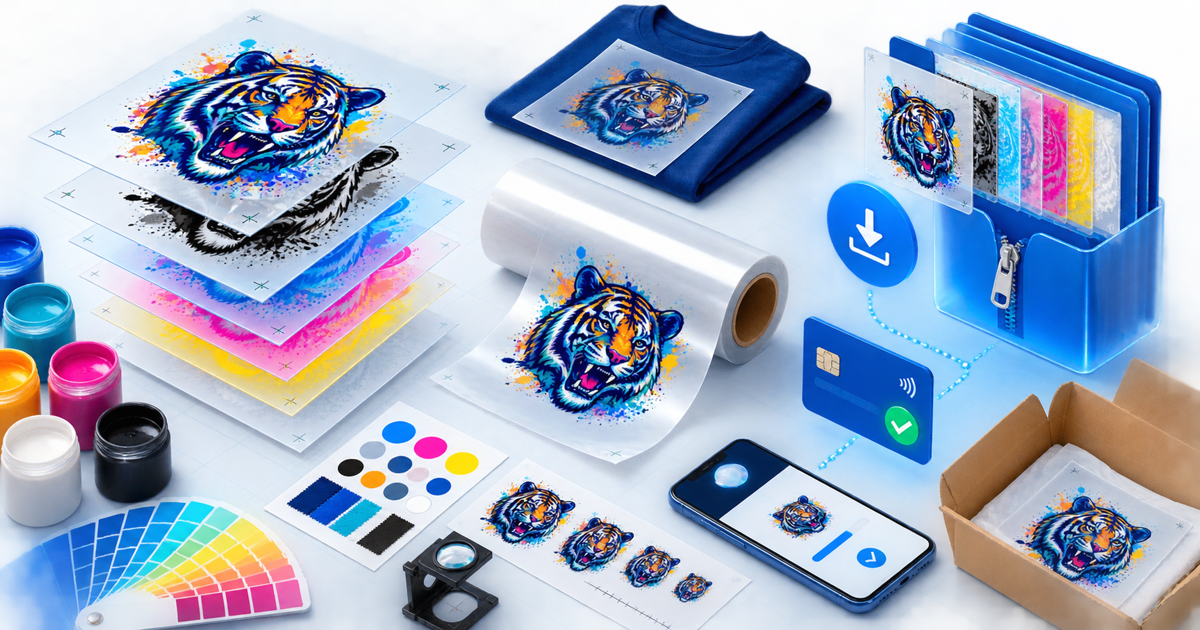
Sell a DTF transfer design file only after a printer can produce the promised result from the exact buyer download at every advertised size. A transparent PNG that looks sharp on screen can still contain a background halo, weak small details, unintended semi-transparent pixels or colors that change materially in the print workflow.
This checklist is for designers selling original artwork files to garment decorators, not finished transfers or shirts. Its original asset is a four-size print-readiness matrix that separates file integrity from printer, ink, film, powder, garment and press variables.
State What the Buyer Is Purchasing
Distinguish a digital design file from a ready-to-press physical transfer. The listing should say that the buyer receives a download and must use a compatible DTF print workflow or print service.
State the canvas pixel dimensions, aspect ratio, color mode, background behavior and intended maximum print size. Avoid using DPI alone as a quality promise: the available pixels at the final physical dimensions determine the effective resolution.
Build a Four-Size Release Matrix
Export the retail PNG, then inspect and print it at four useful states:
| Test | Purpose | Record |
|---|---|---|
| Thumbnail | Finds details that close up or disappear | Smallest usable width |
| Chest | Tests the most common intended application | Pixel dimensions and physical size |
| Maximum | Exposes softness and edge artifacts | Largest supported size |
| Dark garment | Reveals halos and white-underbase surprises | Garment, RIP and underbase settings |
Use a neutral light garment test as well when the design depends on pale or semi-transparent detail. Photograph each finished test under consistent light and label it as a test from one defined production setup, not a guarantee for every printer.
Inspect Transparency and Edges
Open the exported file over white, black and saturated backgrounds. Zoom around fine lines, distressed textures, soft shadows and erased areas. Remove accidental matte pixels and confirm that transparent space really is transparent.
Do not advertise glow, smoke or low-opacity effects as universally printable. The RIP software's white-underbase and color-management behavior can change them. Either simplify the effect or publish the tested conditions and a clear limitation.
Keep Color Claims Honest
A screen preview uses emitted light; a garment print uses a specific printer, ink set, film, powder, RIP configuration, underbase, press cycle and fabric. Include the source color profile when relevant and avoid promises such as “exact color on every printer.”
Provide a small reference swatch or numbered color note only as a comparison aid. The original four-size matrix should name the production setup used for the samples so a buyer can diagnose differences.
Package the Design and License
Use one versioned ZIP containing the tested transparent PNG, a preview image, START-HERE instructions, license and change log. Include SVG or editable source only when it is part of the purchased rights and has passed a separate output test.
The license should distinguish garments the buyer may sell from redistribution of the design file. Address print-on-demand uploads, client work, production assistants, transfer resale, design modification and maximum commercial scope. This is a practical checklist, not legal advice; use terms appropriate to your ownership and market.
Never include trademarked characters, logos, fonts or stock elements unless you own them or have explicit rights for this resale format.
Deliver the Approved ZIP
Create a DTF transfer design product and use automatic digital delivery for the approved archive. Put the exact pixel dimensions, tested sizes, included formats and license boundary before checkout.
Make a buyer-view purchase, download on a clean device, inspect transparency and compare the archive checksum with the tested release. Publish when the listing, four-size matrix, license and delivered ZIP all refer to the same design version.

