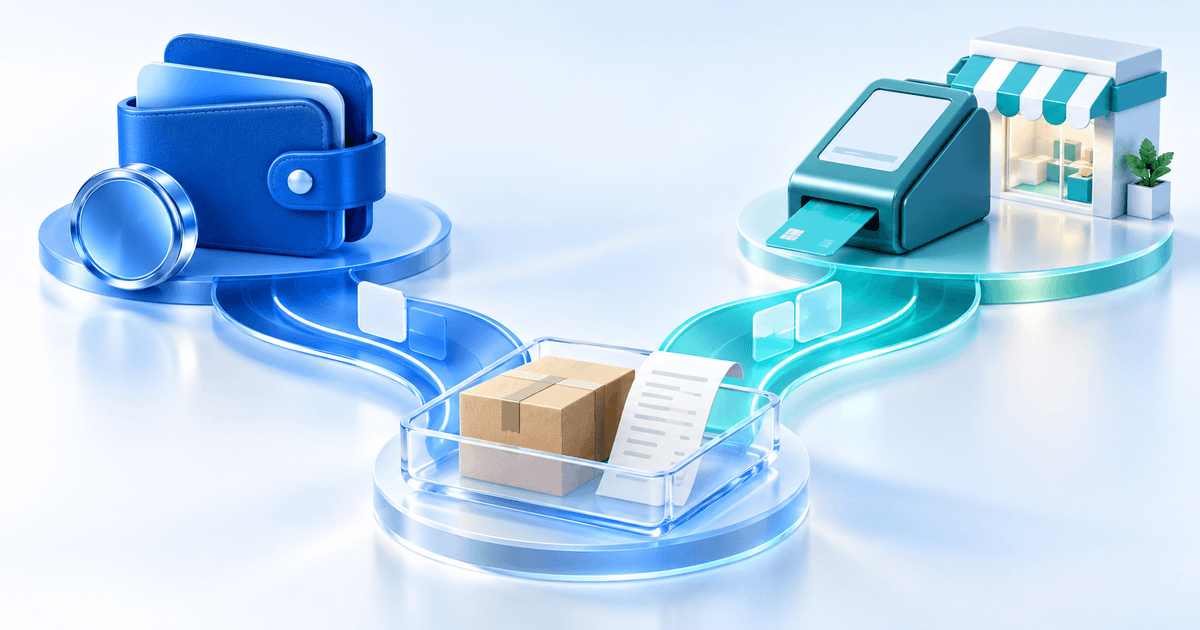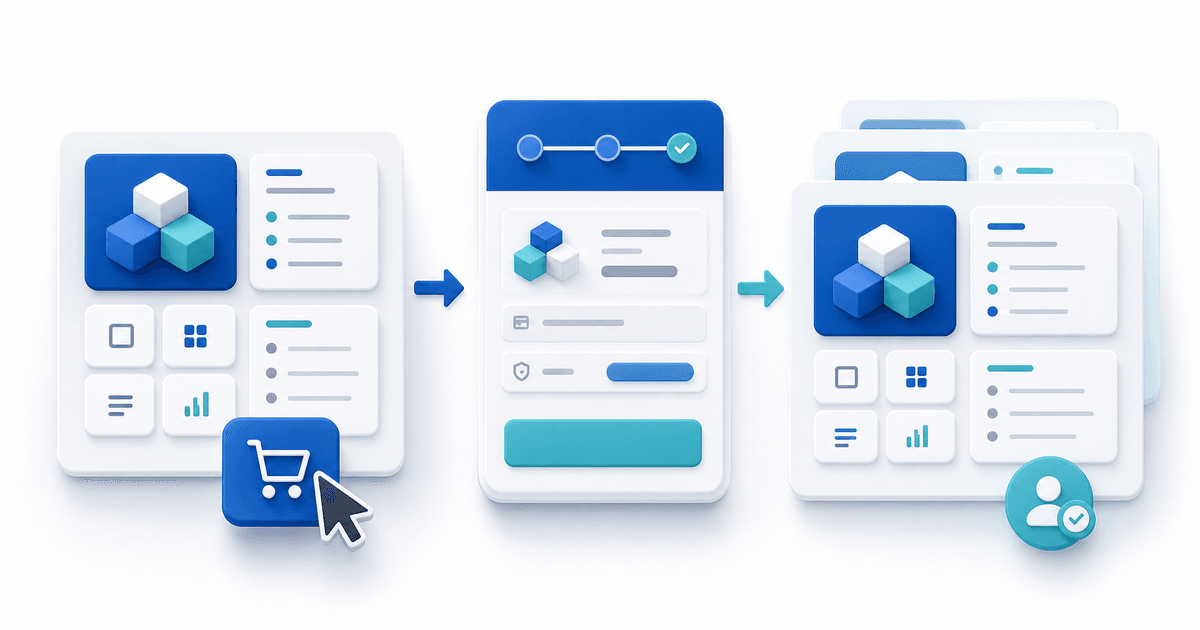
The best checkout for a Notion template depends on where customers discover it. Use Notion Marketplace when native discovery is the priority. Use a direct hosted checkout when you already attract buyers and want control over the sales page, customer journey, payment-provider choice and related offers. Many creators can use both, provided their listings and licences follow the applicable terms.
The checkout is only one part of the product. A buyer needs a working duplication link, clear onboarding, accurate previews and support after purchase.
Compare the Checkout Options
| Checkout route | Best when | Advantage | Trade-off |
|---|---|---|---|
| Notion Marketplace | You need native Notion discovery | Buyers browse where they already use templates | Review, listing rules and marketplace-controlled experience |
| Creator marketplace | You want an existing creator audience | Storefront and common selling tools | Platform positioning and variable fees |
| Direct hosted checkout | You have traffic from content, email or communities | Brand, provider and funnel control | You create your own demand |
| Self-hosted commerce | You need maximum customization | Full technical control | Hosting and maintenance work |
Notion's current Marketplace guidelines require original work, accurate listings, clear instructions and continued support for paid templates. The terms can change, so review them before relying on Marketplace sales or combining marketplace and direct distribution.
What the Buyer Actually Receives
Do not sell your active workspace. Create a clean distribution copy and remove private records, integrations, comments and client information. The delivered package should include:
- A tested public duplication link
- A start-here page inside the template
- Example data that is obviously fictional and safe to delete
- Instructions for databases, relations, formulas and automations
- Software or plan requirements
- Version, update and support information
- A licence covering personal, team or commercial use
Test the link in a separate Notion account. Check every view after duplication; filters or relations that work in the master can still confuse a new owner without your context.
Choose Based on Your Acquisition Channel
If customers search inside Notion Marketplace, native discovery may be worth the marketplace constraints. If customers arrive from a YouTube walkthrough, newsletter, LinkedIn post, course or search result, sending them to a direct product page can preserve the story that persuaded them to buy.
A direct checkout also makes it easier to position related services such as installation, customization or consulting. Keep those offers distinct: the template price should not imply personal setup unless setup is explicitly included.
Build a Checkout That Reduces Refunds
Show the system in use, not only a cover. Include the main dashboard, important database views, mobile behavior and a common start-to-finish workflow. State who the template is for, who it is not for and whether Notion's free plan is sufficient.
Before the payment button, answer:
- What problem does this template organize?
- What pages, databases and views are included?
- Which Notion features or third-party services are required?
- How does the buyer duplicate it?
- What updates, licence and support are included?
Deliver a Notion Template Through PayRequest
Create a short branded PDF containing the duplication link, setup sequence, licence and support route. Upload that PDF as the product file in PayRequest, connect your preferred supported payment provider and publish the product page. After confirmed payment, the buyer receives the protected delivery link automatically.
This avoids exposing the paid duplication URL on the public sales page. It also creates an order record connecting payment and delivery. The PDF can remain useful even if the template is lightweight because it gives the buyer one durable onboarding document.
Test the Complete Buyer Journey
Complete a real test order, open the delivered PDF, duplicate the template using a different Notion account and follow the onboarding without relying on creator knowledge. Check desktop and mobile views. Ask a tester to narrate where labels or instructions become ambiguous.
Which Checkout Is Best?
Choose Marketplace for discovery, direct checkout for control, or both for channel diversification. Do not decide only on headline fees. Compare who brings the buyer, who controls the listing, what customer information you receive, how disputes are handled and what happens if the platform changes its rules.
Create a template product page with automatic delivery, or compare the wider Gumroad alternative when choosing a direct creator checkout.