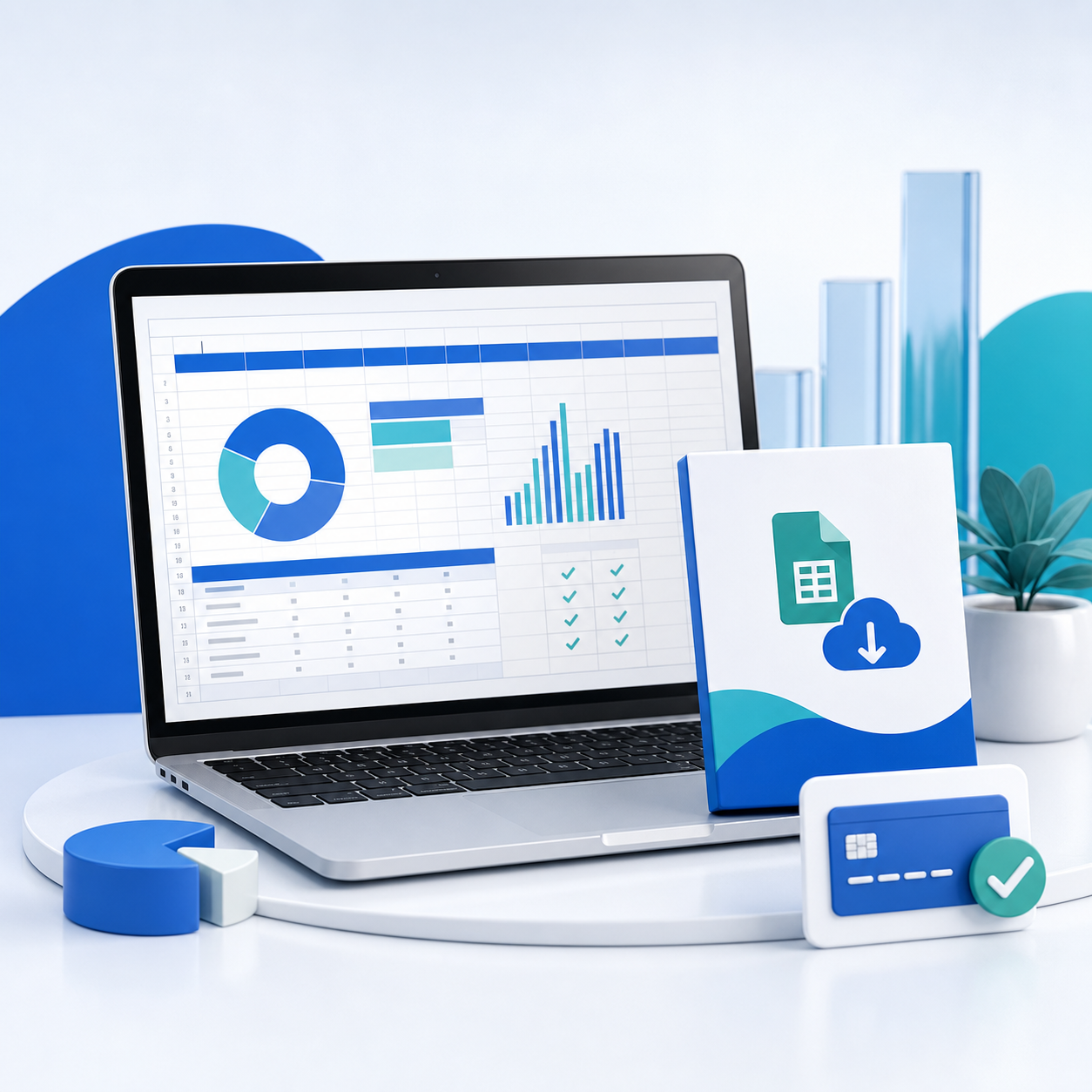
A useful spreadsheet can be a real product. Budget planners, pricing calculators, content calendars, inventory trackers and financial dashboards save buyers the work of designing formulas, validation rules and reporting views themselves.
The opportunity is not to sell an empty grid with attractive colors. It is to turn a repeatable process into a template that gives a buyer a useful result quickly, explains itself clearly and remains difficult to break.
Key Takeaways
- Start with one specific job and one clearly defined buyer
- Separate input cells, calculations and outputs so the file is safe to use
- Include realistic sample data and a clean blank copy
- Test in every spreadsheet application you claim to support
- Price according to the time, risk or money the template saves
- Deliver a ZIP containing the template, instructions, license and version notes
What Spreadsheet Templates Sell Well?
The strongest templates replace a recurring task rather than merely looking organized. A freelancer may buy a project-profit calculator; a landlord may need a maintenance tracker; a creator may want a sponsorship pipeline; a small shop may need reorder alerts.
Good product ideas include:
- Cash-flow forecasts and business budget dashboards
- Project pricing, margin and hourly-rate calculators
- Inventory, order and supplier trackers
- Content calendars and campaign planners
- Client onboarding and CRM spreadsheets
- Rental, booking or maintenance logs
- Savings, debt-payoff and household budget planners
Narrow usually beats broad. “Freelance design project profit calculator” gives a buyer a clearer reason to purchase than “ultimate business spreadsheet.”
Build a Template Buyers Cannot Easily Break
Design the workflow before styling it. Decide which values the customer enters, which cells calculate automatically and which dashboard or summary answers the main question.
Use consistent input colors, freeze useful headers, add dropdown validation where choices are limited and protect formula ranges where possible. Avoid fragile formulas that depend on hidden manual steps. If a buyer can paste a value into the wrong column and silently corrupt the result, the template is not finished.
Keep three layers visually distinct:
- Inputs: values the buyer is expected to change
- Logic: formulas, lookup tables and settings
- Outputs: totals, charts, alerts and recommended actions
Add a small “Start here” sheet. Explain the result the workbook produces, the order of the steps and what not to edit.
Test Excel and Google Sheets Separately
Do not assume a workbook behaves identically after import. Functions, date formats, conditional formatting, charts, filters, macros and external connections can work differently across applications.
If you advertise both formats, maintain and test both. Download the Google Sheets version as a fresh buyer would, open the Excel file on a clean account and verify formulas with edge cases: empty rows, negative values, long names, different currencies and month-end dates.
Never claim compatibility with an application or version you have not actually tested. If the product uses macros, scripts or add-ons, say so before checkout and explain the permissions required.
Package the Download Professionally
A strong delivery bundle might contain:
- template-blank.xlsx
- template-example.xlsx with realistic sample data
- A PDF quick-start guide
- A plain-text license
- A changelog with the current version and date
- A link-copy document for any Google Sheets version
For a Google Sheets template, share a protected master that buyers copy into their own account. Do not give edit access to the original. Test the copy flow in a private browser window so you see what a customer sees.
Remove personal information, comments, hidden sheets, author metadata and connections to private files. Scan the final ZIP and purchase it through your own checkout before launch.
How to Price Spreadsheet Templates
Price the outcome, not the file size. A one-sheet calculator that prevents repeated pricing mistakes can be more valuable than a 30-tab planner.
| Product type | Typical positioning | Sensible starting range |
|---|---|---|
| Simple personal tracker | One task, light automation | €5–€15 |
| Polished planner or dashboard | Multiple views, guidance and examples | €15–€39 |
| Business calculator or operating system | Specialized logic and measurable time savings | €39–€99 |
| Commercial-use toolkit | Team use, client work or broader license | €79–€199+ |
These are starting points, not market rules. Test your price against the buyer's alternative: hours building it, paying a consultant or continuing with a costly manual process.
Create a standard license for personal or single-business use and a higher-priced commercial or team license. State whether buyers may use the output with clients, how many people may access the file and whether redistribution is prohibited.
Create a Product Page That Proves the Value
Lead with the problem and result: “Know which client projects are actually profitable” is stronger than “beautiful blue spreadsheet.” Show the input screen, the dashboard and one realistic before-and-after example.
Your product page should answer:
- Who is this built for?
- What decision or task does it improve?
- Which applications and versions are supported?
- What files are included?
- Does it use macros, scripts or external connections?
- What does the license allow?
- Are updates included?
Use a short video or animated walkthrough if the workflow needs explanation. Blur or replace any sensitive example data.
Sell and Deliver the Template Automatically
Upload the final ZIP to a digital-product checkout, set the price and license, and connect the payment methods your audience already trusts. After payment, the customer should receive the download without waiting for a manual email.
With PayRequest digital downloads, you can create the product page, accept payment through your connected provider and release the files automatically. A focused sales page is useful when the template needs screenshots, feature sections and FAQs before the checkout.
A Seven-Day Launch Plan
- Interview or observe three people who perform the task now
- Build the smallest version that produces the promised result
- Test wrong inputs and edge cases
- Give the template to two beta users without live assistance
- Improve the instructions based on where they hesitate
- Publish the product page with screenshots and a clear license
- Share one useful calculation or workflow tip that naturally demonstrates the template
The beta test matters. Watching someone misunderstand a cell label is more valuable than adding another decorative dashboard.
Frequently Asked Questions
Yes. Keep a protected master and give buyers a link that prompts them to create their own copy. Test that link while signed out and do not expose the editable source.
Only if you test and maintain both. Cross-application support can widen the audience, but an unreliable conversion creates more refunds and support work than a clearly stated single-format product.
No download is impossible to copy. Use a clear license, personalized customer records, sensible file protection and a checkout trail. Focus on honest buyers and make legitimate updates easier to obtain from you than unauthorized copies.
Yes. Include a short start sheet and a PDF guide. Explain inputs, outputs, supported applications, example data and any permissions or add-ons.
Turn a Repeatable Process Into a Product
The best spreadsheet templates encode judgment: which numbers matter, how they relate and what the buyer should do next. Build that logic carefully, prove it with examples and package it so a customer succeeds without asking you for setup help.
Create a free PayRequest account to publish your first spreadsheet product, or explore the dedicated spreadsheet template product page.