Key Takeaways
- A personal payment page is a permanent branded URL where clients pay you directly — no invoices, no chasing.
- PayRequest gives you payrequest.me/yourname; it accepts 20+ payment methods including cards, iDEAL, PayPal, Klarna, Apple Pay, and crypto.
- Average invoice payment time is 23 days; payment links cut that to under 3 days.
- Your page is free to set up — you pay 2% per successful payment, capped at €25 per transaction.
- Clients need no account or app to pay: they simply click, choose a method, and confirm.
Introduction
Most freelancers, coaches, and independent creators still get paid the same way they did a decade ago: they email bank details, send a PDF invoice, and then wait. They follow up a week later. They follow up again. They manually reconcile what arrived against what was outstanding.
It works — eventually. But it is slow, unprofessional by modern standards, and places the entire burden of completing the transaction on the client. A client who has to copy an IBAN into their banking app, include a payment reference, and hope the transfer arrives on time is a client who is likely to forget.
A personal payment page changes the dynamic entirely. Instead of sharing credentials and hoping, you share a link. Your client clicks it, sees your name or business name, picks a payment method that is already familiar to them — card, iDEAL, PayPal, whatever — and pays in under a minute. You get notified. Done.
This guide covers everything you need to know about personal payment pages in 2026: what they are, why they matter, how to set one up with PayRequest, and how to make the most of yours once it is live.
What is a Personal Payment Page?
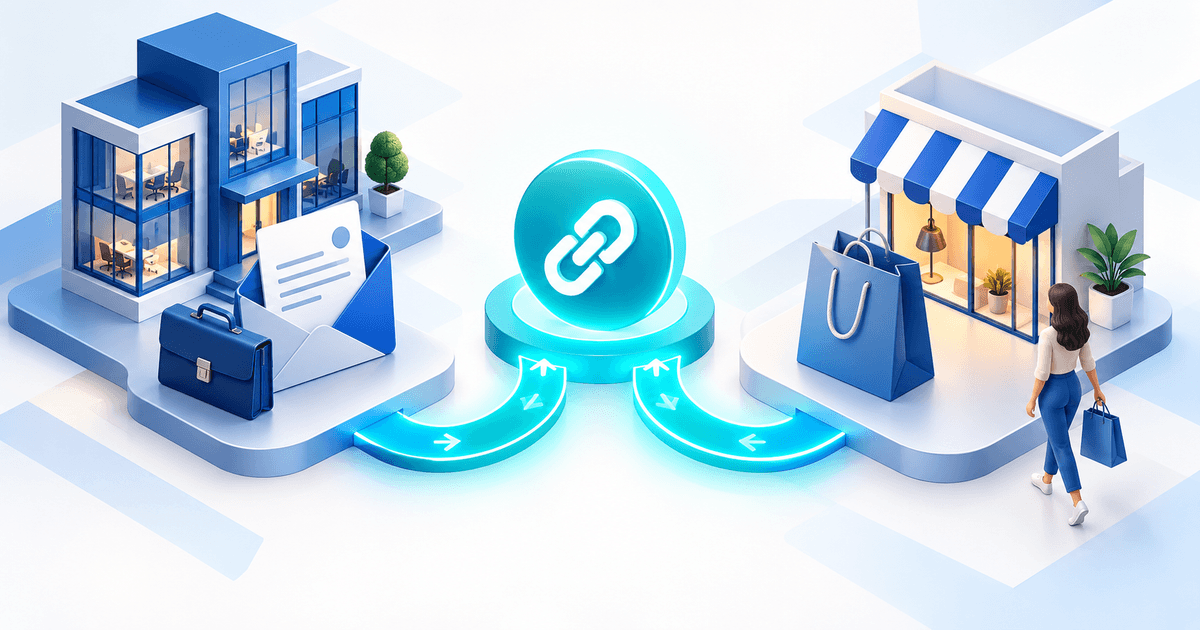
A personal payment page is a permanent, branded URL where clients and customers can pay you directly online, without you needing to send an invoice or share bank details. You configure it once — with your services, fixed prices, or an open-amount field — and then share the URL anywhere you interact with clients.
Unlike a payment link that is generated per transaction, a personal payment page is persistent. The same link works for every client, every time. It is effectively your professional "pay me" address on the internet.
The mechanics are straightforward. You create an account with a payment platform, choose a handle — for example, your first name or business name — and your page goes live at a URL like payrequest.me/yourname. Behind that URL is a hosted checkout page that connects directly to your chosen payment providers.
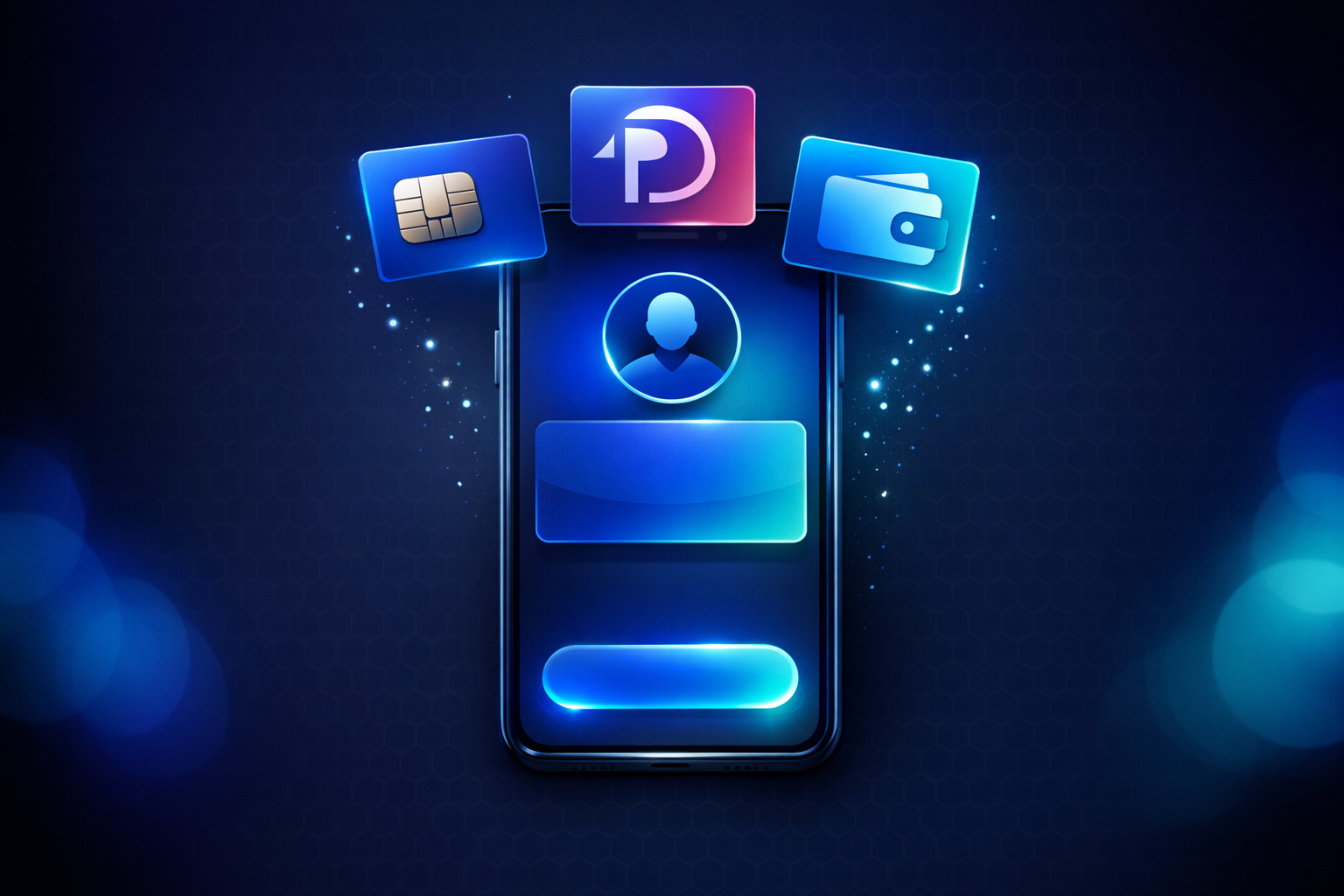
When a client opens your link, they see a clean payment interface showing your name or logo, the available payment options, and (depending on how you have configured it) either a fixed amount or an open field where they enter what they owe. They select their preferred method, fill in their details, and confirm. You receive a real-time notification and the funds settle to your account according to the normal timelines of the provider they used.
No back-and-forth, no PDF attachments, no IBAN errors, no chasing.
A formal invoice serves a specific function: it creates a legal record of a transaction, states payment terms, and may be required for VAT compliance in business-to-business contexts. For many freelancers and most creators, however, an invoice is overkill for day-to-day payments.
A personal payment page is better suited when you need a client to pay quickly for a defined service, a consultation, a tip, or a product. It removes friction. If a formal record is needed — for tax purposes, for a large project, for a client who requires a purchase order — you can always send a proper invoice alongside or instead. With PayRequest you can do both from the same account.
The key difference is intent: an invoice records a transaction after the work is defined; a personal payment page invites a payment now.
Why Freelancers and Creators Need One
Getting paid is the point of the work. A personal payment page makes that final step as easy as possible — for your client and for you.
The data on traditional invoicing is sobering. The average invoice takes 23 days to be paid. Late payments affect cash flow, create administrative work, and — for sole traders and small businesses — can cause genuine financial stress.
Payment links, by contrast, average under 3 days to completion. The reason is structural: a payment link presents the client with an immediate action. There is nothing to file, nothing to copy, no bank transfer to schedule. The checkout is in front of them right now, and most people complete it straight away.
A personal payment page that you share at the moment a piece of work is agreed — or even while the client is still reading your proposal — captures that momentum. The client is already thinking about the engagement. The link takes them directly to payment in one click.
How you collect money is part of your brand. Asking a client to transfer money to an IBAN and "please include your name as reference" signals that your business is still operating on informal rails. It also puts trust in the client's hands: they have to get the reference right for you to reconcile the payment.
A personal payment page at a clean URL with your logo and business name looks like you have built something. It signals that you take payment seriously, that you have thought about the client experience, and that you are running a real operation — not just someone with a bank account.
For coaches, consultants, photographers, designers, and anyone else who is selling expertise or creative work, this matters. Clients judge professionalism at every touchpoint, and how you collect money is one of the last impressions you leave.
People pay differently in different markets. A client in the Netherlands almost certainly prefers iDEAL. A client in Belgium may expect Bancontact. A client in the US or UK is used to paying by card. A younger customer might want to pay with Apple Pay. Some clients in restricted geographies prefer to pay with PayPal. An international collaborator might ask about SEPA.
Managing separate payment methods for each context is impractical. A personal payment page on a modern platform like PayRequest presents all relevant methods in a single checkout. The client sees what they prefer, selects it, and pays. You receive the money in your account regardless of which method they used. No separate integrations, no multiple accounts to reconcile.
How to Create Your Personal Payment Page With PayRequest
PayRequest is the platform behind payrequest.me, the personal payment page URL namespace. Setup takes under five minutes and the free plan includes every feature.
Go to payrequest.app/register and sign up. No credit card is required. Every feature — payment links, personal page, subscriptions, invoices, digital products, bookings — is included on the free plan from day one. You pay 2% per successful payment, capped at €25 per transaction. There is no monthly fee.
During onboarding you choose your handle. This becomes the last part of your personal payment page URL. If your name is Laura and you choose the handle 'laura', your page will be at payrequest.me/laura. If your business is called Studio North and you choose 'studionorth', your page will be at payrequest.me/studionorth.
Choose something short, recognisable, and easy to type from memory — because you will share this URL in your email signature, on social media, and anywhere else you interact with clients.
From your dashboard, you can add what you are selling. You have a few options here. You can create fixed-price items — a 60-minute coaching call at €150, a brand identity package at €1,200, a monthly retainer at €800. Clients see the list, select what they want, and pay the defined amount.
You can also enable an open-amount field, which lets the client type in whatever they owe. This works well for variable work (billed by the hour, or by the project), for tips and support payments, or for any situation where the amount is agreed outside the payment page itself.
You can combine both: a few fixed services at the top and an open-amount option at the bottom for custom requests.
In your dashboard, connect the payment providers you want to use. PayRequest integrates with Stripe, Mollie, and PayPal out of the box. Through these integrations, your checkout page can offer cards (Visa, Mastercard, Amex), iDEAL, SEPA bank transfer, Bancontact, Klarna, Apple Pay, Google Pay, PayPal, and crypto (USDC, SOL). You choose which methods to activate; clients see only the ones available in their region.
You do not need accounts with all providers to start. Connect one and expand later.
Your personal payment page is live the moment you set it up. Start sharing payrequest.me/yourname in your email signature, on your website, in WhatsApp conversations with clients, in your Instagram bio, in your Linktree, on your LinkedIn profile. Anywhere a client might want to pay you.
What to Put on Your Personal Payment Page
The power of a personal payment page comes from what you choose to put on it. The page is flexible enough to handle a wide range of use cases, and most freelancers and creators only use a fraction of what is possible.
The most common use is listing your core services with defined prices. A personal trainer might list: single session (€60), block of 10 sessions (€500), monthly online coaching (€200 per month). A designer might list: logo design (€350), brand identity (€950), illustration (from €150). A consultant might list: 30-minute discovery call (€75), strategy session (€250), monthly advisory (€1,500).
Fixed prices remove the need for any discussion about amounts. The client sees what they are paying before they check out, which builds trust and eliminates ambiguity.
Open-amount fields are useful in several contexts. If your work is billed hourly, you can share your rate in conversation and ask the client to enter the agreed total on your page. If you run a community, newsletter, or podcast where some of your audience wants to support you financially, an open-amount "tip" option lets them choose what feels right.
The open-amount pattern also works well for repeat clients who know what they owe. They have used your page before, they know the drill, and they simply enter the figure and pay.
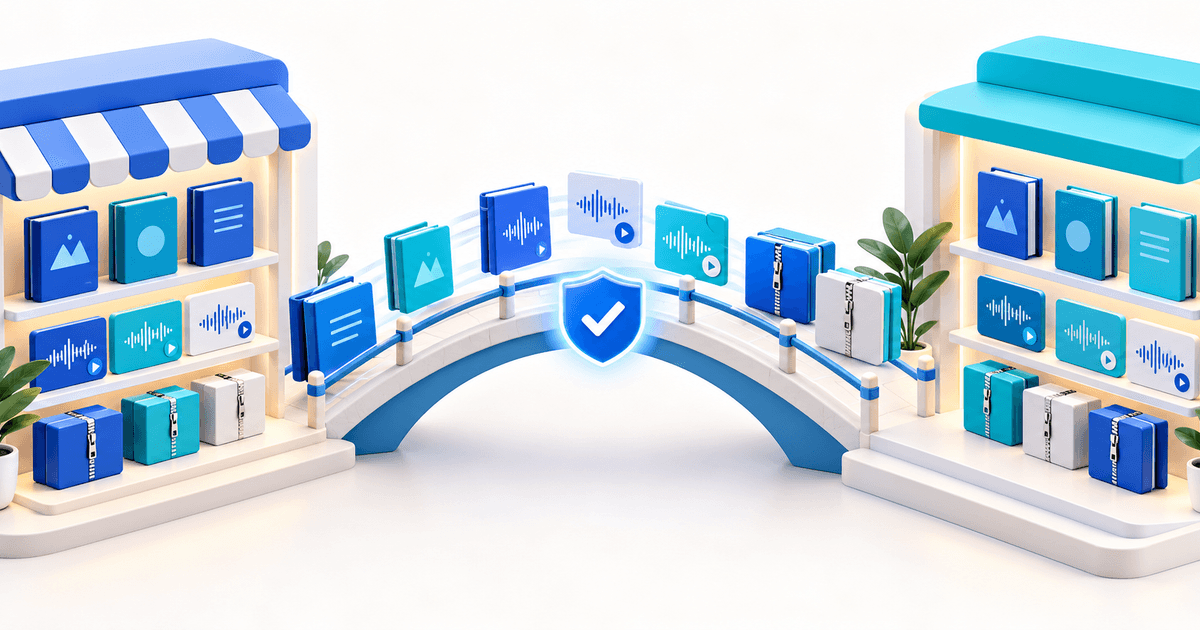
PayRequest lets you sell digital files directly from your personal page. You upload the file — a PDF guide, a template, a Lightroom preset pack, a Notion system, a course module — set a price, and add it to your page. When a client pays, they receive a download link automatically. No manual delivery, no file transfer through email.
This works well for creators who have productised their knowledge. A photographer selling preset packs, a designer selling UI kits, a coach selling a workbook — all of these can live on the same payment page as the creator's services.
If your work involves appointments — coaching calls, consultations, therapy sessions, photography sessions — you can add bookable time slots to your personal payment page. Clients select an available slot, pay upfront, and receive a confirmation. You get a booked and paid appointment without any back-and-forth scheduling.
This removes the two-step process that most appointment-based freelancers still use: separate scheduling tool, then separate payment request. Combining both on one page tightens the conversion and ensures you are never left with a booked slot that has not been paid.
How to Share Your payrequest.me Link
The URL is the asset. Distribute it everywhere your clients already are.
Instagram bio: Use the bio link field. For creators with larger followings, this is often the highest-traffic placement — Instagram users looking to pay, tip, or commission work go to the bio link first.
WhatsApp and Telegram: When you have discussed a piece of work in a chat and want to close the payment, dropping your link in the conversation is the most frictionless approach. The client can tap it immediately and pay without switching to another app.
Email signature: Every email you send is a touchpoint. A line at the bottom — "Pay me instantly at payrequest.me/yourname" — means any client reading an email from you already has your payment link.
Twitter/X and LinkedIn: If you share your work publicly, your profile bio is a natural place for your payment link. For Twitter/X in particular, where creators often share their work and build audiences, the link in bio is frequently visited.
Linktree and link-in-bio tools: If you use a multi-link bio page, add your PayRequest page as a prominent button. Title it "Hire me" or "Book a session" to make the intent clear.
Your website: Even a simple contact page or portfolio can include a "Work with me" button pointing to payrequest.me/yourname. Visitors who want to engage can do so immediately, without a contact form or email.
Personal Payment Page Examples
Seeing how others use personal payment pages makes the possibilities concrete.
The freelance designer: A brand identity designer uses payrequest.me/studio-clara. The page lists three packages — logo (€350), brand identity (€950), website design (€2,400) — plus an open-amount field titled 'Custom project'. The link is in her email signature and her Behance profile. When a potential client reaches out after seeing her work, she replies with a brief description of her process and the link. Most of her clients pay within 48 hours of the first conversation.
The fitness coach: A personal trainer uses payrequest.me/coach-david. The page offers a single session (€65), a 10-session block (€550), and monthly online coaching (€199). Clients who find him on Instagram can book and pay directly from his bio link. He handles 90% of his payment administration in the time it used to take him to write one invoice.
The independent journalist and newsletter writer: A writer uses payrequest.me/the-brief to accept reader support. The page has an open-amount tip option and a paid subscription at €8 per month. Readers who want to support the newsletter can do so without the writer needing a separate platform. She keeps the same page URL she has shared for two years — it is in every newsletter footer.
Frequently Asked Questions
What is a personal payment page? A personal payment page is a permanent branded URL where clients can pay you online. You configure it with your services and payment methods, then share the link wherever you interact with clients. It acts as your professional "pay me" address on the internet.
How do I create a personal payment page for free? Sign up at payrequest.app/register, choose your handle, and your page at payrequest.me/yourname is live in minutes. The free plan includes every feature. You pay 2% per successful payment, capped at €25 per transaction. No monthly fee, no setup cost.
What is the best personal payment page for freelancers? PayRequest is purpose-built for this use case: it accepts 20+ payment methods including cards, iDEAL, SEPA, PayPal, Klarna, Apple Pay, and crypto, lets you list fixed services or open amounts, and your page goes live at payrequest.me/yourname in minutes.
Do my clients need an account to pay me? No. Clients pay through a hosted checkout page. They need no PayRequest account, no PayPal account, and no registration of any kind. They click the link, choose their preferred payment method, enter their details, and pay.
Can I use a personal payment page instead of invoicing? For most day-to-day work, yes. Clients pay on demand at a fixed or open amount and you receive a notification immediately. For large B2B projects where a formal invoice is required for accounting and VAT compliance, you can send invoices from the same PayRequest account — both tools live in the same dashboard.
Conclusion
A personal payment page does one thing exceptionally well: it removes friction from getting paid. Instead of emailing bank details and waiting, you share a link. Your client clicks it, chooses how they prefer to pay from a list of 20+ methods, and confirms. You get paid faster, you look more professional, and you spend less time on payment administration.
Setting one up with PayRequest takes under five minutes. Your page at payrequest.me/yourname is free to create and ready to share the moment you finish onboarding. The free plan includes every feature — payment links, fixed and open-amount products, bookable appointments, digital downloads, and invoicing — with no monthly fee. You pay 2% per successful payment, capped at €25.
If you are still sharing bank details over email, this is the upgrade that pays for itself on the first transaction.