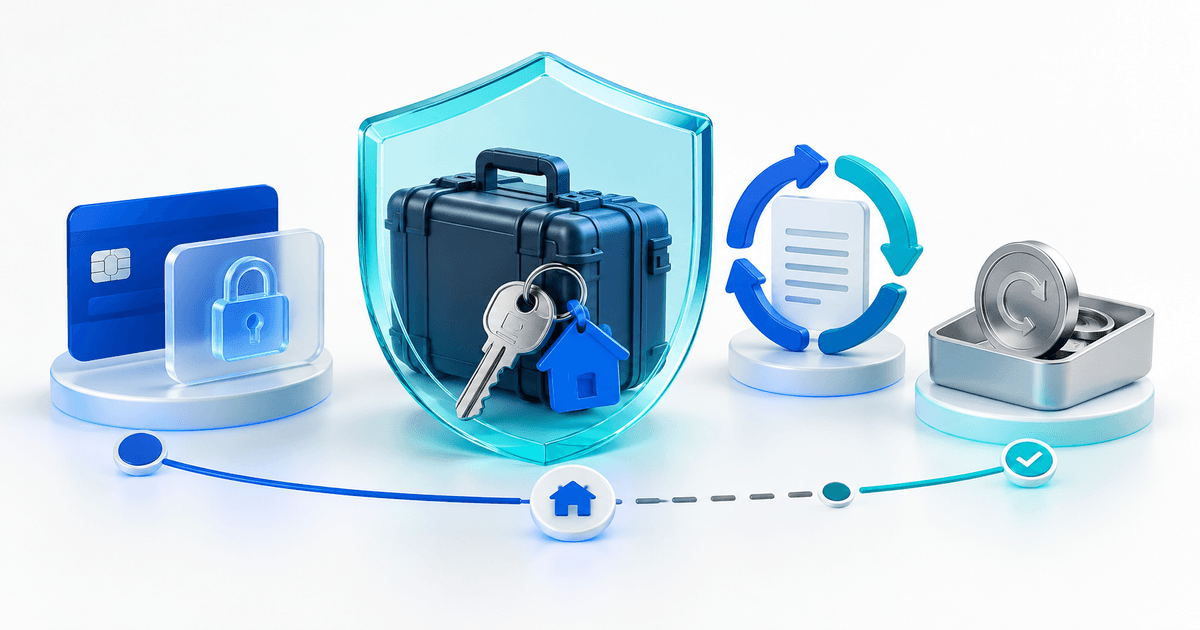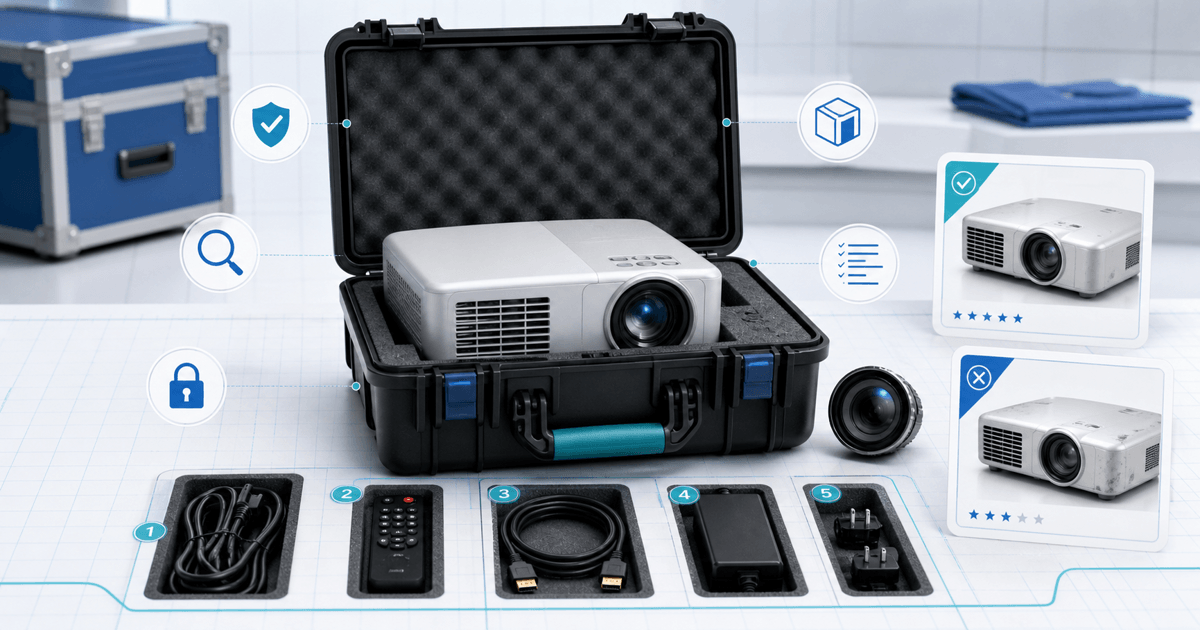
A projector-rental security deposit should be tied to one serialized kit, a paired dispatch-and-return record and a disclosed capture rule. Photographing only the projector case is not enough: the lens, ports, remote, cables, adapters, mount and transport configuration can each create a separate loss or damage question.
This checklist is for small AV, event and equipment-rental teams. Its original asset is a five-zone projector custody card that separates customer-facing deposit evidence from qualified technical inspection.
Separate the Rental Price, Deposit and Service Charges
The rental price pays for agreed use. A card authorization temporarily reserves funds for a defined risk. Delivery, setup, cleaning, late return and consumables are separate charges when the displayed agreement makes them so. Do not call a non-refundable booking fee a refundable security deposit.
State the authorization amount, start and expected release timing, capture triggers, evidence process and customer contact route before payment. Laws and card-network rules differ by location and transaction; obtain appropriate advice for your terms rather than copying another rental company's policy.
Build the Five-Zone Custody Card
| Zone | Dispatch record | Return comparison |
|---|---|---|
| Projector body | Asset tag, serial, housing, feet, filter/vents | Same unit; no new impact, blockage or contamination |
| Optical system | Lens model/serial, cap, glass and transport position | No new scratch, impact, looseness or missing cap |
| Connections | HDMI/USB/network ports and covers | Pins, sockets and covers match dispatch state |
| Control kit | Remote, batteries, control panel and any dongle | Count, identity and basic function match |
| Transport kit | Case, power lead, video leads, adapters, mount and inventory seal | Every listed component returns in its assigned compartment |
Use repeatable photographs: full kit overhead, body from fixed sides, lens at an angle that shows the glass, port panel and every serialized accessory. Record who handed over and accepted the kit, plus timestamps and the rental reference.
Record Transport Configuration by Model
Projector transport instructions are model-specific. Epson's current transport guidance for one removable-lens model says to remove the lens and protective-cover the mount; another model may require a different configuration. Attach the manufacturer instruction for the exact asset instead of turning one rule into a fleet-wide assumption.
Record whether the unit was cooled and powered down, cables removed, lens centered or removed as applicable, cap fitted and case packed. Treat these as custody facts. A deposit checklist does not certify electrical safety, optical alignment or safe rigging.
Run a Limited Functional Check
At dispatch and return, use the same short test: power state, indicator warnings, internal usage counter where available, focus/zoom at a test distance, one known-good input, remote response and a plain light/dark image for obvious new defects. Save the test source and setup so two checks are comparable.
Do not assign repair liability from a photograph alone. Quarantine a questionable unit and have a qualified person diagnose it. Normal wear, a consumable reaching end of life and new misuse are different outcomes.
Make the Release or Capture Decision
Use four states: release, hold for documented inspection where the authorization remains valid, partial capture for a supported amount, or full capture up to the disclosed limit. For any capture, preserve the paired images, exact component, observed change, relevant term and itemized repair or replacement basis.
Notify the renter before or promptly with the action according to your terms and applicable rules. A generic “projector damaged” note does not explain the amount. If evidence is inconclusive, do not turn uncertainty into an automatic charge.
Connect the Deposit to the Rental Record
PayRequest security deposits for equipment rentals can place a time-limited authorization and track release or capture, while the broader security-deposit workflow keeps the money state visible. Store the rental reference and asset ID with the deposit so staff do not release the wrong hold.
Before launch, stage a clean return, missing HDMI adapter, pre-existing lens mark, late return and suspected impact. The workflow is ready when another staff member can reconstruct the kit, condition change, decision and amount without relying on memory.