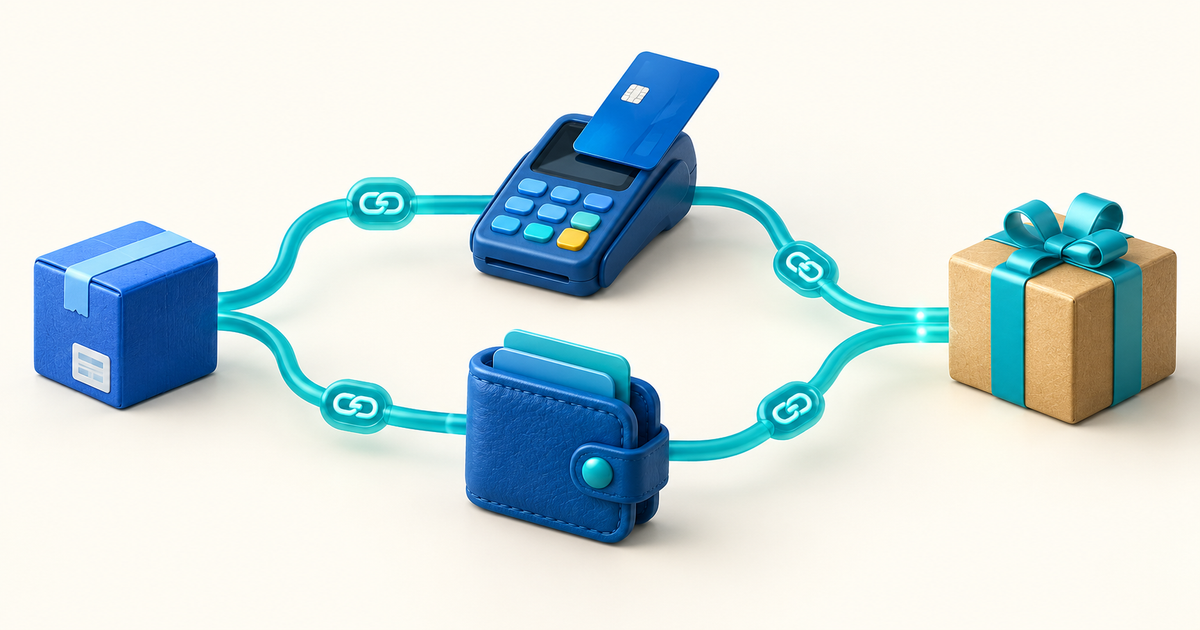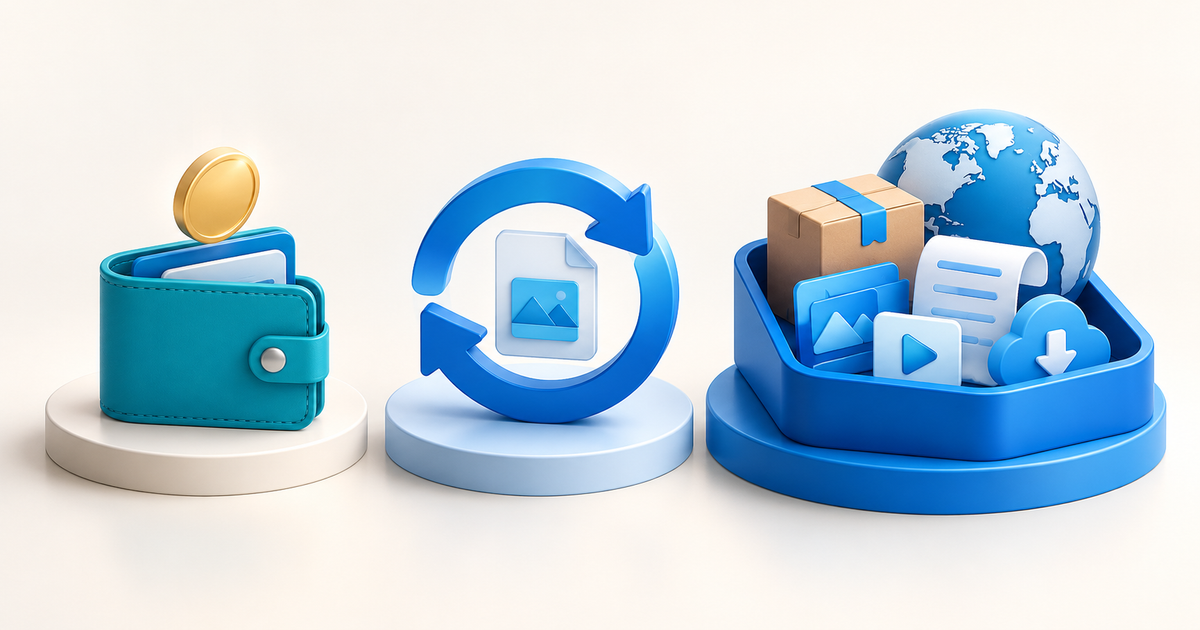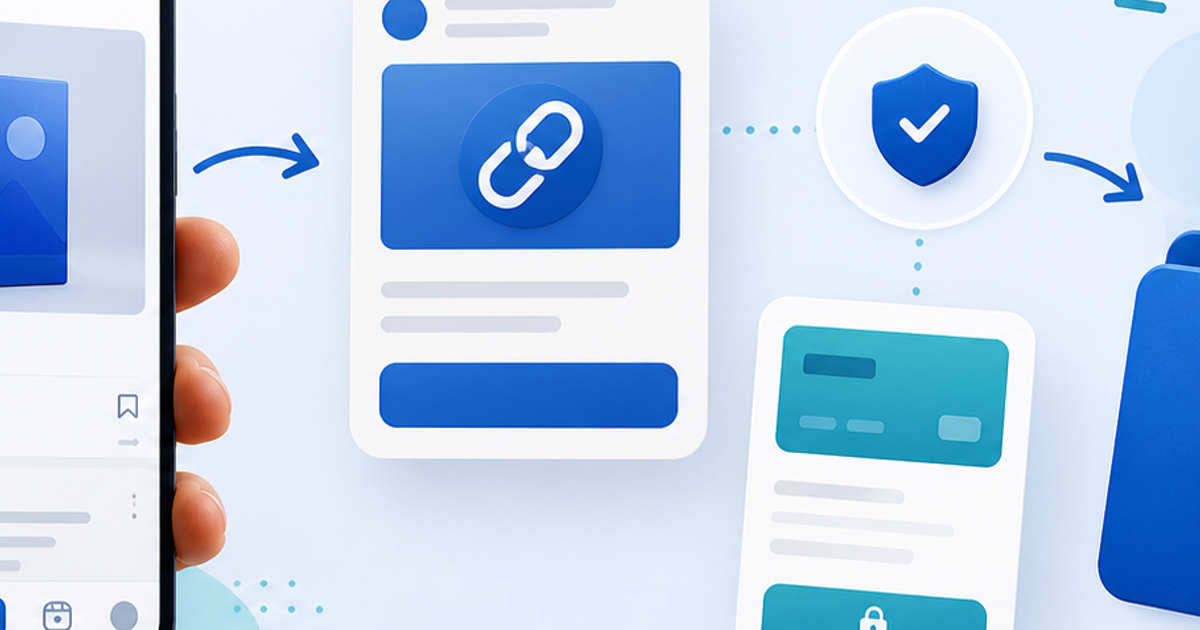
You do not need a full website to sell a digital product with PayPal. You need a shareable product page, a PayPal checkout that is available for your account and a protected delivery step that sends the right file after the payment succeeds.
This setup works for an ebook, template, preset pack, audio bundle, PDF, software file or video download. It is especially useful when your buyers already come from Instagram, YouTube, newsletters, communities or direct messages and you want one link instead of a new store.
What “Without a Website” Actually Means
It means you are not building a multi-page ecommerce site with a catalog, cart, hosting setup and custom checkout. You still need a place where the buyer can understand the product and what happens after paying.
PayPal's no-code Payment Links guidance says a seller can create a hosted checkout link without a website. PayPal's developer documentation also describes sharing payment links through email, text, social media and messaging apps. A payment link collects money; it is not, by itself, a secure download system.
The Lean Launch Stack
| Need | Minimum practical solution |
|---|---|
| Product explanation | One hosted product page |
| Payment | Eligible commercial PayPal account |
| File delivery | Protected, order-specific download |
| Promotion | Bio link, post, newsletter or DM |
| Support | One visible support address |
| Evidence | Payment, order and delivery records |
Start with one product and one URL. Do not create five checkout links with different descriptions before you have completed one end-to-end purchase.
Five Steps to Start Selling
Sell a result, not a file type. “Instagram launch content calendar for a solo coach” is clearer than “50-page PDF.” Name the buyer, job, format, version and license before you set a price.
Show a preview, what is included, compatibility, delivery timing, refund terms and support contact. The page can be shared directly from a profile or message; it does not need a navigation menu or a blog.
Use a PayPal account eligible for commercial payments in your country. Check the payment methods, currencies and account requirements available in your own dashboard. Do not copy a fee or availability claim from another country.
Upload the file to a digital-product system and connect the product to PayPal. The download should remain locked while a payment is pending, cancelled or failed. After successful confirmation, issue an order-specific link or protected access page.
Use one bio link or campaign URL. Track product-page visits, completed payments, delivery failures, support requests and refunds. These signals tell you whether the problem is the offer, checkout or fulfillment.
Why a PayPal Screenshot Is Not Enough
Never deliver a valuable file because a buyer sends a screenshot or because an email looks like a receipt. Verify the payment in PayPal and match it to the product order. Record the transaction ID, amount, currency, buyer email as shown in the transaction details, product version and delivery event.
PayPal's guidance for preventing digital-product disputes recommends evidence connected to delivery and communications. Its current Seller Protection terms determine which transactions and intangible goods are eligible, so treat evidence as good operational practice—not a promise that every dispute is covered.
PayPal Link or Hosted Product Page?
A PayPal-only link can be enough for a simple fixed-price offer when you are prepared to fulfill manually. It becomes fragile when you sell while asleep, have several products, update files or need a clear delivery record.
With PayRequest digital products, a hosted page combines the product description, connected PayPal checkout and protected download workflow. PayRequest charges 2% per successful payment, capped at €25, in addition to payment-provider fees, with no standard monthly subscription required for the Free-plan workflow.
How to Promote Without a Website
- Put the product page in your Instagram, TikTok, YouTube or X bio.
- Use one helpful post that demonstrates the product's result.
- Send the link to an opted-in email list with a clear description.
- Answer a real question in a community and link only where promotion is allowed.
- Use a QR code at a workshop, livestream or in-person event.
- Add the product link to your thank-you page for an existing free resource.
Do not paste a checkout link into every conversation. The product page should do the explaining so a buyer can make an informed decision without a private sales pitch.
First-Sale Test Checklist
- Open the product page on a phone while signed out.
- Confirm the product, price and currency are correct.
- Pay through the same PayPal route you advertise.
- Verify the completed transaction in PayPal.
- Confirm the buyer receives the correct file or access instructions.
- Test a pending, cancelled and failed payment path.
- Check that the public page does not expose the download URL.
- Write down the product version and support process.
This is the smallest credible digital-product business: one useful offer, one shareable page, one trusted payment option and one fulfillment process that does not depend on you being online. Create your first PayRequest digital product and connect PayPal when you are ready.
Frequently Asked Questions
Yes. Use a hosted product page, an eligible commercial PayPal checkout and protected digital delivery.
PayPal reports the payment but does not replace a protected file-delivery system. Connect the checkout to a platform that handles fulfillment.
Available guest card or wallet checkout depends on PayPal, the seller account, country and transaction settings. Test the checkout shown to your target buyers and describe only what you can verify.
Start with one focused download that solves a specific problem, such as an ebook, template, checklist or preset pack. The best first product is the one you can explain, test and support clearly.