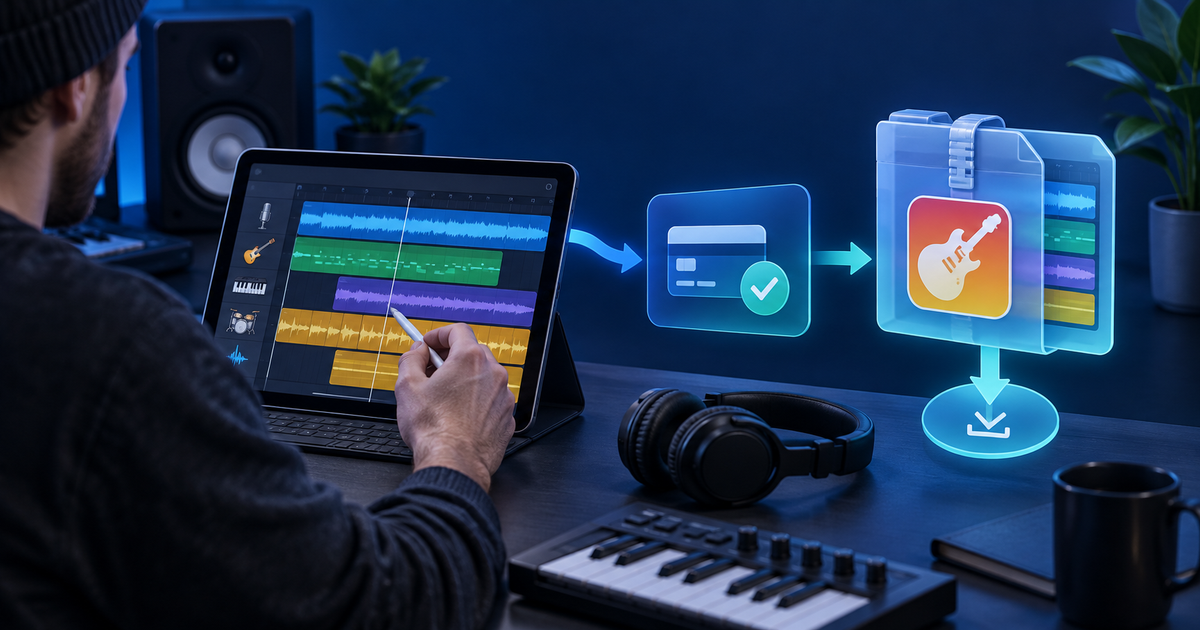
To sell GarageBand project files online, deliver the editable project as a versioned archive with a rendered preview, a license and clear device requirements. The buyer must know whether they receive a Mac project, an iOS project or both; an exported MP3 is not the same product as the editable session.
This guide is for producers, educators and beatmakers selling original GarageBand sessions directly. Apple documents separate project-sharing and audio-export paths, so test the exact archive on the platform you promise before you publish compatibility claims.
Define the editable release
Record the GarageBand version, platform, tempo, key, track count, included samples and whether third-party plug-ins are required. Keep a rendered MP3 preview beside the project, but label it as a listening preview. Do not include commercial samples or collaborator stems unless your rights allow redistribution.
Use a project-release manifest
| Release item | Buyer decision | Acceptance check |
|---|---|---|
| Project archive | Which device and GarageBand version can open it? | Opens from a clean folder |
| Audio preview | Does the delivered session match the listing? | Bounce matches start, tempo and arrangement |
| Assets | Are samples, loops and artwork included lawfully? | Every file is listed and licensed |
| Read-me | Can a buyer find the first playable track? | Instructions work without your studio folders |
| License | May the buyer learn, remix or release the result? | Rights and redistribution limits are explicit |
Export a release copy into a new folder, remove unused takes and private notes, then reopen the archive on the target device. If a Mac project cannot open on iOS without a conversion step, say so. Never infer cross-platform compatibility from the .band extension alone.
Connect payment to protected delivery
Create the offer as a PayRequest digital product, use a product-specific payment link and connect an eligible provider such as PayPal. Deliver the approved ZIP only after successful payment confirmation. PayRequest can host the offer, collect payment and deliver the file; it does not validate copyright, mix quality or GarageBand compatibility.
Run a buyer-view test: open the public page logged out, confirm the price and included formats, complete the provider's supported test route, download the archive on a clean device and open the project from the included instructions. Record the product version and delivery result. For a fictional €24 session, the 2% PayRequest platform fee is €0.48 before provider fees, taxes and production costs; use current pricing for the live terms.
Project file, stems or finished audio?
Sell the project when the buyer's job is to study or edit the arrangement. Sell stems when they need DAW flexibility but not your original session structure. Sell finished audio when they only need to listen or publish under the license. Each choice changes support, file size and rights, so list them as separate deliverables rather than one ambiguous download.
Editorial note: AI assisted with this article and illustrative cover. Apple's public GarageBand sharing guidance and PayRequest destinations were reviewed; the manifest and €24 example are original planning tools. No live transaction or compatibility test is claimed.