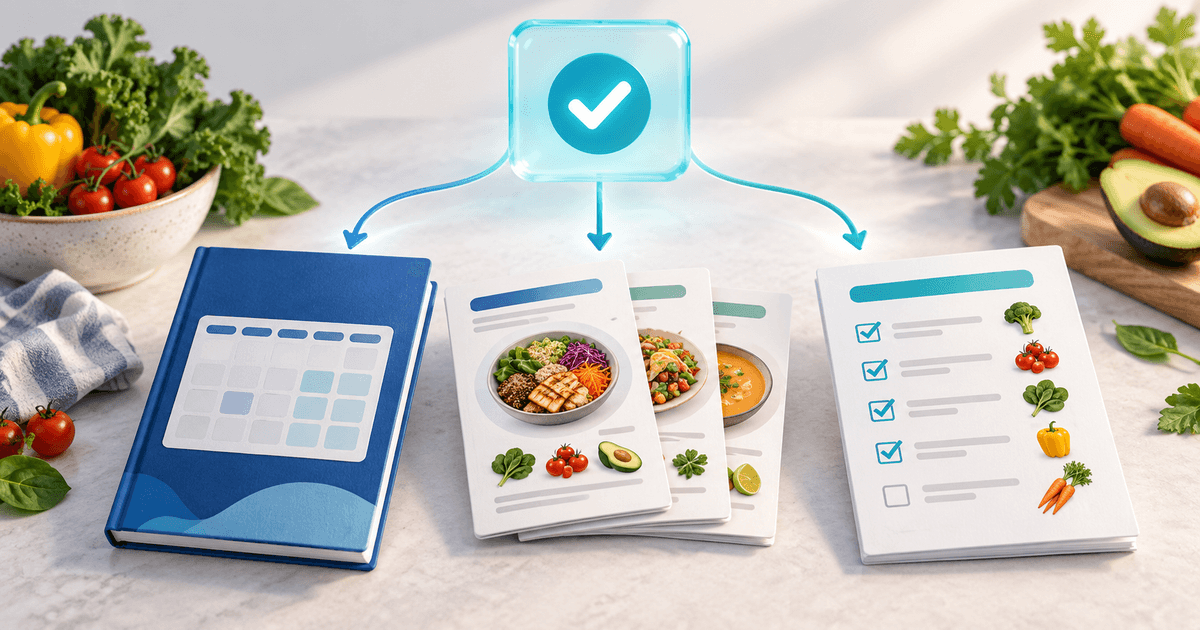
To sell meal plan bundles online, package one clearly defined planning task into a downloadable product, show exactly what the buyer receives, and connect payment to file delivery. A weekly plan, matching recipes and a consolidated shopping list can solve a complete task together. Start with one bundle you can support before expanding your catalog.
This guide is for nutrition professionals and recipe creators selling their own general educational resources. It covers the product and payment workflow, not personalized dietary treatment. The worksheet and numbers below are fictional examples, not customer results or recommended market prices.
Build a bundle around one week, one audience and one task
“Nutrition ebook” describes a format. “Five weekday dinners for two, with one shopping list” describes what a buyer can do. State the number of people, meal occasions, equipment assumptions and preparation time. Buyers should be able to judge the fit before paying.
A bundle is useful when its parts work together. The recipe quantities should match the weekly schedule. The shopping list should combine repeated ingredients rather than require the buyer to add them up. Include a short start-here page that explains file order, printing and substitutions within the scope you actually support.
This format already exists in the market: Buffalo Dietitian's meal-prep and recipe bundle pairs planning resources with a recipe ebook. That is an example of complementary packaging, not evidence that a particular price or sales outcome will work for you.
Use a product specification before you set the price
Copy this worksheet into your working document. Complete it before uploading the files.
| Decision | Example to replace with your own details |
|---|---|
| Intended buyer | Adults planning five weekday dinners for two |
| Included files | Weekly schedule PDF, recipe PDF, shopping-list PDF |
| Version | October 2026, version 1.0 |
| Delivery | One ZIP containing all three PDFs and a start-here page |
| Use permission | Personal use; redistribution is not included |
| Support | Download help; no individual meal-plan adaptation |
| Next product | A separate second-week bundle, purchased only if wanted |
Show a legible sample page and the file inventory on the sales page. Explain whether the product is printable, editable or both. Do not label a PDF editable simply because buyers can write on it with another app. Check that you own or have permission to sell the text, photographs and templates.
Calculate contribution after delivery and support
An inexpensive file is not automatically a profitable product. Support time, refunds and payment processing can outweigh the apparent saving from a lower subscription price.
Consider a fictional month with 40 bundle sales at €19. Gross sales are 40 × €19 = €760. Assume €28 in provider charges, €38 in refunds and two hours of support valued internally at €30 per hour. With a €5 Premium subscription, the example contribution is €760 − €28 − €38 − €60 − €5 = €629.
This is not net profit: it excludes creation time, advertising, tax and other overhead. Provider charges are an assumed input, not a published provider rate. If the bundle requires six support hours instead of two, the same example falls to €509. Improving instructions can therefore matter more than adding another PDF.
The current PayRequest pricing requires Premium (€5/month) or Business (€20/month) for new digital-product sellers. Standard platform fees are waived while a paid plan is active; provider charges remain separate. Free's 2% standard-payment fee does not make digital downloads a Free-plan feature. Commission payments and individually agreed account rates have separate rules. Check pricing when choosing your plan.
Connect the bundle to a paid download
Use the PayRequest digital-products workflow to create a digital product, upload the completed file and set its price. A ZIP is a practical way to deliver several PDFs as one bundle. Choose download limits and expiry settings that allow a normal buyer to save their purchase.
Write the sales page before sharing the link. Put the file inventory, price, support scope and contact route near the purchase decision. A food photograph alone cannot explain what the buyer is buying. Link to your preview, but keep the actual paid files in the digital-product delivery flow.
PayRequest provides payment-linked download delivery. It does not write your recipes, verify nutrition calculations or turn a generic PDF into personalized advice. If you also sell consultations, present them as a separate service with a clearly defined scope. The nutritionist use case shows the broader collection workflows.
Test the complete buyer journey
Run through the checkout and delivery path with a representative file before promoting it. Use an available test environment where appropriate; if you perform a real purchase, it remains a real payment with applicable fees.
- Open the sales page on a phone and check the preview is readable.
- Confirm the product name, currency and final payable amount.
- Check a successful payment leads to the intended download and delivery email.
- Unzip the bundle and open every PDF on a phone and a computer.
- Verify the schedule, recipe quantities and shopping list agree.
- Check how customers request help if an email is missing or a link expires.
Record the filename and version you tested. An unpaid order should not be treated as a completed sale. When investigating delivery problems, check payment status before asking a customer to pay again. A second payment can create a duplicate purchase rather than solve a download problem.
Earn a second purchase with a genuinely different task
The next product should extend the first one. For a weekday-dinner bundle, a second week with different recipes is a clearer next step than a larger package containing the same files. Tell returning buyers exactly what is new and what overlaps.
An optional consultation can also be useful, provided the buyer understands that it is separate from the general download. Do not imply individual support is included if it is not. Follow the professional and privacy requirements that apply to your own services; avoid requesting sensitive health details in ordinary purchase notes.
Start with a one-time second purchase. Consider recurring access only when you can describe a dependable publishing schedule and the ongoing value. A monthly payment does not, by itself, arrange the creation or delivery of new meal plans. Review the membership workflow and its plan requirements before promising recurring access.
Measure retained sales, not just checkout clicks
For the first month, track completed purchases, refunds, download-support requests, support minutes and second purchases. Separate new customers from returning buyers. Compare the contribution from a bundle with the time required to maintain it.
If many people ask what is included, improve the product page. If paid buyers cannot open a file, fix delivery instructions before buying more traffic. If a second bundle has few repeat purchases, ask whether it solves a new task rather than assuming a discount is the answer.
Create your first complete bundle, test its delivery and use digital products in PayRequest to connect the files to payment. Add more products when the original one is useful and supportable.
Editorial note: the PayRequest Team prepared this article with AI assistance. The product worksheet and calculations are illustrative; no private customer details or customer performance claims are included.