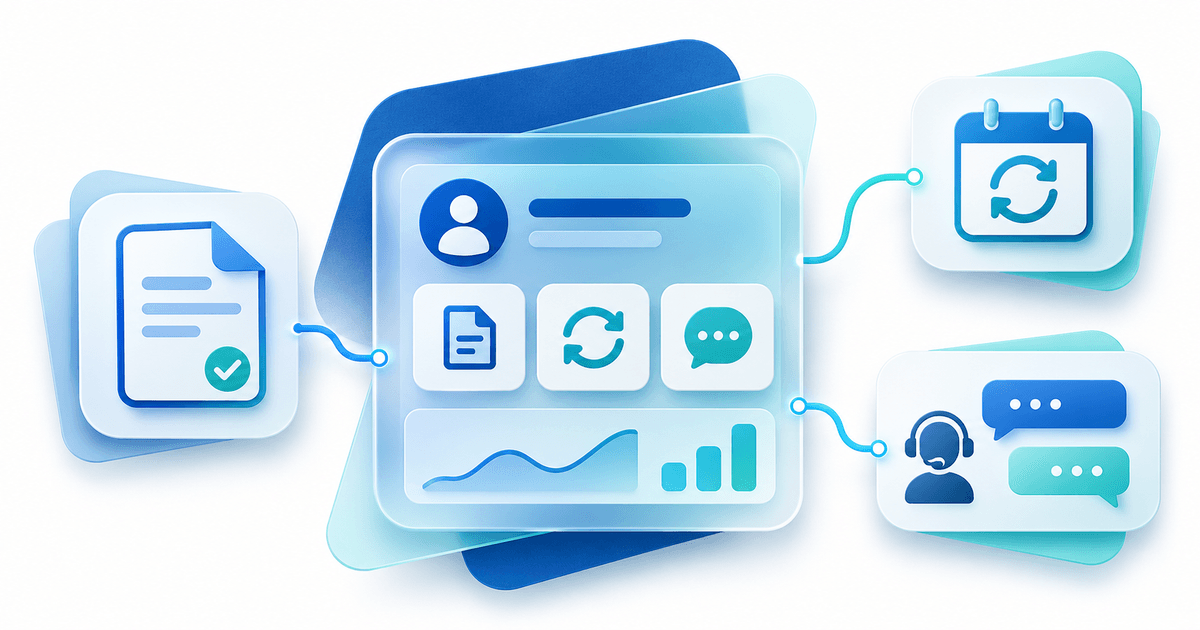
Set up an agency customer panel by connecting customer records, services, invoices and support to the same client environment. Start with one representative customer and check the entire customer journey before sending invitations.
Define the customer tasks
Your client should understand their services, prices, outstanding invoices and support route. A customer with two websites needs service names that identify the website. Choose a system using the agency portal selection worksheet if that decision is still open.
Prepare a customer-service map
Use this original fictional worksheet before entering data.
| Field | Example | Check |
|---|---|---|
| Customer | Example Studio | Correct organisation and contact |
| Website | example.example | Correct site associated with service |
| Service | Website Maintenance Basic | Matches accepted agreement |
| Billing | Monthly | Correct amount and first invoice date |
| Hosting | Separate service | Named owner and renewal date |
| Support | Customer portal request | Reaches the responsible team member |
Review duplicate records and outdated email addresses. Receiving invoice email does not by itself establish portal permissions. Evaluate financial contacts and access separately.
Configure branding and access
PayRequest's customer portal offers a branded client environment. Verify the logo, colour and domain options for your selected plan against the portal documentation. Add a clearly labelled portal link to your agency website and explain what clients can find there.
Keep provider credentials and internal notes out of customer-visible fields. Check the client journey on a phone; an administrator login is a different test.
Connect billing and services
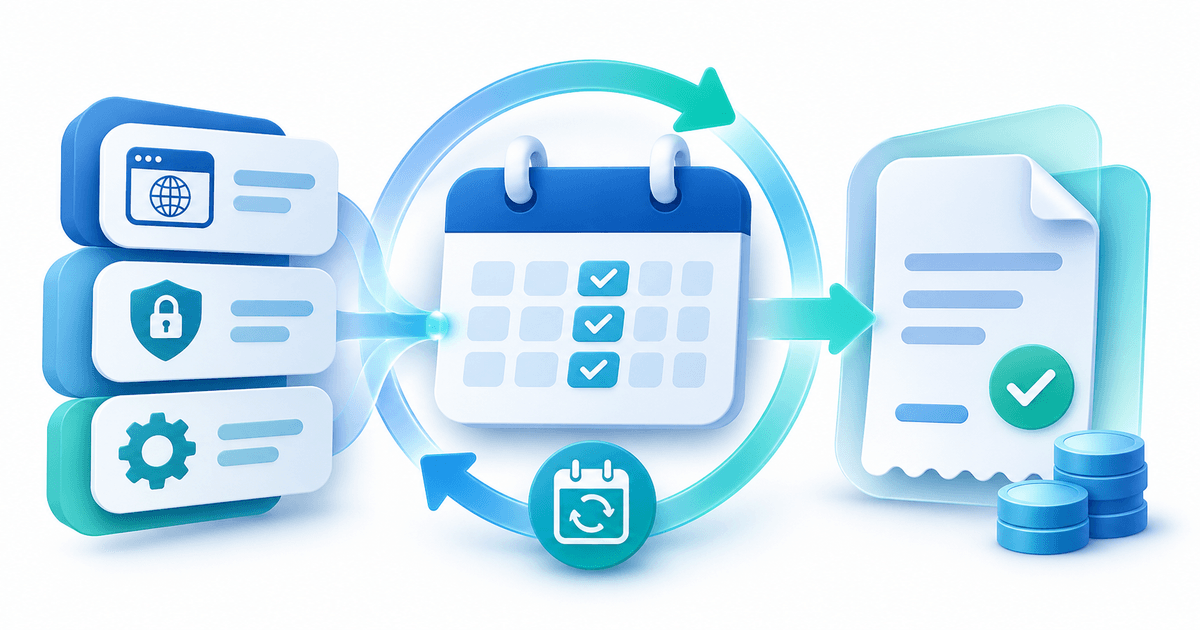
Associate invoices and subscriptions with the correct customer. Recurring invoice generation and automatic collection are separate tasks: verify payment method and required authorisation. During migration, assign one system to issue and collect the next invoice. Confirm any token or mandate transfer with the provider instead of assuming a customer export includes it.
Review customer portal integrations for your actual offering. A paid invoice and successful domain registration are distinct statuses. Assign responsibility for discrepancies and verify the specific technical actions available.
Accept the setup before launch
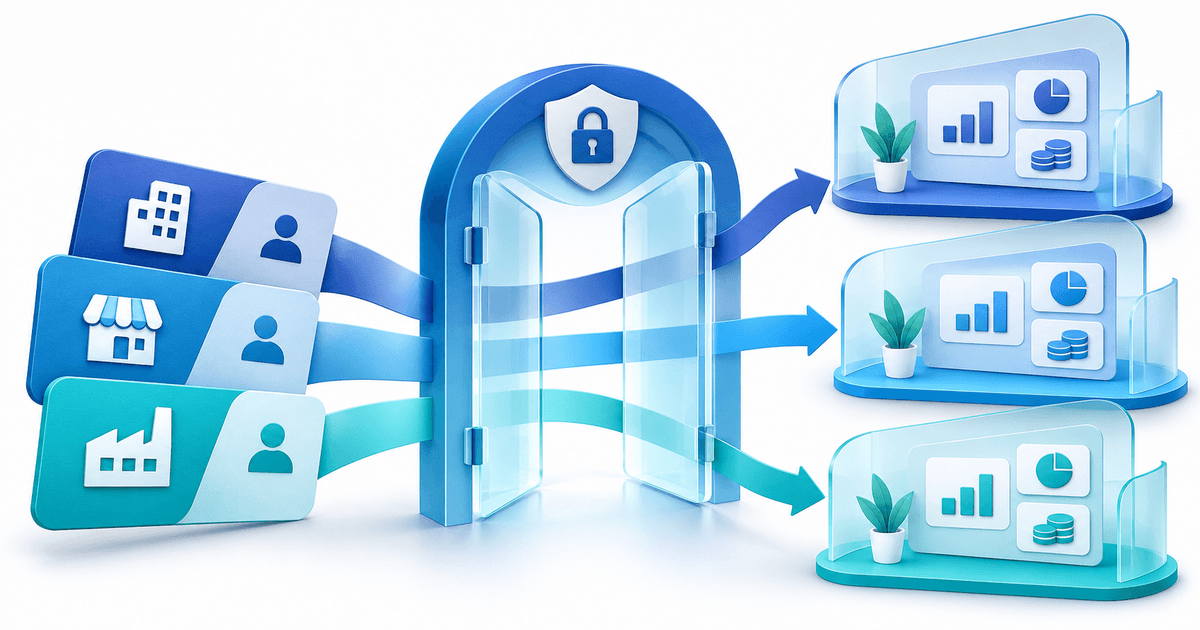
Ask a colleague to act as the client. Verify login, record separation, service labels, invoice periods, payment route and support routing. Assign an owner for changes, cancellations and failed payments. This is a proposed acceptance plan, not a completed migration test.
A short invitation can explain: “Your invoices, subscriptions and support route are now available at [portal link]. Please check your services on your first visit and contact [support route] if anything is missing.” Replace placeholders and describe only configured functions.
Explore the PayRequest customer portal, then prepare your maintenance subscription workflow.
*PayRequest Team. Sources checked 5 November 2026. Original fictional worksheet and proposed checklist; no production migration performed. Prepared with AI assistance.*