Pour vendre des fichiers de broderie en ligne, proposez des formats compatibles avec les machines que vos acheteurs cibles peuvent utiliser, testez les points aux tailles annoncées, publiez les dimensions exactes et joignez un nuancier de couleurs de fil. Regroupez ensuite les fichiers approuvés au format PES, DST ou tout autre format d'exportation avec les instructions et une licence, puis transmettez cette archive après réception du paiement.
Ce guide s’adresse aux numérisateurs qui commercialisent leurs propres motifs réutilisables. Il utilise un motif botanique à titre d’illustration pour montrer comment un simple motif devient un produit documenté. Les tailles et les niveaux de produit indiqués ci-dessous sont des exemples de planification, et non des broderies mesurées ni des résultats obtenus par des clients.
Qu’achète réellement l’acheteur ?
Une image de broderie, un projet de numérisation modifiable et un fichier de points de machine sont des produits différents. Un acheteur souhaitant broder un motif a besoin du fichier machine et d’instructions suffisantes pour reproduire le résultat escompté. Un simple aperçu au format PNG ou SVG ne constitue pas une prestation suffisante.
Le guide des formats de Hatch distingue son format de travail modifiable « EMB » des exportations vers les machines, telles que PES et DST. Conservez le fichier de travail pour vos propres corrections. Ne l’incluez dans un colis destiné au client que lorsque la source modifiable fait partie de l’offre.
| Fichier | Rôle dans le pack | Ce qu’il faut dire à l’acheteur |
|---|---|---|
| PES | Exportation vers la machine pour un flux de travail compatible | Compatibilité exacte entre la machine et le modèle que vous avez vérifiée |
| DST | Commandes de points et commandes de changement de couleur | Utilisez le nuancier de fils séparé pour les couleurs réelles |
| Autres exportations vers des machines | Flux de travail compatibles supplémentaires | Énumérez toutes les extensions incluses ; ne promettez pas la compatibilité avec toutes les machines |
| EMB ou toute autre source modifiable | Source pour la suite du travail de numérisation | Inclus uniquement si explicitement proposé |
| PDF et les photographies | Instructions, nuancier et échantillon de broderie | Il s’agit de documents de référence, et non de fichiers de points de remplacement |
Vérifiez le manuel d’utilisation de la machine de l’acheteur en cas de doute sur la compatibilité. Le fait qu’une marque ou une extension soit commune ne prouve pas qu’une machine donnée puisse prendre en charge la taille du motif et la méthode de transfert.
Pourquoi mon fichier DST affiche-t-il des couleurs erronées ?
DST stocke les commandes de changement de couleur, mais pas les couleurs réelles des fils, selon la documentation d’exportation DST de Hatch. Une palette remplacée par la visionneuse ne signifie pas nécessairement que le motif de broderie est endommagé.
Joignez un tableau numéroté indiquant la séquence de couture, les couleurs que vous avez prévues et la marque ou les références des fils que vous avez testés. Précisez « utilisez le nuancier fourni » dans les instructions d’DST. Cela permet de résoudre une question prévisible posée au service client avant qu’elle ne se transforme en message d’un acheteur déçu.
Choisissez un acheteur et une utilisation du tissu
Un motif destiné à un sac fourre-tout tissé résistant constitue une offre plus précise qu’« un motif pour tous les vêtements ». Décrivez le tissu et l’utilisation prévus, puis documentez séparément toute application supplémentaire. Un échantillon à plat ne doit pas être présenté comme preuve qu’une casquette ou un vêtement extensible a été testé.
Pour l’exemple de motif botanique, prévoyez une version petite et une version plus grande. Les dimensions du motif fini doivent tenir dans la zone de broderie utilisable, et non pas simplement correspondre à la taille nominale d’un cerceau. Indiquez les dimensions en millimètres et, si cela est utile pour votre public, en pouces.
Évitez de présenter un grand nombre d'exportations comme s’il s’agissait d’un grand nombre de motifs originaux. Un motif disponible en deux tailles et trois formats reste un seul motif, avec six fichiers machine.
Copiez cette fiche de broderie pour chaque taille proposée
| Champ | Ce que vous devez consigner | Ce qui doit figurer dans l’annonce |
|---|---|---|
| Identité | Nom du motif, version et nom exact du fichier exporté | Version du motif et du pack |
| Dimensions | Largeur et hauteur finales ; cerceau et orientation | Dimensions et surface utile requise du cerceau |
| Données de points | Nombre de points, séquence, changements de couleur et découpes | Nombre de points et nombre de changements de couleur |
| Configuration | Modèle de machine, tissu, stabilisateur, aiguille et fil | Configuration testée et éventuelles limitations |
| Résultat physique | Photos recto/verso, cassures de fil, plis et qualité des bords | Photographies fidèles du résultat de la broderie |
| Couverture des exportations | Fichiers physiquement brodés par opposition à ceux qui sont simplement ouverts ou inspectés | Couverture de test précise |
Exportez à partir du fichier de travail approuvé, transférez-le via le canal prévu par l’acheteur et vérifiez les dimensions sur la machine avant la broderie. Consignez les ajustements plutôt que de corriger en silence la configuration de la machine sans modifier les instructions.
Testez physiquement chaque taille que vous vendez. Pour les formats supplémentaires, faites la distinction entre une vérification d’importation et une broderie effective ; l’une ne doit pas être présentée comme l’autre. Vous pouvez limiter la prise en charge des machines annoncée tout en constituant progressivement un historique de tests plus complet.
Ne considérez pas le redimensionnement comme un service supplémentaire gratuit
Hatch documente les limites liées au redimensionnement des fichiers contenant uniquement des points de broderie : les points existants peuvent se rapprocher ou s’éloigner les uns des autres sans que le motif ne soit redigitalisé pour la nouvelle taille. Cela peut modifier le résultat.
Proposez à la vente les tailles distinctes que vous avez préparées et testées. Pour une taille personnalisée, établissez un devis pour le travail de numérisation et de broderie en tant que prestation distincte. Évitez d’encourager les clients à redimensionner les fichiers de manière arbitraire, puis de leur promettre la densité ou l’aspect de votre échantillon.
Créez un pack dans lequel les acheteurs peuvent s’y retrouver
Utilisez un dossier par taille, en regroupant les exportations machine correspondantes. Ajoutez un guide de démarrage « Start-PDF », un nuancier, la licence et l’historique des versions. Un nom de fichier tel que « botanical-small-v1-0.pes » est utile lorsque le guide de démarrage indique les dimensions exactes pour la taille « small ».
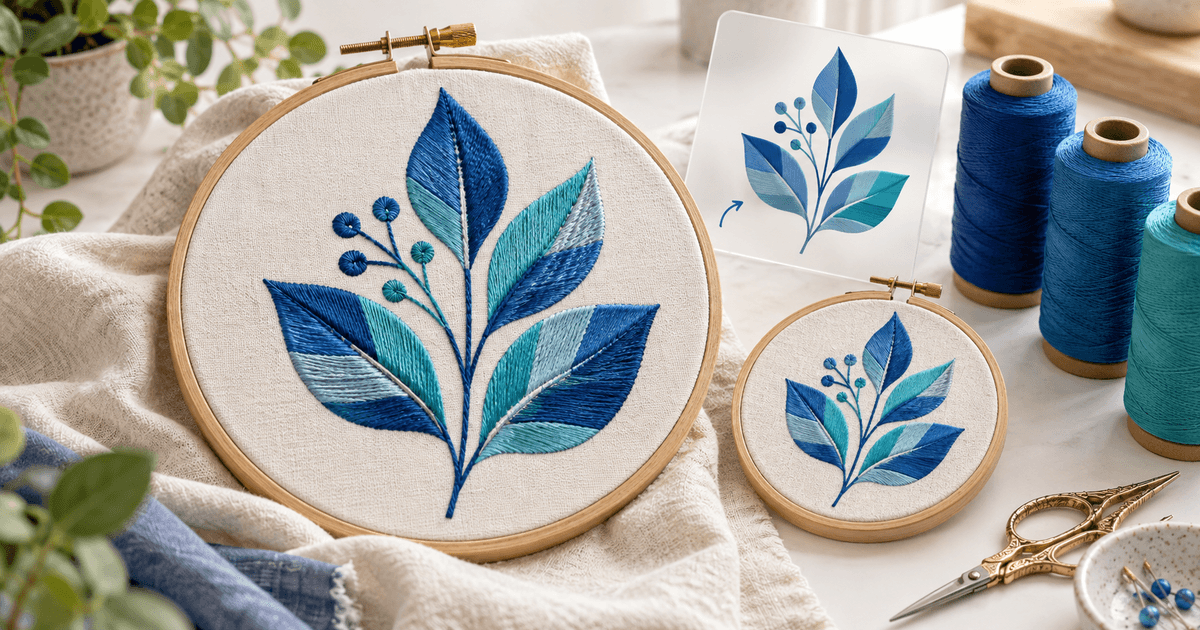
Commencez la page produit par une photographie de points de broderie réels et ajoutez un gros plan. Indiquez clairement qu’il s’agit d’aperçus logiciels et de maquettes. L’illustration générée par l’IA figurant dans cet article est purement décorative ; un vendeur ne doit pas l’utiliser comme preuve qu’un motif destiné à la vente a été brodé.
Avant le paiement, indiquez clairement les informations suivantes : téléchargement numérique uniquement, formats exacts, nombre de motifs originaux, dimensions, matériel testé, fournitures nécessaires, inclusion des fichiers source modifiables et coordonnées du service client.
Fixez le prix du motif, des offres groupées et du travail sur mesure séparément
Une offre à titre d’exemple pourrait être de 6 € pour un motif dans ses tailles testées et de 18 € pour une collection coordonnée de quatre motifs. Proposez un devis séparé pour la numérisation sur mesure, car le périmètre dépend du dessin, de la taille, du tissu et du processus de révision. Ces montants sont des exemples à des fins de planification, et ne constituent pas des indications de prix du marché.
Tenez compte, dans votre décision, de vos échantillons de matériaux, du temps de numérisation, des révisions et de l’effort d’assistance prévu. Un ensemble volumineux et bon marché peut s’avérer plus difficile à gérer qu’une petite collection cohérente.
Précisez si l’acheteur est autorisé à vendre des articles brodés finis, à réaliser des broderies pour des clients ou à transmettre le motif à un partenaire de production. Indiquez séparément si le partage, la revente ou la modification du fichier numérique sont autorisés. Confirmez vos droits sur toute illustration sous-jacente plutôt que de supposer qu’une image achetée inclut des droits de redistribution.
Où devriez-vous vendre vos motifs sur PES et DST ?
Des places de marché spécialisées telles que EmbHub acceptent plusieurs formats de broderie et offrent un espace pour référencer des motifs. Un lien direct vers un produit sur PayRequest convient aux acheteurs que vous touchez via vos propres vidéos de démonstration, votre site web ou votre communauté. La découverte sur les places de marché et le paiement direct correspondent à des voies d’acquisition différentes.
Pour votre première promotion, montrez un motif en cours de broderie sur le tissu indiqué. Ajoutez un lien vers le lot de taille exacte présenté. Suivez si les visiteurs parviennent jusqu’à la page de paiement, effectuent un achat et posent des questions sur la compatibilité ; le nombre de vues ne suffit pas à déterminer si l’offre est claire.
Configurer la livraison des téléchargements payants
Créez un produit de motif numérique, téléchargez l’archive ZIP approuvée et ajoutez le prix, les aperçus et les spécifications. Configurez le mode de paiement pris en charge que vous souhaitez que les acheteurs utilisent. PayRequest gère le paiement et la livraison numérique ; il ne numérise pas les illustrations et ne vérifie pas qu’une machine brodera correctement un fichier.
Simulez le parcours de l'acheteur à l'aide d'un test autorisé. Vérifiez que le paiement a bien été effectué, téléchargez l'archive, extrayez-la sur les appareils utilisés par votre public et comparez sa version avec la version approuvée. Indiquez comment demander une correction et veillez à ce que les versions antérieures restent identifiables lors des demandes d'assistance.
Votre premier produit est prêt lorsqu'un acheteur peut identifier le bon fichier, choisir le bon cerceau et suivre la séquence de fils sans avoir à vous envoyer de messages privés.