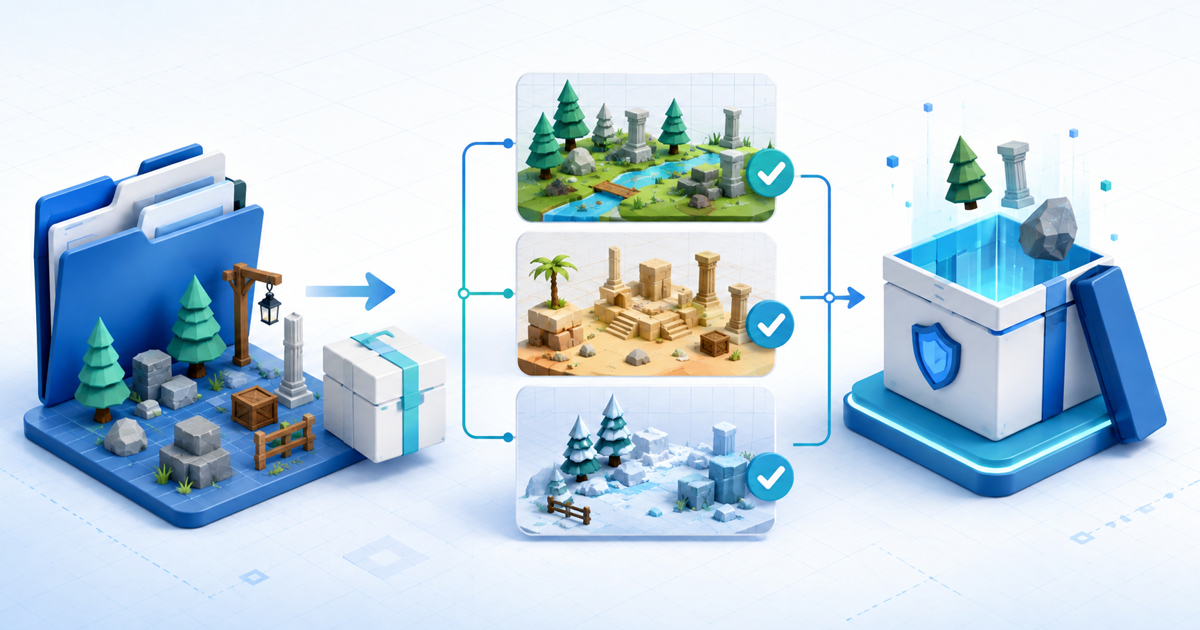
Sell a Unity asset package only after the exact customer download imports into clean projects for every Unity version and render pipeline you advertise. A package that works in the creator's production project can still depend on local packages, project settings, shaders, input mappings or assets the buyer will not receive.
This release workflow is for independent creators selling their own Unity environment kits, editor tools, shaders or reusable systems directly. Its original asset is a three-project import matrix that tests the retail archive rather than the development folder.
Define the Deliverable and Support Boundary
State whether the buyer receives a traditional .unitypackage, a Unity Package Manager package, source files or a complete example project. These formats create different installation and update jobs.
| Deliverable | Best fit | Boundary to disclose |
|---|---|---|
| .unitypackage | Assets imported into an existing project | Import location, dependencies and overwrite risk |
| UPM package | Versioned reusable tool or library | Package name, manifest, dependencies and supported editor versions |
| Example project | A complete reference implementation | Not automatically safe to merge into production |
| Source archive | Non-Unity source such as textures or models | Import presets and setup remain the buyer's job |
Unity's current Package Manager documentation distinguishes packages, manifests and dependencies. Name the actual format instead of calling every ZIP a “Unity package.”
Run a Three-Project Import Matrix
Build three disposable projects from the exact editor versions you promise:
- Minimum: the oldest supported Unity version with only documented prerequisites.
- Current: the current supported editor and your recommended render pipeline.
- Conflict: a buyer-like project with a different folder structure, common settings and no creator cache.
Import only the retail download. Record compile errors, console warnings, missing GUID references, material or shader changes, input requirements, assembly-definition conflicts and sample-scene behavior. Restart the editor and reopen the project so cached imports do not hide a broken dependency.
Passing means the advertised scenes or tools run as described, not merely that the import dialog finishes.
Remove Private and Third-Party Material
Put your assets under one predictable top-level folder. Unity's current Asset Store upload guidance recommends a package-specific top-level folder and provides a validator for Asset Store submissions. Even when selling directly, that organization makes collisions and accidental inclusions easier to detect.
Inspect the final archive for API keys, analytics IDs, private repository URLs, paid fonts, marketplace assets, customer files, generated caches and third-party packages you may use but may not redistribute. A dependency list is not permission to bundle somebody else's work.
Publish a Compatibility Manifest
Include a START-HERE file with:
- product and package version;
- tested Unity editor versions;
- Built-in, URP or HDRP compatibility;
- required packages and exact minimum versions;
- install and removal steps;
- included samples and excluded dependencies;
- known conflicts and platform limits;
- license, changelog and support route.
If you support multiple pipelines, test separate clean projects. Automated material conversion is not proof that lighting, transparency and custom shaders still match the preview.
Create Honest Preview Evidence
Show the same retail assets in the three test projects. For an environment pack, include wireframe or texture-density views and one ordinary assembly, not only a cinematic render. For code or editor tools, show the setup steps, inspector state and resulting behavior.
Label measured timings, polygon counts, texture resolutions and platform tests precisely. Do not claim “mobile optimized” without a named device, build settings and measured scene.
Deliver the Tested Archive After Payment
Create a game-asset download product, upload the versioned retail archive and use protected file delivery to release it only after confirmed payment. Keep the listing, manifest and delivered filename on the same version.
Complete a buyer-view purchase into a fresh folder, verify the checksum and rerun the three-project matrix from that download. That final test connects the product page to the file a customer actually receives.

