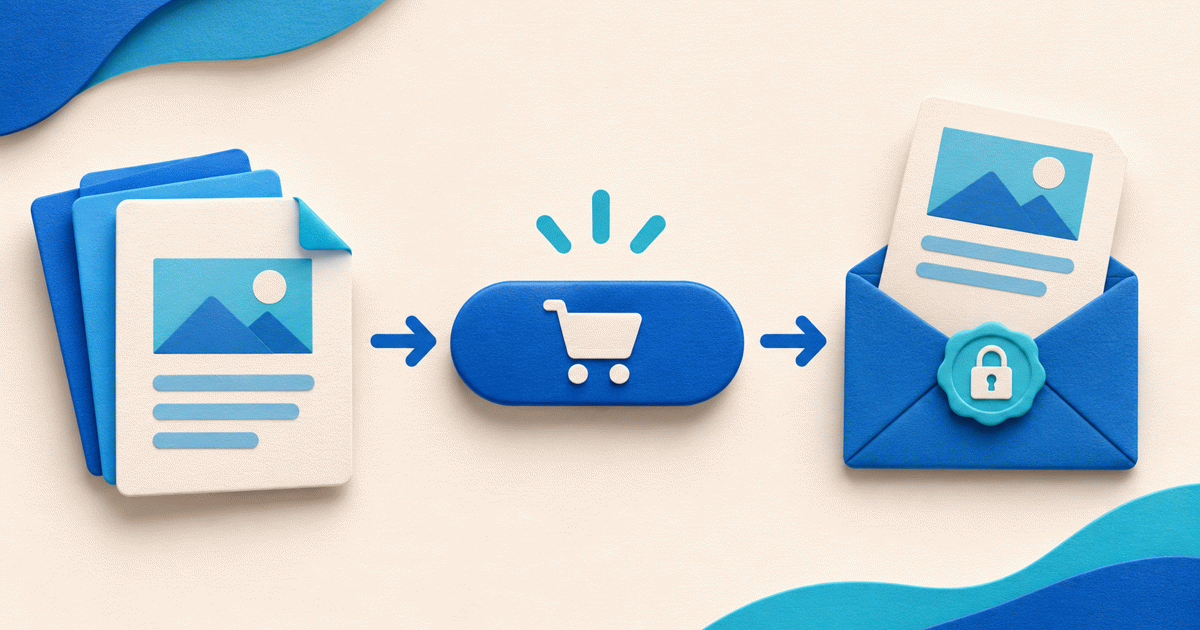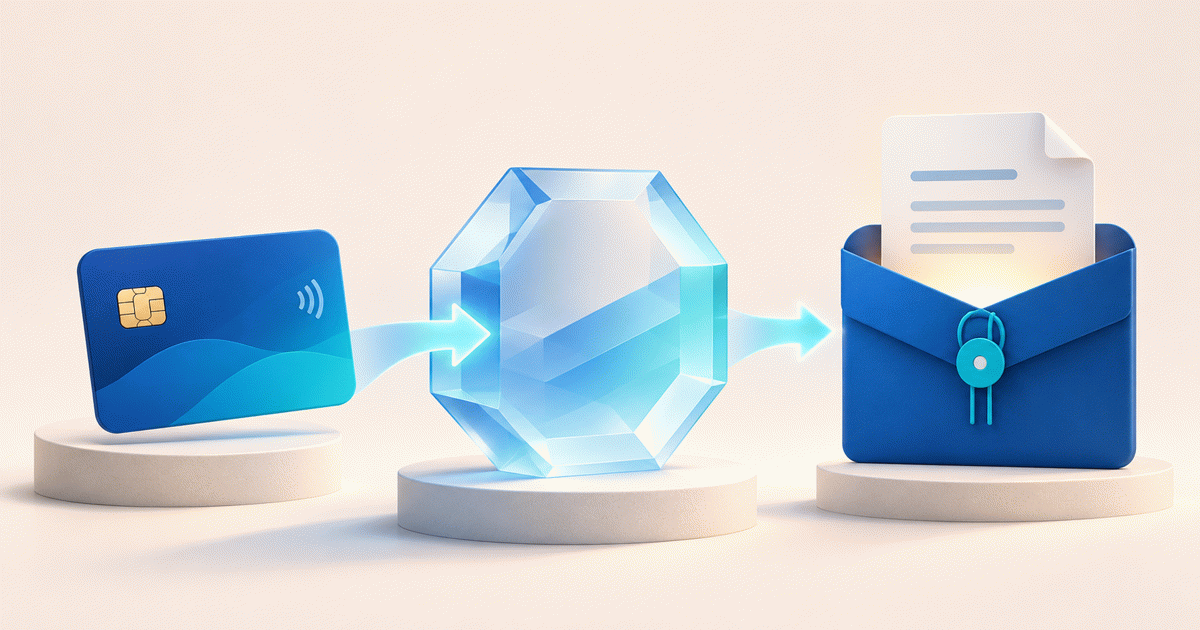
To move from Gumroad to your own checkout, start by moving one product's new direct sales, while preserving the purchase access and records of existing Gumroad buyers. Prepare the file and offer, configure the new checkout, check delivery and then replace one link you control. A customer export is not a transfer of paid entitlements or stored payment methods.
This guide is for a creator who already brings readers from a website, newsletter or social profile. If Gumroad Discover, its library or its merchant-of-record model is central to your business, compare those functions before changing platforms. A new payment link does not replace a marketplace audience.
Separate new sales from previous promises
Choose one finished PDF, guide or other supported digital file. Write down its original Gumroad URL, included files, price, license, update promise and support contact. Keep a protected copy of the approved release under your control.
Decide which sales will move and when. For example, a fictional “Field Guide v1” can move its website Buy button to a new product checkout while its earlier Gumroad buyers keep their existing access and contact route. Do not describe that as a completed account migration or close the old access path merely because the new button works.
| Record | What to preserve | What a new link does not do |
|---|---|---|
| Original product and release | File version, license and access promise | Recreate earlier purchase rights |
| Historical purchase | Source order, status and support route | Replay payment or move stored cards |
| New direct-sale product | Approved file, price and delivery settings | Import Gumroad subscriptions |
| Existing subscriber | Contract and renewal arrangement | Cancel or migrate the subscription |
Export records for reconciliation, not automatic enrollment
Gumroad documents exporting customer sales CSV files by date range or product. Store exports privately, preserve source identifiers and note that export times use UTC. Follow communication preferences; an export is not blanket consent to email everyone or create accounts elsewhere.
Compare exported product names with the exact files and versions you plan to sell next. Do not publish the customer CSV, upload it as a deliverable or use it as evidence that PayRequest has granted past buyers access. Resolve any historical refund, dispute or missing-file issue through its original sales route.
Compare responsibilities before fees
At the time reviewed, Gumroad pricing lists 10% plus $0.50 for direct/profile sales and 30% for Discover sales. Its pricing page describes its merchant-of-record tax role. PayRequest's own-provider model is a different arrangement; do not assume the same tax collection, remittance, discovery or dispute responsibilities transfer with a button.
As a limited arithmetic example, 100 direct sales at $20 give $2,000 gross. Applying Gumroad's published direct-sale formula yields $250. Applying a 2% PayRequest standard platform percentage yields $40 before provider charges and other applicable costs. This is not a net-payout or tax comparison, and it does not establish that switching saves your business $210. Review your provider, country, tax obligations, currencies and service needs first.
See the broader Gumroad versus own-provider explanation if the operational model is still undecided. This article focuses on a controlled next-sale cutover, not another list of alternatives.
Create the first PayRequest product
Create an account, complete setup and connect a payment provider eligible for your business and country. For one PDF, choose Sell a workbook / PDF, upload the approved file, set the total customer price and check currency and tax settings. For a ZIP or other format, use the full digital-product workflow.
Generate the new product link. Paid delivery belongs to this new product's confirmed purchases, not historical Gumroad orders. Eligible single PDFs can have an automatic page-one cover and Read edition after payment. Review preview permissions, access lifetime and limits; a PDF reader is not a permanent course library or DRM.
The quick PDF route currently creates five downloads within 30 days. Existing buyers' earlier access promises stay separate. Avoid replacing an old issue with a different paid edition under the same product.
Use the one-product cutover register
Download the Gumroad new-sales cutover register. The worksheet uses fictional product names and placeholder URLs, with no customer information, macros or real payment references.
Record the new product/file mapping, previous destination, link owner, intended cutover time and support owner. Check the public product on mobile and desktop. Test the button destination and private-file separation without making a real purchase; verify the paid route through an agreed test arrangement before relying on it commercially.
Change one website or newsletter Buy button. Leave earlier emails, receipts and buyer support intact. Monitor whether new purchases use the intended route and whether the delivered file matches the offer. Keep the old destination recorded so a mistaken button change can be reversed; do not automatically charge or enroll historical buyers.
Decide whether the next product should follow
Continue only after the first offer's price, delivery and support are clear. Preserve historical records and honor old access obligations even if later new-sales links move. Paid subscriptions, license activation systems, affiliates and membership communities need their own migration plan.
Digital products remain available on PayRequest Free with 2% standard platform fees capped at €25 per transaction. Active Premium (€5/month) and Business (€20/month) remove standard platform fees; provider charges and commission exceptions are separate. Review current PayRequest pricing. Registration or plan selection alone does not grant paid access.
Editorial note: sources and product behavior reviewed on 13 November 2026. The worked calculation and cutover worksheet are hypothetical planning assets. No customer export, subscription transfer, live purchase or revenue improvement was performed. AI assisted with writing and the illustrative cover.