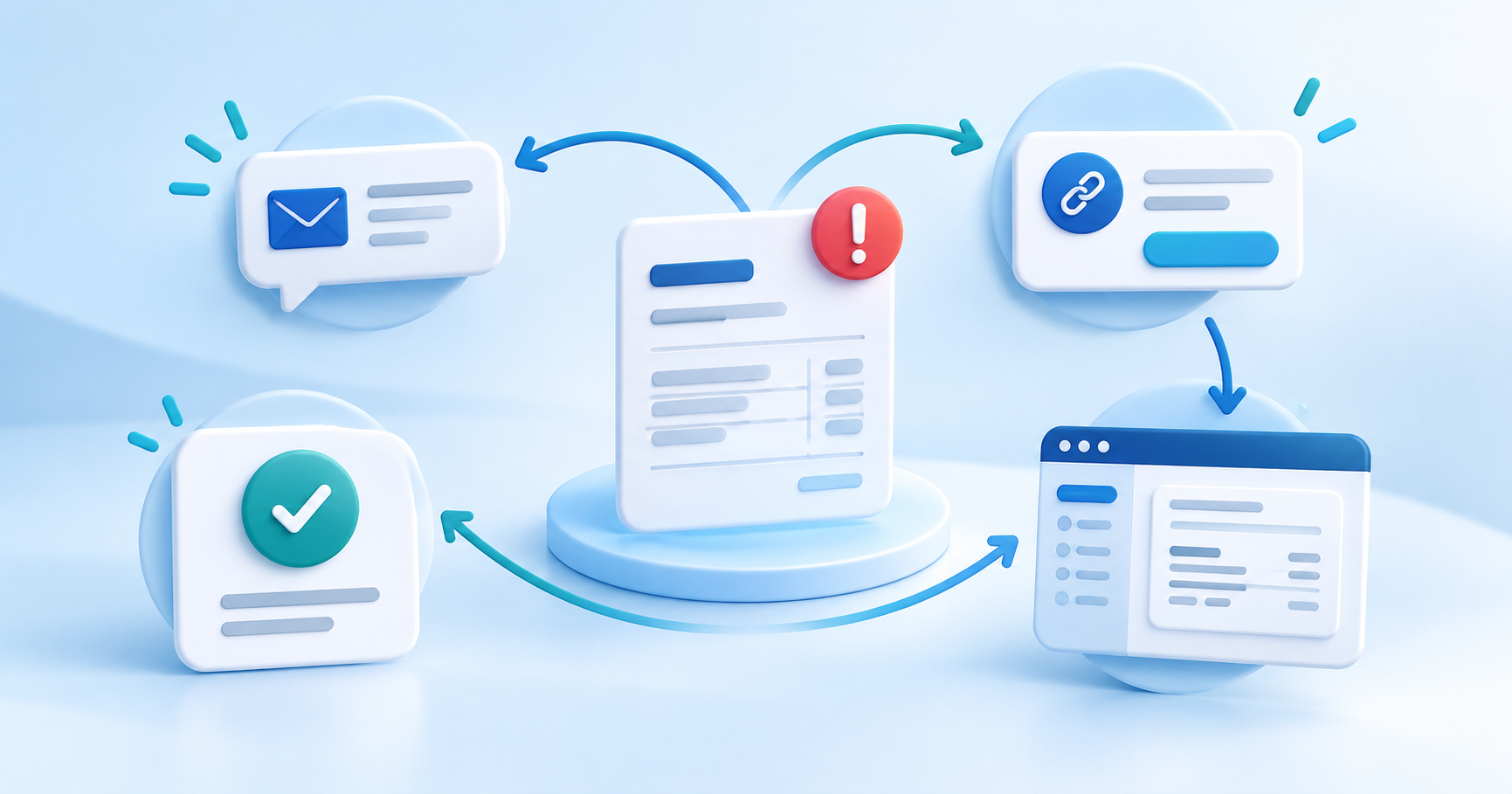
An overdue invoice needs a next action, not another spreadsheet row. A practical collection workflow starts with a clear payment link, records every contact, gives the customer a way to respond, and escalates only when the invoice is still unpaid.
This guide is for freelancers, agencies, service businesses and subscription companies that need to collect an overdue invoice while keeping control of the customer relationship.
Start by checking whether the invoice is collectible
Before sending another reminder, verify the customer, invoice number, amount, due date, payment status and the work or product delivered. A payment provider can show a failed or pending payment, but that status does not by itself prove that a customer owes the underlying invoice.
Also separate a genuine late payment from a dispute. If the customer says the invoice is wrong, pause automated escalation and record the reason. A disputed invoice needs a conversation and evidence, not a more forceful template.
Use a four-stage collection workflow
| Stage | Customer action | Your record |
|---|---|---|
| Reminder | Sees the invoice and a direct way to pay | Date, channel and invoice state |
| Follow-up | Pays, replies or asks for time | Message, promise and next date |
| Formal notice | Receives the applicable statutory notice | Copy, send date and deadline |
| Escalation | Case closes or moves to a qualified partner | Final balance and handoff data |
For Dutch consumers, check the current requirements for a 14-day notice before adding collection costs. The Dutch government explains the 14-day payment opportunity, and the Inspectorate explains the WIK notice and maximum collection costs. Rules for businesses, consumers and other countries can differ.
Make paying easier than replying
Every reminder should answer four questions: which invoice is open, how much is due, when should it be paid, and where can the customer pay securely? A direct payment link removes the extra step of searching an inbox or asking for bank details.
Offer a payment plan when the customer is willing to pay but cannot settle the full balance at once. Record the agreed dates and amounts. Do not call an informal promise a confirmed plan until both sides agree on the terms.
Keep the customer in the loop
A customer portal can show the invoice, payment status, payment-method action, documents and a route to ask a question. This reduces repeated “did you receive my payment?” emails and makes the record easier for your team to understand.
With PayRequest Recover, Business customers can combine invoices, reminders, payment links, payment plans and pre-collection case history in one workflow. Accounts receivable gives the team an overview of balances, while the customer portal gives the customer a clear next step.
Know when to stop automated follow-up
Stop or pause the sequence when:
- the customer disputes the invoice;
- the invoice was paid outside the platform;
- the customer enters an agreed payment plan;
- the balance, identity or delivery evidence is unclear;
- a formal collection partner needs to review the case.
PayRequest can prepare the record for a partner. It should not imply that a payment reminder is a court order, a bailiff action or a legal judgment. Only use claims and escalation steps that match your actual process and jurisdiction.
A simple release checklist
Before you automate collection, check:
- The invoice and customer identity are correct.
- The payment link opens the intended invoice.
- Paid, pending, failed, refunded and disputed states are distinct.
- Reminder timing matches your contract and applicable law.
- A customer can reply, pay or request a plan without searching for support.
- Every message and status change is visible in the case history.
Start with one invoice type and one sequence. Review the first cases, then add more channels or escalation rules. A small workflow that stops correctly is more useful than an aggressive sequence that continues after payment or dispute.
If overdue invoices are taking time away from delivery, start PayRequest for free and review the Business workflow on the pricing page.