To sell 3D printed objects online, choose a useful physical product you have permission to make, calculate a repeatable production price, photograph a finished print and offer a clear way to order and pay. Start with one product and one sales channel before committing to a large catalog.
This guide is for makers shipping finished objects: organizers, display stands or custom accessories. If customers want files to print themselves, use our separate STL and 3MF selling guide. Shipping a print and delivering a download have different costs and customer expectations.
Where can you sell 3D printed items?
Choose a channel around how buyers discover you, rather than comparing checkout fees alone.
| Route | Best starting situation | Work you still own |
|---|---|---|
| A marketplace such as Etsy | Buyers already search there for your type of original product | Eligibility, listings, photography, production and dispatch |
| Your own store | You bring visitors from tutorials, search, social media or an email list | Audience building, catalog, customer service and fulfillment |
| A direct payment link | A buyer has already agreed on one item or custom order | Written specification, price, delivery details and order tracking |
| A quoted printing service | Each job has different files, quantities or finishing | File review, feasibility, scope approval and a production schedule |
PayRequest supports stores and payment links, so a maker can collect payment from an audience they already reach. It is not a marketplace that supplies shoppers, and taking a payment does not print, inspect or ship an object.
A commercial model license and marketplace eligibility are separate checks. Etsy's current Creativity Standards require seller originality for items produced with computerized tools. Read the policy against your actual product; permission from a model designer alone does not establish that a listing qualifies. This policy was checked on November 12, 2026.
Choose a product with a specific buyer and use
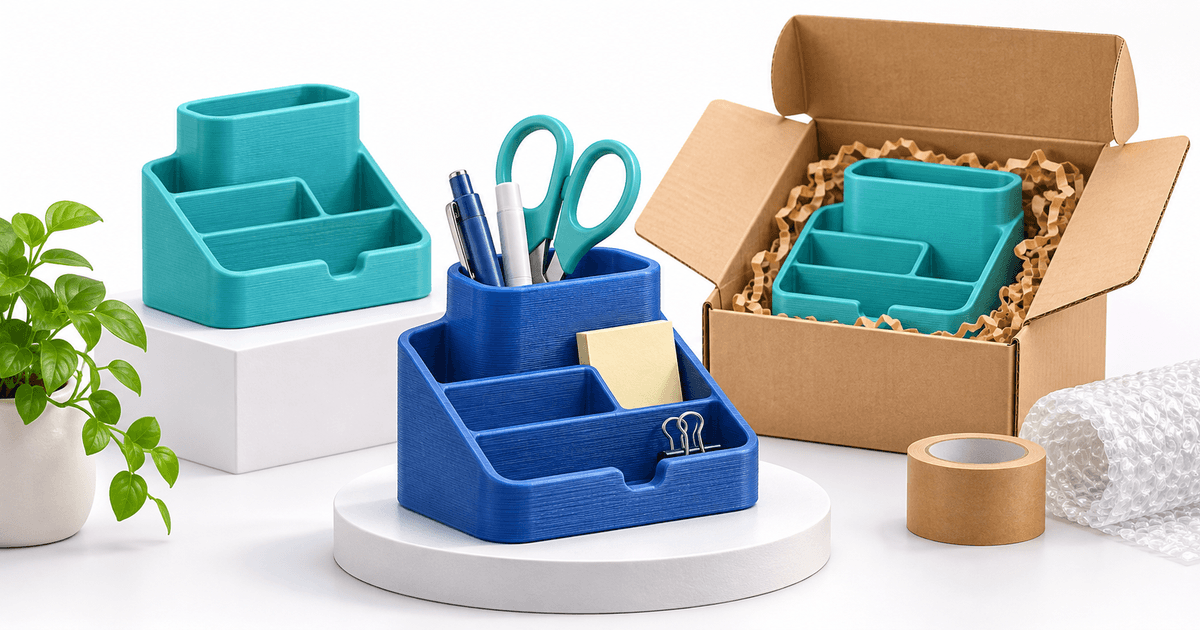
“Desk organizer for a narrow shelf” is easier to explain than “3D printed things.” Define the outside dimensions, useful compartments and intended setting. Avoid claiming suitability for food contact, children, medical use, structural loads or other demanding uses without the appropriate evidence and compliance work.
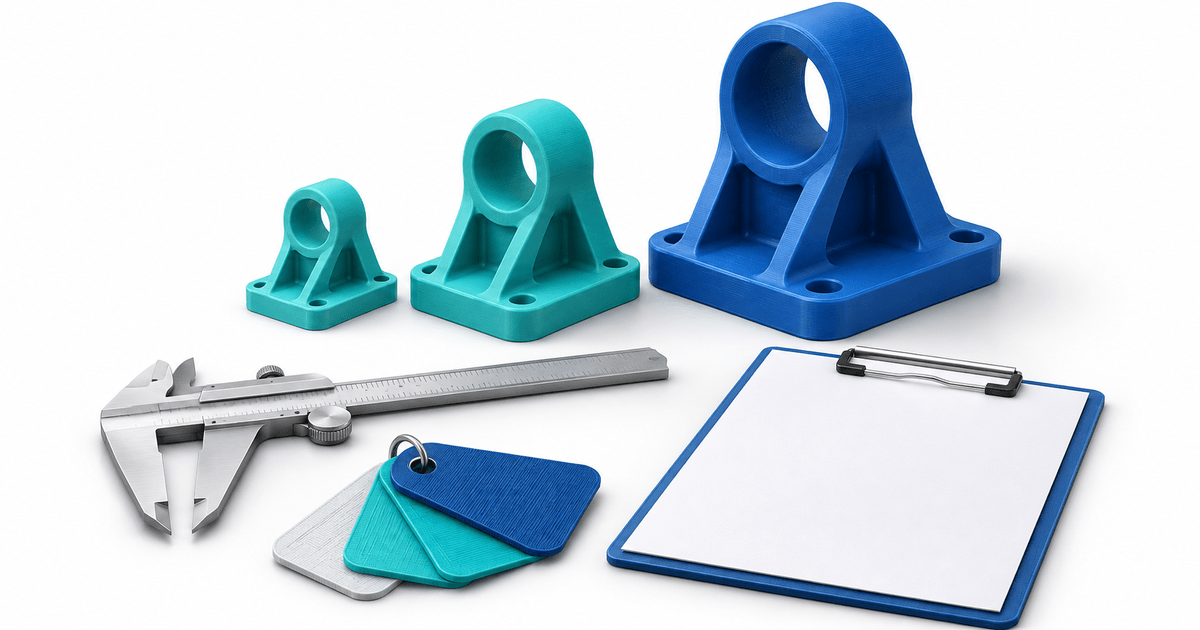
Make a physical sample before promising a fit or finish. Photograph ordinary layer lines, the underside and assembled parts. Include a scale reference and exact dimensions; a render cannot show the quality of a shipped print.
For a first experiment, compare two versions of one product instead of launching twenty unrelated items. Record inquiries, paid orders, production time and returns. These are suggested measurements, not evidence that a particular product will sell.
Check design rights before listing
Keep a record of the designer, model source, license version, commercial permission and any attribution or quantity conditions. A free download is not automatically permission to sell physical copies. Creative Commons BY-NC excludes commercial use under that license; seek separate permission where needed. Other rights can still affect a model.
If you sell your own design, keep source files and version history. If you use a merchant subscription, check what happens to your permission when it ends. Do not assume that buying an STL transfers all rights in the depicted character, logo or object.
Copy this physical-print listing brief
Use the following original planning example for an organizer you actually designed and tested. Replace every bracket with your own evidence.
- Product: [name], a physical 3D printed organizer. No STL or 3MF download included.
- Size and contents: [outside dimensions in mm], [number of pieces], [assembly required].
- Material and appearance: [material, color, visible layer texture, finish].
- Options: [specific colors or sizes you can supply].
- Availability: [ready to ship / made to order], dispatch within [working days after the agreed payment and approval].
- Delivery: [destinations, shipping price, estimated transit range].
- Limitations: [tested use and any relevant restrictions].
- Support: [contact and applicable cancellation, return and damage process].
Keep production lead time separate from carrier transit time. For made-to-order items, check the queue before accepting the next order. Never describe a custom item as non-returnable without checking the applicable rules and your actual terms.
Price the work and protect production capacity
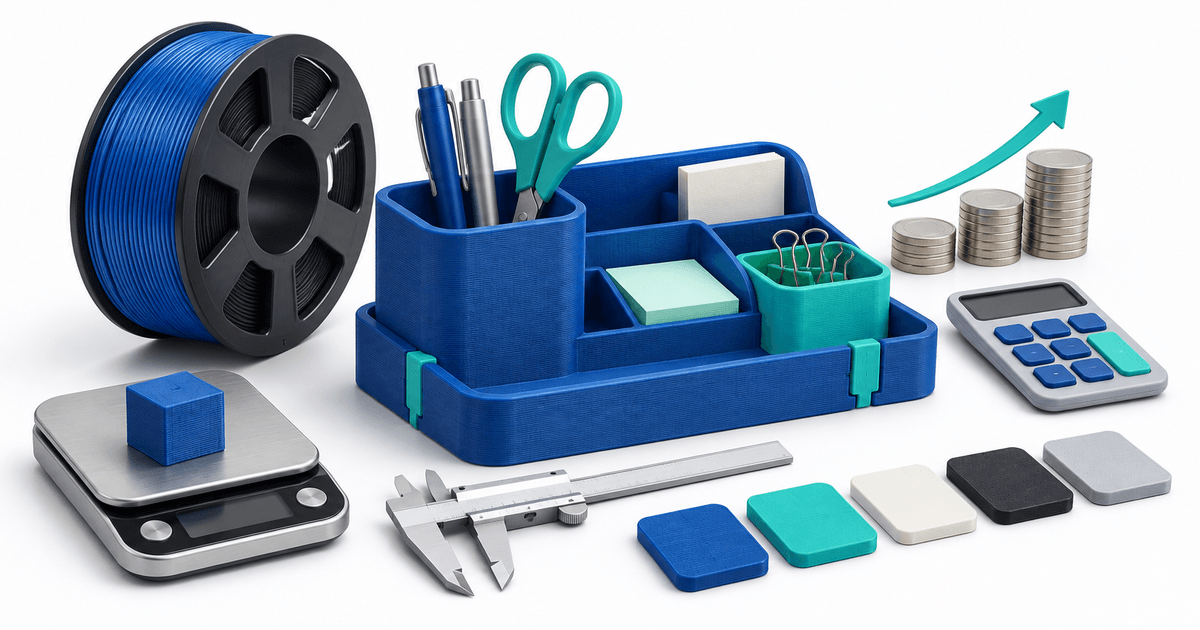
Include filament, failed prints, machine time, hands-on work, packing, payment costs and any shipping you absorb. Our 3D print pricing example shows the calculation with explicit assumptions.
A four-hour print is not four hours of labor, but it still occupies your machine. A twenty-minute packing and finishing task consumes your own time. Track both so an apparently successful product does not create an unmanageable queue.
Take the first paid order with PayRequest
For a standard catalog item, create a clear product offer in your PayRequest store. For a one-off order, agree the specification and shipping total in writing, then create a payment link for that amount. Confirm the buyer's delivery address through your agreed order process and verify payment status before production or dispatch.
PayRequest Free has a 2% standard payment fee, capped at €25 per transaction. Premium is €5/month and Business €20/month; active paid access removes standard platform fees. Provider fees and commission-payment exceptions remain separate. See current pricing. Registration alone does not activate a paid plan.
Keep the paid order reference with your print batch, inspection record and shipment. Start with an authorized buyer-view check of the offer and payment flow before promoting it. If the job requires file review or revisions, use the custom 3D printing quote template first.
Editorial note: the cover is an AI-generated illustration, not a photograph of a tested product. Listing examples are original planning templates, not customer results.