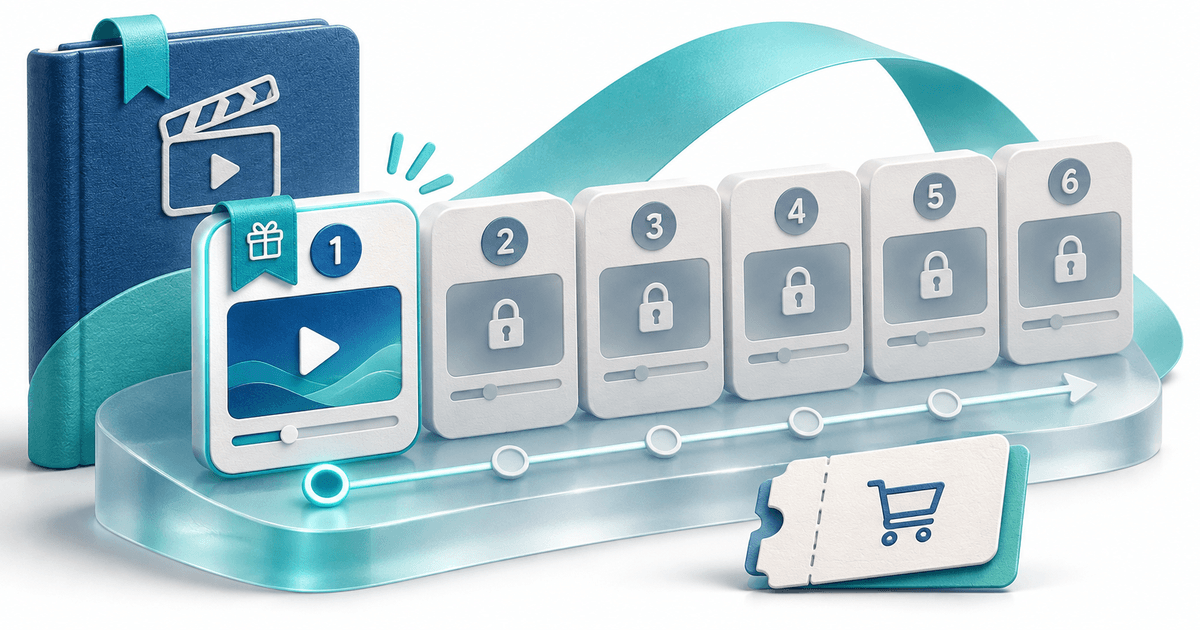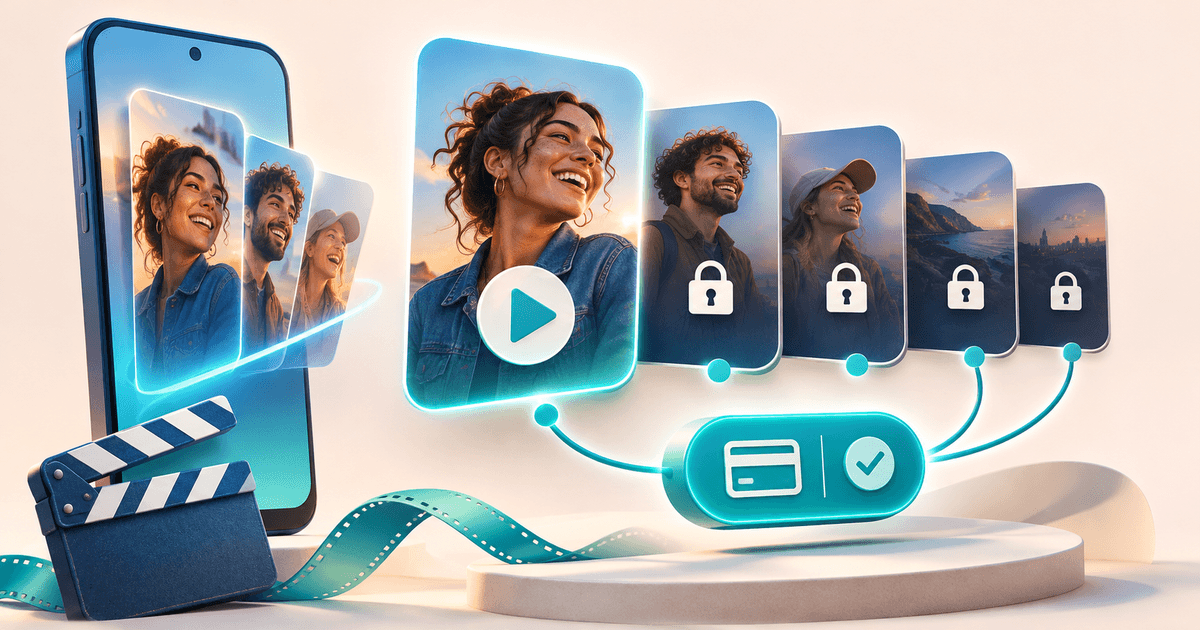
To sell an AI-assisted drama series from TikTok or Instagram, publish an opening or trailer on your social account and send interested viewers to a page where they can sample the story and buy the finished season. With PayRequest Video Series, the opening episodes can be free and one payment unlocks the selected season on that product page.
The opportunity is specific: sell a finished story to viewers who want to continue it. PayRequest does not generate the drama, guarantee an audience or pay creators for views. You supply the episodes and bring the viewers.
Package a season, not a promise of viral income
AI-assisted vertical drama fits the episodic structure: a recognizable story, short numbered episodes and a reason to continue. The same selling model also supports original animation, comedy and stories filmed without AI.
Use this original planning example: ‘The last message’, ten finished episodes, episode one free and €9 once for all ten episodes. This title, episode plan and price are illustrative, not a real customer production or a revenue forecast.
| Stage | Viewer sees | Creator needs to make clear |
|---|---|---|
| Social post | Opening scene or trailer | Where to watch the series |
| Series page | Free episode and ordered episode list | Season length, language and price |
| Locked episode | One-time season purchase action | Exactly which episodes are included |
| Successful payment | Private Watch season link | How to return and who to contact |
A ten-episode season does not mean charging ten times. In this example, the €9 purchase unlocks the complete saved selection, including the free opening episode.
Write the invitation around the story
A possible caption is: ‘The message was meant for someone else. Watch episode one free, then unlock the complete ten-episode season for €9.’ Replace that line with your own story and actual offer.
Give the audience a meaningful sample. Use accurate episode titles and make the boundary between free and paid visible before asking for money. Do not advertise an unfinished season as a completed one or promise future episodes are automatically included.
Use external links only where your social account can publish them. Available profile links and account features differ; this workflow does not bypass platform restrictions. A title or teaser can be shared on TikTok, Reels, Shorts, a newsletter or Telegram without changing where the season is sold.
Build the PayRequest season
Follow the official Video Series workflow:
- Finish and review your episodes, including narration, continuity and sound.
- Upload each episode as a Pay to Unlock Video product with a private MP4 or WebM file, up to 500 MB per episode.
- Create the Video Series product, select 2–50 episodes in order and choose how many opening episodes are free. Keep at least one paid.
- Set a positive one-time season price and review currency and tax.
- Publish the series on your Payment Page and share its direct product link.
Check the free episode, locked episode and mobile layout. Complete a purchase to verify payment confirmation and the private watch-link handoff. This is a proposed checklist, not a real purchase of the fictional season.
Keep TikTok Series and your own season separate
TikTok Series is TikTok's own paid-content programme with its own eligibility and review process. Some creators below 10,000 followers can apply when they meet the other conditions; do not treat that threshold as an absolute rule for every application.
A PayRequest season is an external product sold through your own PayRequest page and connected payment provider. It does not import TikTok episodes, transfer existing TikTok purchases or post to your social account. Viewers follow your link and buy the PayRequest offer separately.
If you use AI, check the tools' commercial-use terms and the rights to voices, characters, music and source footage. Follow TikTok's AI-generated content guidance, including applicable disclosure requirements. ‘AI-generated’ is not a substitute for having permission to sell the finished work.
Explain access without promising copy protection
After confirmed payment, the order pages and digital-delivery email provide a private Watch season link. Anyone who has that link can use it. The paid originals remain private, but there is no DRM or protection against screen recording.
Episode IDs and order are saved with each purchase. Newly added episodes do not automatically join earlier orders; replacing the underlying file may change an existing buyer's viewing experience. Keep sold episodes available and use a new season for a different collection.
The Sintel demonstration shows a free episode and locked continuation. It uses the Blender Foundation's existing trailer, not an AI-generated PayRequest film. Its checkout is a real €1 purchase, while inspecting the free episode and paywall does not require payment.
Measure a route to buyers
Track visits from each social channel, clicks toward the paid-season action and confirmed purchases where your available tools support those measurements. Evaluate completed sales, refunds and delivery cost alongside views. A popular clip alone does not establish that a paid season will sell.
Digital products are available on Free with a 2% standard platform fee, capped at €25 per payment. Active Premium and Business remove standard platform fees; provider charges and commission exceptions remain separate. Storage and delivery resources also matter, so check current plans and storage.
Create one completed video season, make its opening easy to try and let the finished story explain why someone might pay to continue.
Editorial note: AI assisted with drafting and illustration. Examples are fictional. Product documentation checked on 11 November 2026; no customer results or viral performance measured.