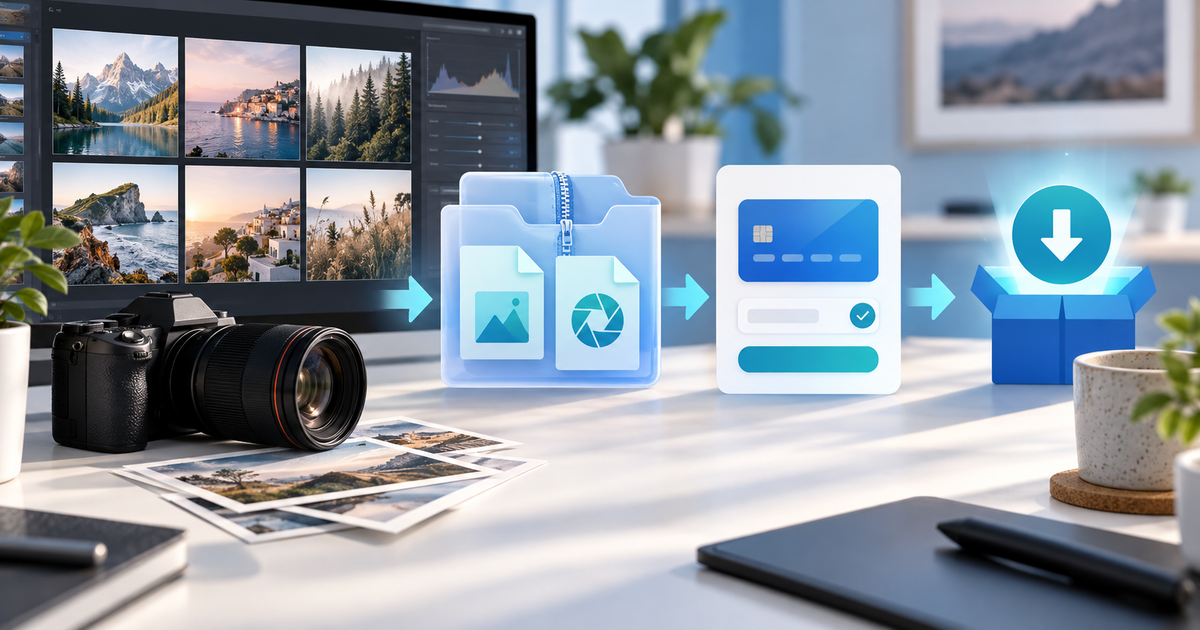
The cleanest way to sell Lightroom presets is to package the files buyers actually need, explain compatibility and license terms, then unlock one tested download after payment. For most preset creators that means exporting XMP and, when relevant, DNG files, putting them in a versioned ZIP, and using a product checkout instead of sending a Drive link in a direct message.
This guide is for photographers and editors selling a preset pack from Instagram, YouTube, a portfolio or a newsletter. It focuses on the operational job that generic “sell presets” guides skip: making the pack work for the buyer's Lightroom version and keeping a useful delivery record.
Choose the files before choosing the price
XMP presets are common for Lightroom Classic and Lightroom cloud workflows, while DNG files can help buyers who need a mobile-friendly import path. Do not promise that one export works identically in every Lightroom product. Adobe's current Lightroom presets documentation should be checked before publishing compatibility claims.
| Pack component | Why include it | What to test |
|---|---|---|
| XMP files | Desktop preset installation | Names, profiles and batch application |
| DNG samples | Mobile import option where supported | Import instructions on a real phone |
| Before/after previews | Sets an honest expectation | Same crop, lighting and export size |
| Quick-start PDF | Reduces setup questions | Links, version note and contact route |
| License file | Defines personal or commercial use | Matches the product description |
The table is a release checklist, not a claim that every buyer needs every format. If your product is only for Lightroom Classic, say so and remove the unnecessary files.
Build a versioned preset pack
Use a stable folder structure such as 'Preset-Pack-v2/XMP', 'Preset-Pack-v2/DNG', 'Preset-Pack-v2/Install-guide.pdf' and 'Preset-Pack-v2/License.txt'. Keep the ZIP filename and the visible product version aligned. A buyer should be able to tell whether an update is newer without opening several nested folders.
Before upload, test the archive on a clean device. Import one XMP, apply it to a raw photo and a JPEG, open one DNG on mobile if you advertise mobile use, and compare the result with the preview. Check that special characters in filenames survive extraction and that the download is not an empty placeholder.
Do not promise “one click” installation when the customer still needs to import a file, select a profile or adjust exposure for a different photograph. Honest instructions reduce refunds and support messages better than a larger claim.
Put licensing beside the checkout
A preset purchase normally grants a defined use right; it does not automatically transfer copyright in the preset or the preview images. State what the buyer may do, whether redistribution is prohibited, and whether commercial client work is included. Have a qualified adviser review terms for your jurisdiction when the licence has material legal or business consequences.
Use a short license matrix:
| Use | Personal licence | Commercial licence |
|---|---|---|
| Edit your own photos | Yes | Yes |
| Deliver edited client photos | State your rule | State your rule |
| Resell or share the preset files | Usually no | Usually no |
| Include the preset in a competing pack | No unless expressly agreed | No unless expressly agreed |
These labels are a planning example, not legal advice. The important part is that the checkout description, licence file and support answer say the same thing.
Test the PayRequest delivery path
Create the preset pack as a digital product, connect an eligible provider and open the buyer view in a private browser. Confirm the product name, amount, currency, payment methods, licence summary and download handoff. PayRequest can deliver the configured digital file after the configured payment flow; it does not validate your Lightroom export or write your licence for you.
Share the product link from the place where your audience already asks for presets. A single product page is easier to reconcile than collecting payment in a DM and manually sending a cloud link. Review payment links when you need a simple shareable route, and check pricing: PayRequest's Free plan has no monthly charge and charges 2% per successful payment, capped at €25 per transaction; provider fees remain separate.
Measure a release that can be improved
Track product-page visits, completed payments, download issues, refund requests and support questions by pack version. If buyers pay but cannot import the files, the bottleneck is packaging or instructions, not checkout traffic. If many people ask which Lightroom version is supported, make that answer visible before payment.
Editorial note: AI assisted with this article and its illustrative cover. The file matrix, versioned folder layout and release checks are original planning tools; no Lightroom test, customer outcome or legal conclusion is claimed beyond the linked Adobe documentation.

