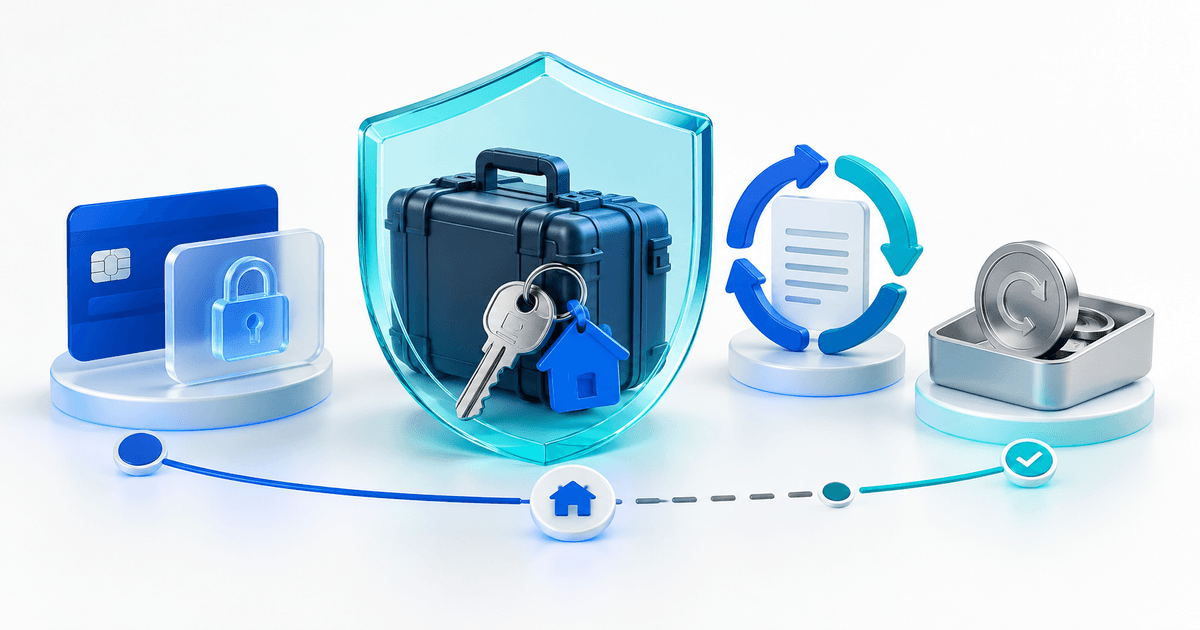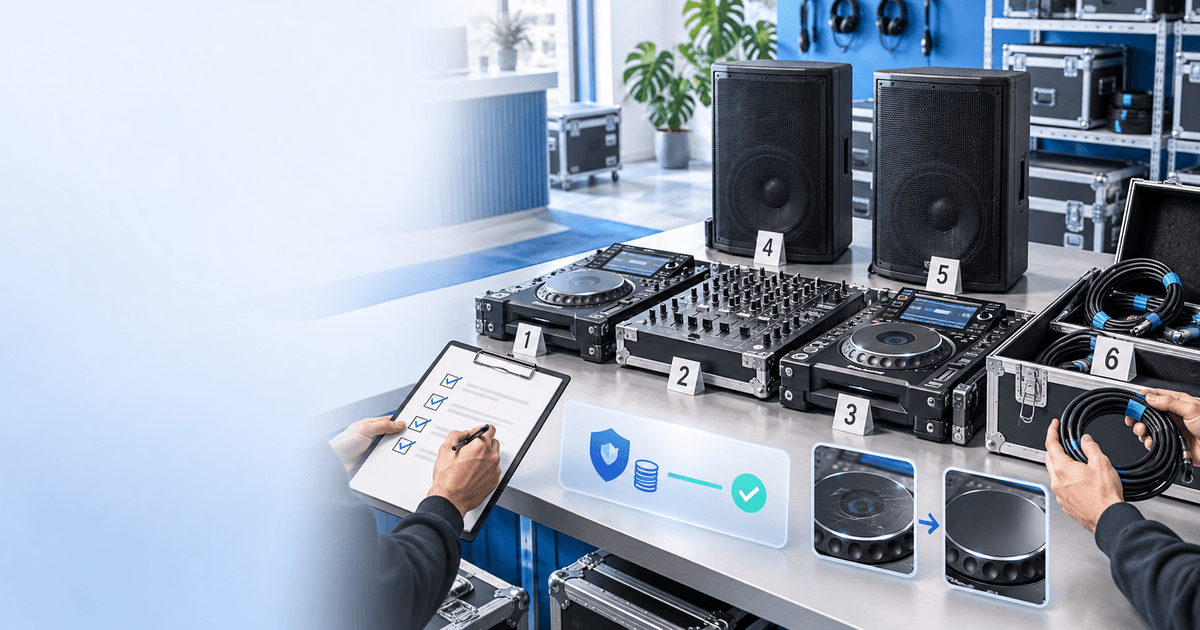
A DJ-equipment rental security deposit should connect one controller, mixer, player, speaker and accessory set to one renter and one documented payment state. Separate the rental price from the temporary security amount, record a repeatable signal test at handover and return, and decide release or capture only after the inspection is complete.
This checklist is for independent DJ-gear, event-audio and wedding-rental businesses. A deposit record does not replace rental terms, insurance, safety checks or the provider's authorization rules. Amounts and hold windows vary by provider, card type, market and agreement.
Use one custody record for every kit
Give the booking a kit ID and list every meaningful item: decks, mixer, speakers, stands, power cables, signal cables, flight cases, adapters and headphones. A photo of a table of black equipment is not enough when two similar kits leave on the same day.
Keep three financial facts separate: the rental price, the temporary authorization and any later itemized damage decision. Do not call an authorization revenue or describe a released hold as a refund.
Copy this DJ handover and return checklist
| Checkpoint | Evidence to record | Decision question |
|---|---|---|
| Pack-out | Kit ID, serials, accessories and timestamped wide/close photos | Is every promised item named? |
| Power-on | Screens, jog wheels, faders, knobs, outputs and cables | Does the kit start in the declared condition? |
| Signal test | Source, channel, master output, speaker output and headphones | Can staff reproduce the same test at return? |
| Handover | Renter, rental fee, deposit reference and terms | Are the physical and payment records linked? |
| Return | Same inventory, cases, controls, cables and functional test | What changed during this rental? |
| Settlement | Specific item, disclosed term, estimate and provider action | Is release or capture supported and itemized? |
For a fictional €600 authorization, a missing €20 XLR cable is not automatically a reason to capture €600. Match the missing item to the starting inventory, the agreed terms and the evidence. If the evidence is incomplete, keep the review open within the provider window rather than guessing.
Build the payment step around the inspection
Use PayRequest security deposits for the authorization, release and supported capture flow. Link the booking and kit IDs in your own operational record, then check the actual provider state before handing over equipment. PayRequest cannot decide whether a scratch is damage or guarantee a dispute outcome.
Run a staff test before promotion: open the customer route, verify the rental and deposit wording, complete the supported provider test, perform the signal card twice and confirm that the intended release or capture is recorded. Review current pricing: the Free plan has no monthly subscription charge and PayRequest charges 2% per successful payment, capped at €25 per transaction; provider fees are separate.
Editorial note: AI assisted with this article and illustrative cover. The custody card and €600/€20 example are original planning tools. No live authorization, capture or release was executed and this is not legal advice.