Sell an icon pack only after the retail archive passes a consistency, export and naming audit. Buyers need more than attractive previews: they need predictable geometry, searchable filenames, usable SVG and PNG exports, a clear license and a version they can import without repairing it.
This release workflow is for independent icon designers selling themed UI or presentation sets. Its original asset is a 12-icon substitution test that exposes inconsistent strokes, viewboxes, optical size and naming before an entire pack ships.
Define One Buyer Job and One Visual Grammar
A focused set such as logistics, telehealth or restaurant ordering is easier to evaluate than a miscellaneous collection. Record the grid, canvas, stroke width, cap and join style, corner radius, filled-versus-outline rule, optical corrections and supported color behavior.
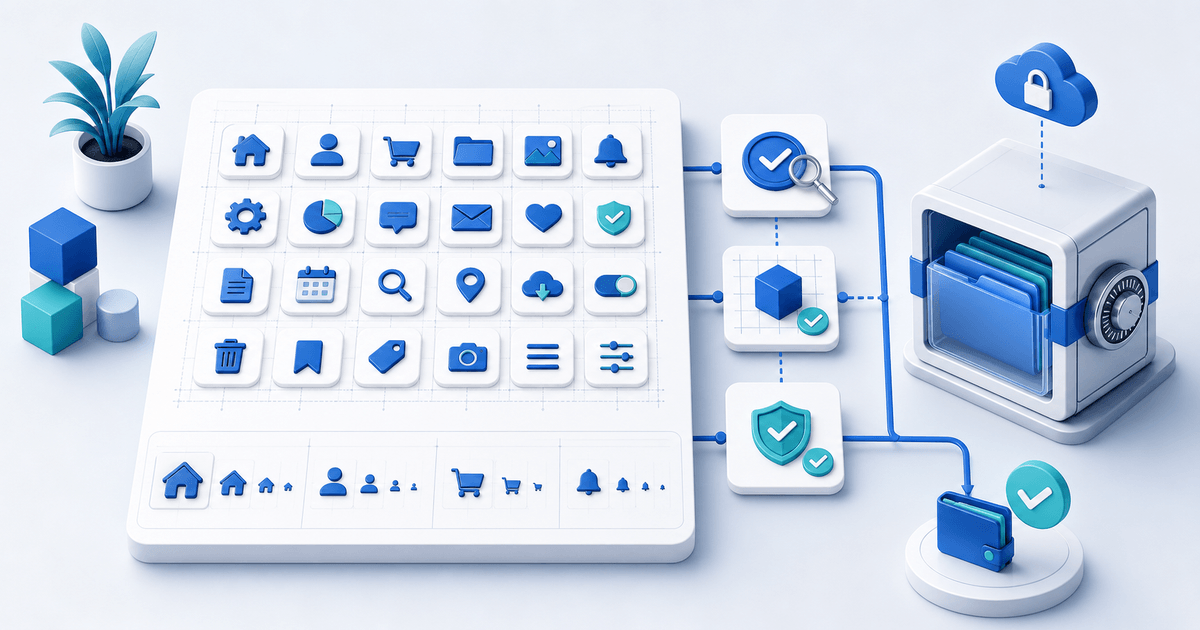
Choose 12 representative icons: smallest, largest, roundest, most detailed, mirrored, directional, multi-part and several ordinary symbols. Place them at 16, 24, 32 and 48 pixels beside interface text. If one symbol becomes muddy or visually heavier, fix the source system rather than polishing only the preview.
Run the 12-Icon Substitution Test
| Test | Replace | Pass condition |
|---|---|---|
| Navigation | Four common menu icons | Baselines and optical weight remain stable |
| Status | Success, warning, error and info | Meaning survives monochrome use |
| Commerce | Cart, payment, receipt and delivery | Names and metaphors are unambiguous |
| Export | SVG plus promised PNG sizes | No clipping, stray points or raster blur |
Swap each test icon into the same component without manual resizing. Inspect SVG viewboxes and paths, open PNG exports against light and dark backgrounds, and compare filenames with the visible catalogue.
Package Sources, Exports and a Manifest
Create a versioned ZIP with SVG files, promised PNG sizes, optional source library, contact sheet, changelog, license and manifest. The manifest should state pack version, icon count, grid, stroke or fill family, color behavior, file formats, naming convention and software version used for the editable source.
Use descriptive names such as `delivery-truck-outline.svg`, not `icon-047-final.svg`. Keep variants systematic: one stable order such as name, style, state and size prevents buyers from guessing.
An SVG `<title>` can provide a short accessible description, as MDN documents, but an icon's accessible treatment depends on its context. Decorative icons should not create duplicate announcements; meaningful controls need an accessible name in the product interface. Do not promise that the file alone makes every implementation accessible.
State What the License Actually Covers
Define whether one buyer may use the icons in personal work, one commercial product, multiple client projects, templates for resale or merchandise. Raw icon redistribution and use in a finished app are different permissions. Confirm that every symbol, font and reference is yours or properly licensed; this is a release checklist, not legal advice.
Figma currently says creators may sell eligible Community resources through Figma or a third-party payment site. If you use a community preview as discovery and sell elsewhere, make the support, refund and delivery owner clear.
Deliver the Exact Audited Archive
Create an icon digital product, upload the approved ZIP and use protected file delivery. Complete a buyer-view purchase, extract the archive on a clean device and repeat the 12-icon substitution test from the downloaded files.
Start with one coherent 24- or 48-icon set. Publish when the catalogue, filenames, license, manifest and delivered archive describe the same version.