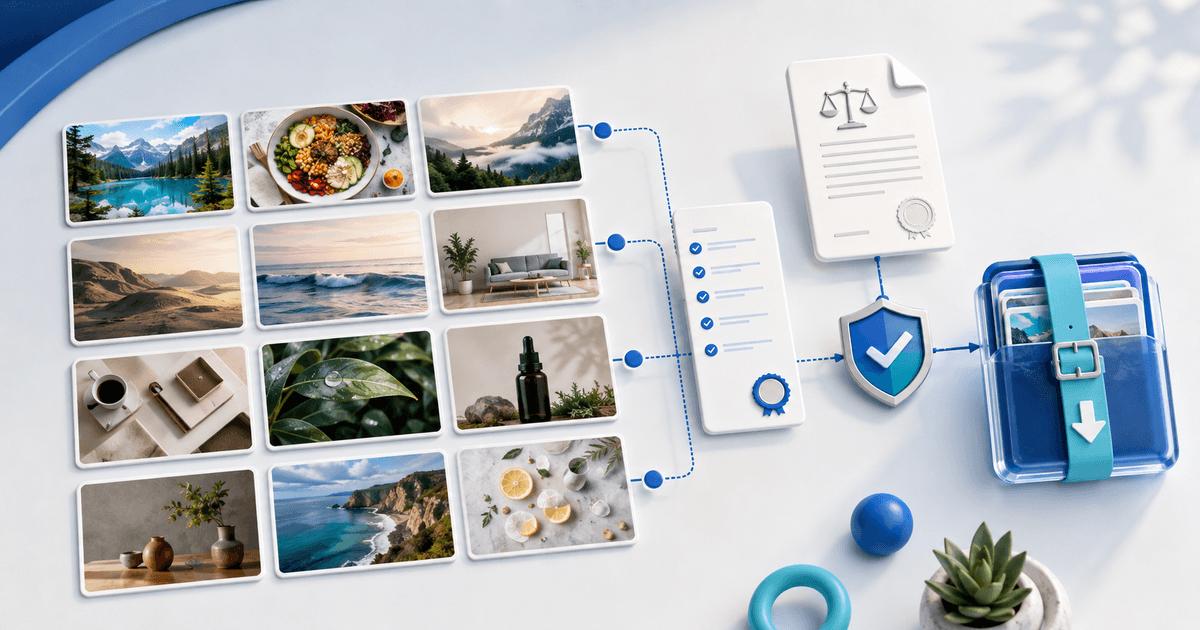
Sell a stock-photo bundle directly when the images solve one repeatable buyer job and every delivered file has a documented identity, technical check, rights status and license. A folder of attractive JPEGs is not yet a licensable product.
This workflow is for photographers with their own audience who want to sell a themed commercial image set instead of licensing each frame through a marketplace. Its original asset is a photo-to-rights manifest that makes every preview, release and delivered file traceable.
Build the Bundle Around a Buyer Use Case
Choose a use case such as 30 bakery social posts, a remote-work newsletter season or sustainable packaging product backgrounds. Define the number of images, orientations, visual continuity and intended publishing contexts before editing.
Remove near-duplicates. A buyer benefits more from 24 complementary frames with useful copy space than 80 tiny variations. Show a contact sheet and several full-size crops so sharpness, noise and retouching quality are visible without exposing the retail originals.
Create a Photo-to-Rights Manifest
| Field | Record for every image | Why it matters |
|---|---|---|
| File identity | Stable filename and checksum | Connects preview, release and download |
| Technical | Pixels, orientation, color profile, format | Makes delivery testable |
| Subject | People, property, artwork and brands visible | Starts the rights review |
| Release | Model/property release ID or reason not required | Preserves the permission trail |
| License | Included tier and restrictions | Defines the buyer's allowed use |
Keep signed releases private; deliver the license and relevant assurance, not a model's personal details. Adobe's current contributor guidance requires a signed release for recognizable people and explains that identification can extend beyond a visible face. Its property-release guidance also flags recognizable private property, artwork and distinctive objects. Those are Adobe submission rules, not universal law, but they form a useful conservative audit prompt. Obtain qualified advice for your jurisdiction and intended license.
Run a Technical Delivery Check
Open every retail file at 100%, inspect focus and retouching edges, confirm orientation metadata, remove unintended location or personal metadata, and export in the advertised color space. Check that filenames in the manifest match the ZIP exactly.
Extract the final archive on a second device. Open a portrait, landscape, darkest, brightest and most detailed image in two ordinary applications. The test should use the buyer download, not the photographer's catalogue originals.
Write a License a Buyer Can Apply
State whether the license covers websites, organic social, email, paid advertising, client work, print runs, templates, merchandise or editorial contexts. Define seat or organization limits, modification, attribution, exclusivity and prohibited resale of the raw photos.
Do not call a license “royalty free” without defining the permitted uses. It usually describes a licensing model, not an absence of conditions, ownership transfer or guaranteed exclusivity.
Price the Usage, Not Just the File Count
A small business social bundle and an advertising license solve different jobs even when they contain the same 24 files. Offer only tiers you can explain and fulfil. For example, one tier might cover one brand's owned channels while another includes paid ads for a defined organization; the actual scope and price are your decision, not a market promise.
Deliver After Confirmed Payment
Create a photography download product, attach the exact license tier and release the tested ZIP through automatic digital delivery. Make one buyer-view purchase per materially different license and compare the page, receipt, license and manifest.
Start with one tightly themed bundle. Publish only when every advertised preview maps to a cleared, tested file in the delivered release.