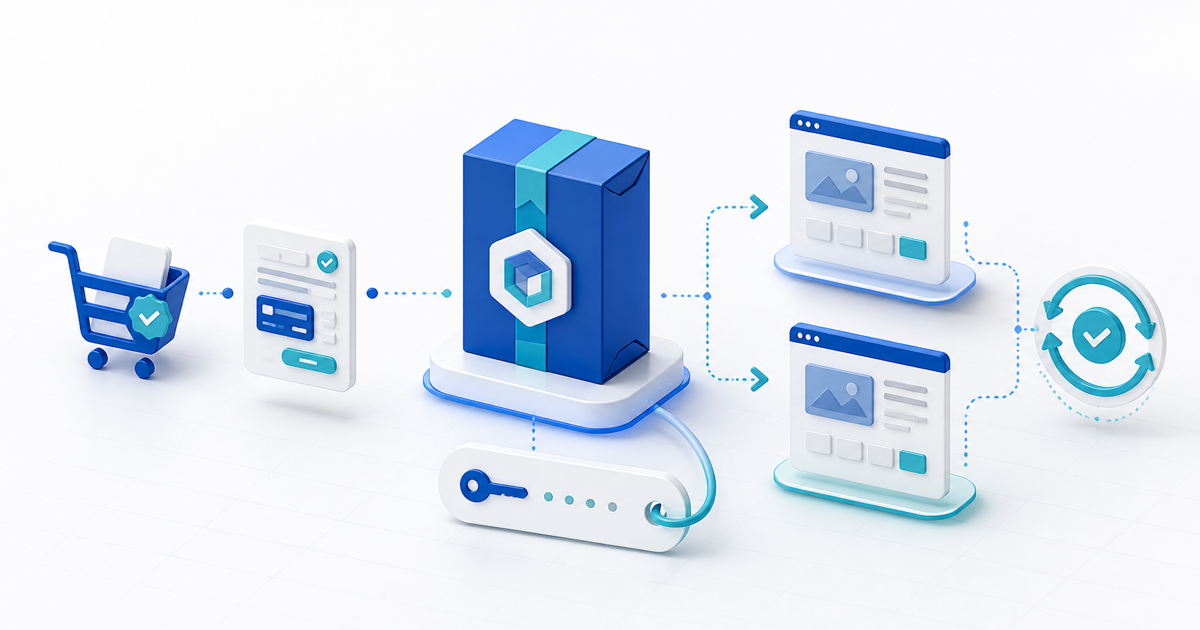
Sell a WordPress plug-in only after the paid ZIP installs on a clean site, the issued license activates within its stated limit, and an update can move that exact installation to the next version without deleting settings. Checkout is only one part of the product: buyers also need an honest compatibility statement, a recoverable license record and a safe update path.
This guide is for independent WordPress developers selling a plug-in from their own page. Its original asset is a release-to-renewal matrix that joins the downloadable build, license state, activation count and update result.
Define the Commercial Package
| Decision | Record before launch | Buyer-facing promise |
|---|---|---|
| Release | ZIP checksum, plug-in version and build date | Exact version delivered after payment |
| Compatibility | WordPress, PHP and tested dependency versions | Minimum and tested versions, not “works everywhere” |
| License tier | Activation limit and term | Number of sites and renewal boundary |
| Updates | Update source and entitlement state | Which updates arrive and for how long |
| Support | Channel, response window and exclusions | What support covers |
WordPress reads metadata such as Version, Requires at least, Requires PHP, License and Update URI from the main plug-in header. The current WordPress header requirements explain these fields and note that Update URI can prevent a privately distributed plug-in from being overwritten by a similarly named WordPress.org plug-in.
Do not confuse a license key with copyright ownership or code secrecy. WordPress recommends a GPL-compatible license for plug-ins, and anything submitted to the WordPress.org directory must comply with its detailed plug-in guidelines. Get qualified advice for the license and commercial terms that apply to your distribution model.
Build the Release-to-Renewal Matrix
Create two clean test sites and one expired test customer. Run this record for every retail build:
| State | Site A | Site B | Pass condition |
|---|---|---|---|
| Fresh install | Supported minimum versions | Current versions | Both activate without warnings you failed to disclose |
| Valid key | First activation | Last allowed activation | Count and site identity are correct |
| Limit reached | Attempt one extra site | — | Clear refusal; paid sites keep working |
| Update | Previous retail build | Current retail build | Settings and data survive |
| Expired entitlement | Installed and active | Update check | Published expiry behavior matches the offer |
| Deactivation | Remove Site A | Activate replacement | Seat becomes available once, with an audit record |
Use disposable domains or local environments, but make the license service see the same actions a buyer performs. Record the order ID, key ID, build checksum, site URL hash, activation event, update response and final version. Never put a production signing secret or private API credential in the downloadable PHP or JavaScript.
Package a Buyer-Testable ZIP
Start from the exact archive you will deliver, not your development directory. Remove tests, local configuration, source maps that expose secrets, unused vendor files and customer data. Keep required notices and source material where the applicable licenses require them.
Install through Plugins > Add New > Upload Plugin on the minimum and current WordPress versions you advertise. Test activation, deactivation, uninstall and reinstall separately. An uninstall routine should remove only data your plug-in owns and only when the documented user choice calls for deletion.
Include a START-HERE file with installation, activation, update, rollback and support instructions. Publish the plug-in version, ZIP size, WordPress/PHP requirements, required extensions or companion plug-ins, activation limit, renewal behavior and changelog before checkout.
Connect Payment, Key and Delivery
Create one product tier per meaningful entitlement. A one-site and five-site tier can share the same ZIP while issuing different activation limits; do not create fake code differences merely to make pricing look complex.
PayRequest's WordPress plug-in product workflow can deliver the ZIP after confirmed payment and issue a unique license key with the configured activation limit. Keep the order, delivered release and key ID linked. If payment is refunded, decide and disclose whether updates/support stop, activations are revoked, or the installed version continues without future entitlement.
Complete one provider-backed buyer order, download the archive from the receipt flow, activate it on a clean site, consume the final allowed seat, update it and test the documented deactivation path. Publish only when the delivered build—not a developer copy—passes the matrix.
Plan Renewals Without Locking Buyers Out by Surprise
Separate the right to run an installed version from entitlement to updates and support. State the renewal date and what happens after it. Avoid silently disabling a functioning site unless that behavior is essential, lawful and unmistakably disclosed before purchase.
For each new release, keep a rollback ZIP, database-migration notes and a support path for failed updates. The sale is complete when the buyer can identify their version, license state and next safe action without opening a ticket.