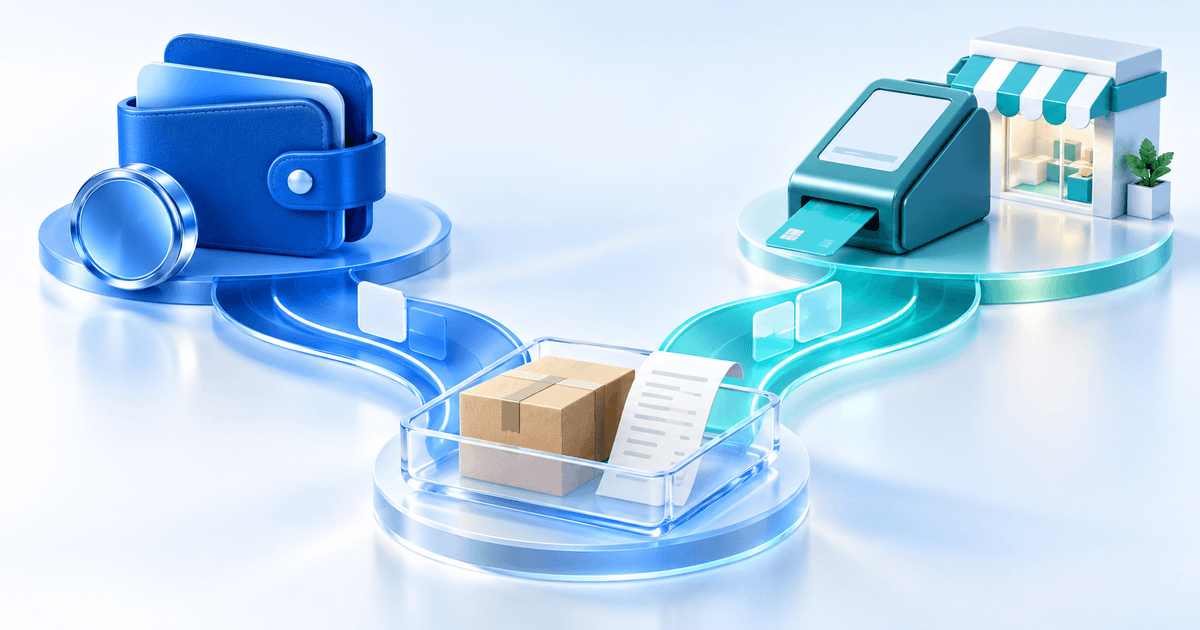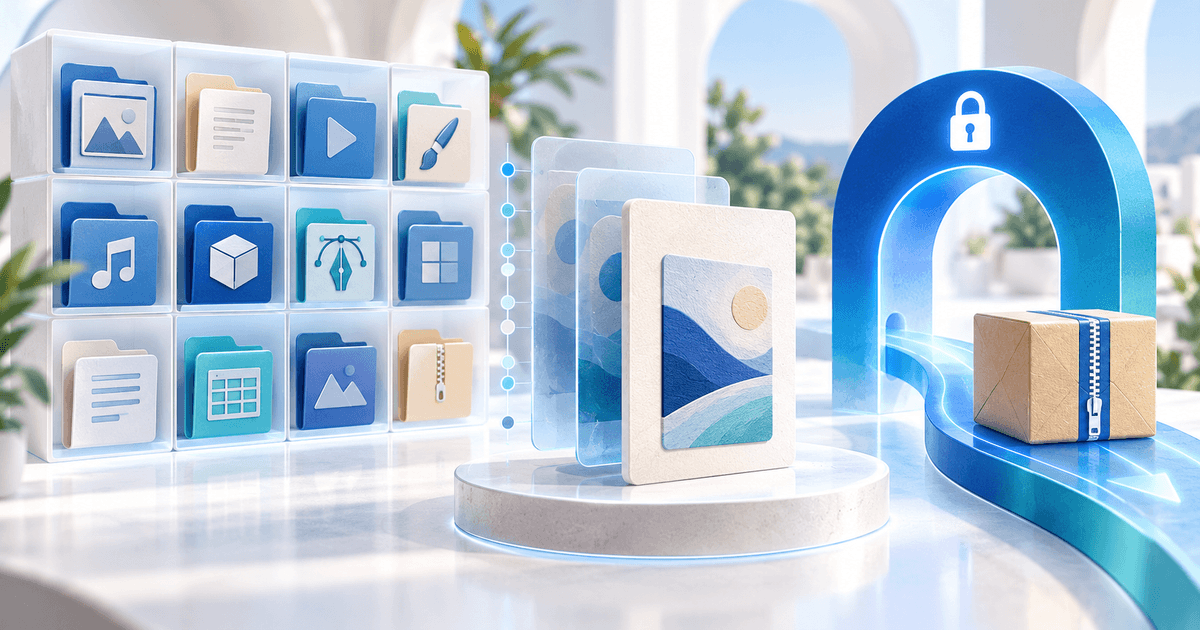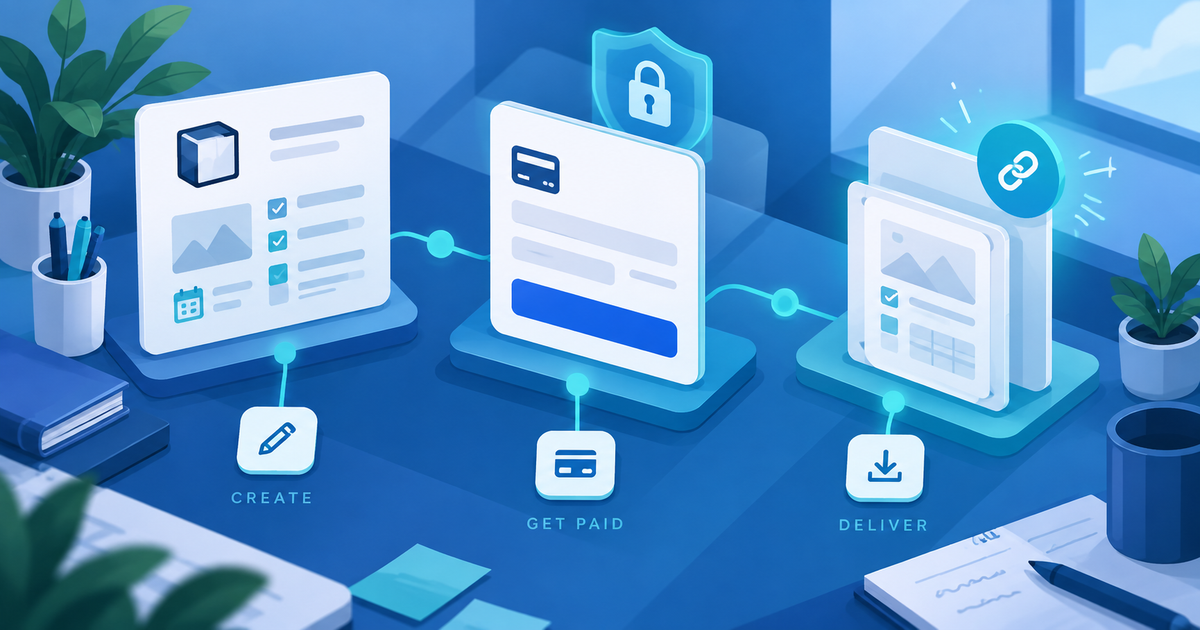
You can sell a Notion template without listing it in a marketplace: publish a clean duplicate-enabled template, keep the paid link out of the public preview, and deliver that link after a confirmed payment. This route suits creators who already have an audience on social media, a newsletter, or a portfolio and want one checkout they control.
Notion Marketplace can help with discovery, but it is not the only route. Notion's selling guidance says creators can use a third-party payment site; its Marketplace payment, eligibility and tax handling are separate from your own checkout. Check the current Notion terms for your country before choosing a channel.
Keep the Preview Separate From the Paid Duplicate Link
Create two pages: a read-only preview that shows the workflow with fictional data, and a distribution copy with “Allow duplicate as template” enabled. Do not use your active workspace as the paid product. Remove client data, private comments, integrations, personal URLs and internal notes before publishing the distribution copy.
The buyer is not downloading a Notion file. They are paying for access to a URL that lets them duplicate a system into their own workspace. That makes link ownership, permission settings and delivery instructions part of the product—not an afterthought.
Build a Buyer-Ready Access Package
Put the duplicate URL in a short PDF or Start Here document. Include the first three setup actions, the intended workflow, a license, support contact and a version number. Add a note explaining that the buyer needs their own Notion account and that third-party integrations or paid Notion features are not included unless you explicitly say so.
Use a fictional example to test the handoff: a €19 content-calendar template should open from the delivered document, duplicate into a separate test workspace, retain its views and formulas, and show the buyer where to replace the sample records. A successful link click is not proof that every database relation or permission behaves as intended.
Put PayRequest Between Payment and Access
Create the offer as a PayRequest digital product and upload the access PDF. The PDF is a better delivery artifact than exposing the duplicate URL in a public post because it keeps the instructions, license and version beside the link. Use file delivery to review expiry and download settings, then open the public product page in a private browser.
PayRequest handles the hosted product page, payment confirmation and protected delivery. It does not lock a duplicated Notion workspace, prevent a buyer from copying their own workspace, or verify that your template still works after you change it. Keep the duplicate page stable for the version you sell and publish updates deliberately.
Marketplace or Direct Checkout?
| If your main need is… | Start with… | Trade-off |
|---|---|---|
| Built-in discovery and marketplace listing | Notion Marketplace | You follow Notion's eligibility, payment and marketplace rules |
| One link from your existing audience | Direct PayRequest product | You must generate your own traffic and explain the offer |
| A reusable product plus an onboarding document | Direct digital product | You own packaging and support decisions |
| Tax or platform-managed purchase handling | A marketplace that provides it | Fees and control depend on that marketplace |
Do not claim that direct selling removes tax, refund or consumer obligations. Those depend on your business, buyer location and product terms. The practical advantage is workflow control: one preview, one checkout and one versioned access package.
Use This Notion Release Checklist
- Duplicate the working template into a clean release workspace.
- Replace real records with fictional examples and inspect hidden pages.
- Publish a separate preview and verify the paid duplicate permission.
- Test duplication from a separate account and click the main workflow.
- Create the PayRequest product with the access PDF, price and license.
- Compare the public preview, checkout and delivered link before promotion.
For the broader template workflow, see selling templates online and how to sell digital products. Review current PayRequest pricing: the Free plan charges 2% per successful payment, capped at €25 per transaction, with provider fees separate.
Editorial note: AI assisted with this article and illustrative cover. Notion's current help guidance and PayRequest product/file-delivery behavior were reviewed; the €19 example and checklist are original illustrations, not a reported customer result or completed purchase test.