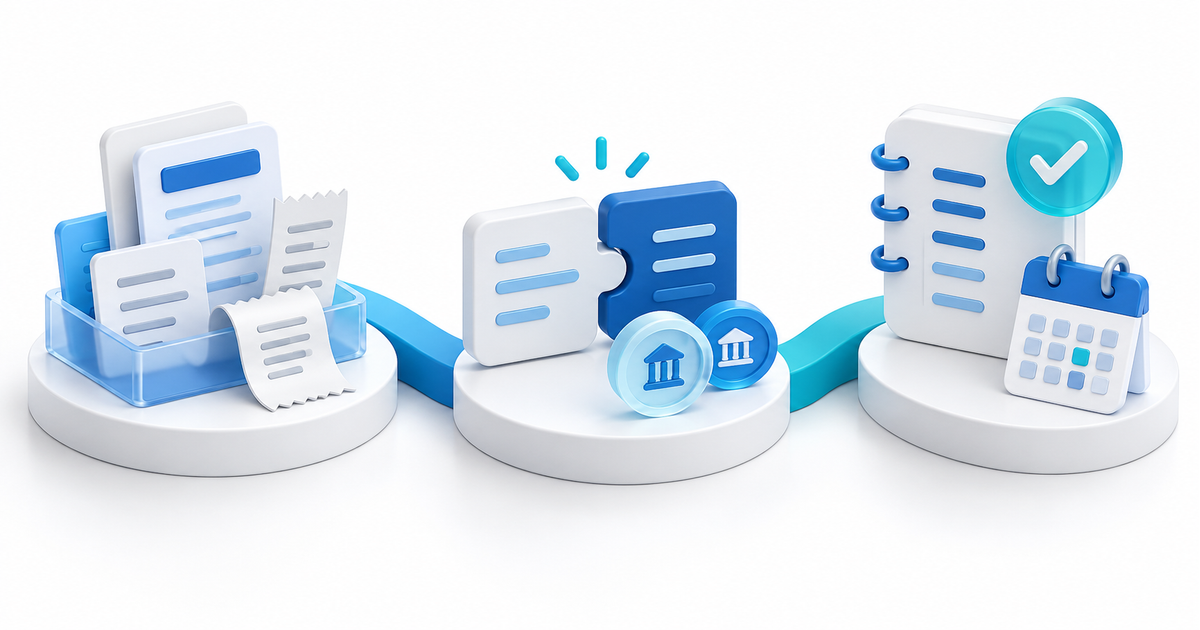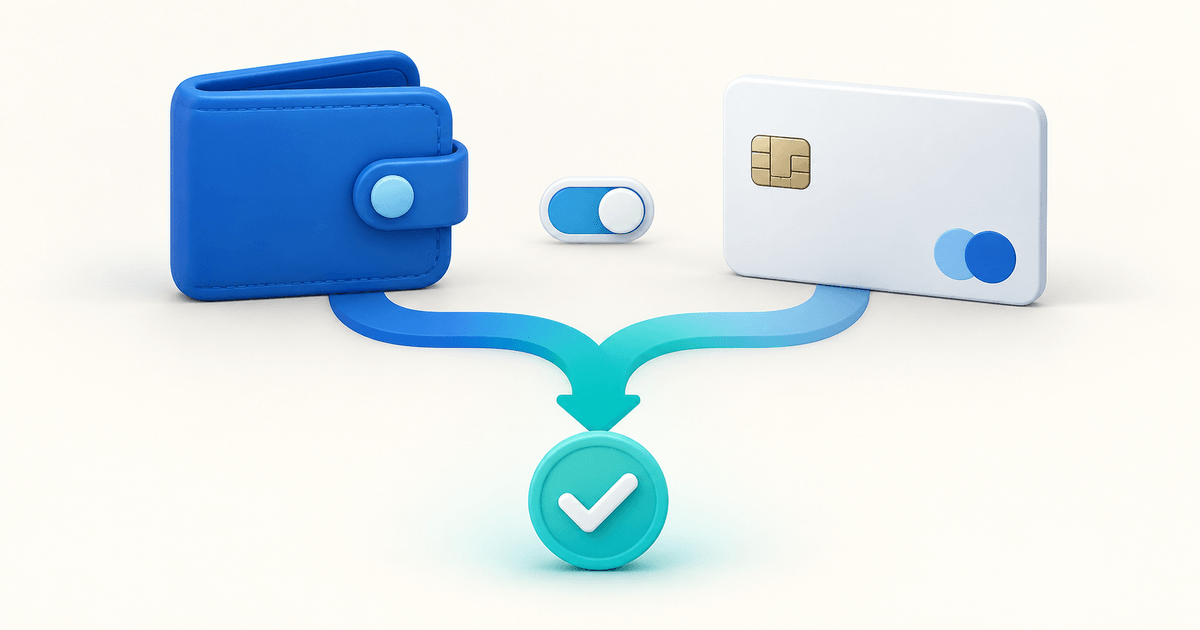
Need to pay an existing request rather than configure guest checkout? Follow our PayPal payment-request guide to check the recipient, complete payment and match the receipt once.
Customers can sometimes pay through PayPal with a debit or credit card without signing in or creating a PayPal account. This is guest checkout. Availability depends on the merchant setup, the checkout product and PayPal's assessment of the buyer and transaction. Turning on an account setting does not guarantee the option for everyone.
If you are a buyer, use the card or guest option when the checkout actually offers it. If you are a seller, confirm which flow you use and test it before saying “no PayPal account needed.” This guide gives both sides a practical next step, plus a seller test matrix for missing options and checkout support.
Can You Pay With PayPal Without an Account?
An eligible guest flow collects card and contact details without requiring a PayPal login. A checkout that opens on PayPal's site may still ask the buyer to sign in or register. The appearance of a PayPal button alone does not establish which experience will follow.
PayPal's guest-checkout help says availability can depend on factors such as the buyer's location, purchase history, cookies and risk assessment. It also identifies payment products where standard guest checkout is not available. Check the guidance relevant to your merchant account and integration.
Open the seller's genuine checkout and look for the available card-payment option. Labels and layout can vary. Review the seller, product, amount and currency before entering details. If the only choices require a PayPal account, ask the seller whether another supported payment method is available.
Do not keep creating payment attempts merely to make a particular button appear. If you already approved or submitted a payment, check its status with the seller before starting again. A missing return page and an unsuccessful payment are not necessarily the same thing.
No seller needs your PayPal password to investigate a checkout problem. Share the order reference and a description of the issue through the seller's established support channel. Do not email complete card details or authentication codes.
Identify the Payment Flow Before Changing Settings
A PayPal.Me address, a PayPal-hosted Payment Link, a store's PayPal checkout and a recurring billing agreement are not interchangeable. Start by recording the public checkout URL, the type of purchase and the integration that owns the payment step.
| What the buyer opens | Seller should establish | What not to assume |
|---|---|---|
| PayPal.Me link | The actual payment choices shown for that link | Every visitor can pay by card as a guest |
| PayPal-hosted Payment Link | Merchant availability and enabled methods | A US feature list applies in every market |
| PayPal inside another checkout | The platform's supported flow and account connection | Platform settings override PayPal eligibility |
| Subscription or automatic-payment flow | The exact recurring product and approval requirements | One-time guest behavior applies to renewals |
PayPal's Payment Links page describes a hosted checkout with several payment options in the US offering. Treat those details as product- and market-specific. A seller in another country should verify the options available in their own account instead of copying that list into a guarantee.
Our PayPal invoice, payment link and checkout comparison helps identify the right product for the job. A guest-checkout setting is worth investigating only after you know which payment product is actually being used.
Enable Guest Checkout Where Your Integration Supports It
For the account setting described in PayPal's help, check that the merchant email is confirmed and that PayPal Account Optional is enabled in the relevant website-payment preferences. Menus can differ by market and account. A third-party platform may also have its own supported configuration.
If the setting is absent, do not assume your account is broken. Ask PayPal or the platform to confirm whether the selected product and merchant account support the intended flow. Changing unrelated fraud settings or business information is not a sound troubleshooting method.
Older instructions may mention parameters specific to an older PayPal integration. Have the person responsible for the checkout identify the current integration before applying a code snippet. A parameter from a legacy checkout is not a universal switch for every modern PayPal button.
PayRequest's current direct PayPal checkout distinguishes a normal PayPal path from a requested guest path. Its order flow still requires payment confirmation before treating the order as paid. This is evidence of an implemented option, not a promise that PayPal will approve every guest attempt or show identical controls to every buyer.
The direct PayPal provider currently handles one-time purchases and does not implement automatic subscription billing. If you need recurring charges, verify the supported provider and subscription setup separately. Do not infer automatic PayPal renewals from the presence of PayPal on a one-time checkout.
Diagnose a Missing Card Option With This Test Matrix
Change one variable at a time and record the result. The table below is an original suggested test plan, not a record of completed tests across every PayPal market. Use representative customers and legitimate account details; testing should not attempt to bypass eligibility decisions.
| Check | Record | What the result tells you |
|---|---|---|
| Purchase type | One-time item or recurring agreement | Whether the intended guest flow is relevant |
| Merchant setup | Connected account and supported configuration | Whether the seller setup matches the product |
| Buyer context | Country and broad device/browser type | Whether the issue affects a particular audience |
| Browser path | Social in-app browser or ordinary browser | Whether opening or returning from checkout differs |
| Payment result | Order status and provider reference | Whether payment completed despite a confusing screen |
For example, suppose a buyer opens a €35 product from Instagram and sees a login prompt. The seller checks the same public product in a desktop browser and sees a card option. That does not prove the buyer made a mistake. The observations involve different contexts and may produce different eligible choices.
Record the buyer's approximate time, order reference and the stage where the flow stopped. A screenshot with sensitive information removed can help explain the visible problem, but it cannot prove whether funds were received. Inspect the receiving account or connected order record for that conclusion.
If an embedded browser prevents a payment window from opening, suggest opening the same public product page in the normal browser. Explain this as a browser troubleshooting step, not a way to force guest eligibility. Avoid VPNs, false country details or repeated retries as supposed solutions.
Distinguish Guest Availability From Payment Status
“Guest option missing,” “card declined,” “payment pending” and “cannot download my order” are separate support cases. Mixing them produces unhelpful instructions and can cause duplicate charges or inappropriate fulfillment.
A missing option means the buyer has not been offered the intended route. A decline means an attempted payment was not accepted. A pending status needs the provider's current instructions. A completed payment with missing delivery needs an order-support investigation, not another checkout attempt.
For a seller, the practical rule is simple: use the status in your own receiving account or connected order system. A browser redirect or payment screenshot is not the authoritative record. For more detail, see verifying a PayPal payment receipt.
If a payment completed but the buyer did not receive a download, locate the order and fix delivery through the supported process. For a pending or failed attempt, explain the actual next step without saying that every transaction clears within a fixed number of minutes.
Offer an Alternative That You Actually Support
A seller can keep PayPal and offer another eligible provider for buyers who need a different route. This gives the customer a choice; it does not change PayPal's decision or silently move an existing PayPal authorization elsewhere.
With PayRequest payment pages, configure the methods supported by your connected providers and business. Check the live checkout from the markets you serve. Do not advertise every wallet or local method simply because it appears in a platform overview.
A clear support response is: “PayPal is not showing a guest card option for this checkout. Please use another method displayed on our payment page, or contact us with your order reference before trying again if you already submitted a payment.” Change the wording if you do not offer another method.
Use payment links to give the customer a stable public checkout destination. Confirm that the alternative route still carries the right product, amount and currency. If you create a replacement request manually, close or reconcile the earlier request so staff do not pursue both.
Review PayRequest pricing alongside the provider's current charges. The Free plan has no monthly subscription and charges 2% per successful payment, capped at €25 per transaction; provider fees are separate. Adding a provider choice is a checkout decision, not a promise of lower processing costs for every sale.
Write Accurate Checkout Copy and Measure the Outcome
Use qualified copy such as “PayPal and eligible card options” when availability varies. Say “no PayPal account required” only for a specific supported route you can substantiate, and avoid presenting that statement as a universal property of every PayPal transaction.
Measure guest-option support requests, completed purchases and delivery problems separately. A higher number of PayPal button clicks is not necessarily a higher number of successful orders. Compare equivalent products and traffic sources when evaluating a checkout change.
Keep a brief support record of the issue, the verified payment status and the resolution. If multiple buyers encounter the same problem, share that pattern with the provider or platform using order references and timestamps, without collecting unnecessary financial details.
Start with the PayPal integration overview, confirm a one-time product and rehearse its buyer journey. A dependable purchase and clear fallback do more for conversion than a claim that a guest button will always appear.
For practical selling examples, see matching Google Forms orders to PayPal payments and selling through Linktree with PayPal.
Editorial note: substantially updated with AI assistance on 9 September 2026. The eligibility guidance is based on current PayPal documentation; the one-time checkout behavior was checked in PayRequest's implementation. The matrix and €35 scenario are illustrative and do not represent a live multi-country test.
Start with the correct checkout
A PayPal.Me profile, business Payment Link, invoice checkout and recurring agreement are different products. If a buyer needs to pay without a PayPal account, first identify the exact destination; then check supported settings and the actual buyer view. PayPal’s guest-checkout help describes requirements and product exceptions.
For a new seller, use create a business payment link. For a document sent to one client, compare money requests and invoices. A working one-time guest checkout is not evidence that the same route supports automatic renewals.