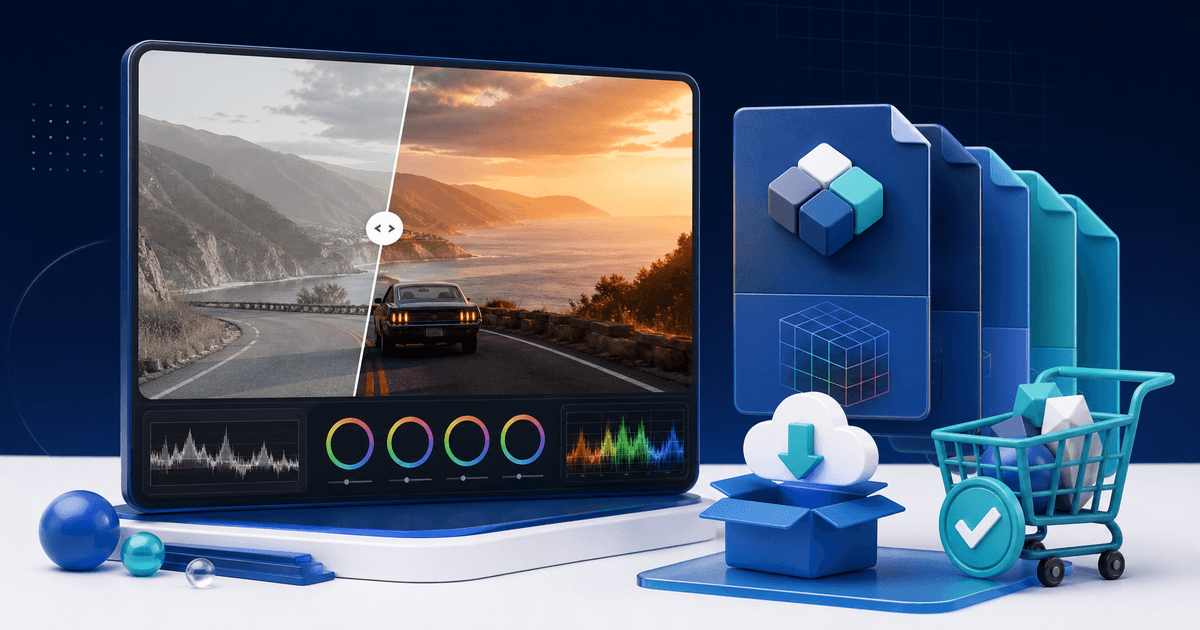
To sell video LUTs online, build a focused pack for one camera profile or editing job, test every look against varied footage, include clear installation and adjustment guidance, and deliver the files with a license after payment. Buyers need evidence that the pack works in their workflow—not a folder of dramatic looks shown on one perfect clip.
This guide includes a reproducible compatibility matrix you can use before release. A LUT is a starting transformation, not a promise that every shot will look identical.
Choose One Job for the LUT Pack
Separate technical conversion LUTs from creative looks. A conversion LUT maps a named log or camera color space toward a display space. A creative LUT changes the appearance after footage has been normalized. Mixing both without labels causes clipped highlights, strange skin tones and support requests.
Define the pack in one sentence, such as “six restrained creative looks for daylight travel footage after Rec.709 conversion.” State the expected input, intended output and software you actually tested. Do not imply compatibility merely because an application can import a .cube file.
Build a Small, Distinct Collection
Every LUT should solve a recognizable visual job. Remove near-duplicates and name files by outcome rather than experiment number.
| Pack component | Purpose | Example filename |
|---|---|---|
| Conversion LUT | Normalize one documented camera profile | SLog3-to-Rec709.cube |
| Creative LUT | Apply a look after normalization | Soft-Coastal-Day.cube |
| Reduced-strength variant | Offer a safer starting intensity | Soft-Coastal-Day-50.cube |
| Readme | Explain order, input and adjustments | START-HERE.pdf |
| License | Define permitted projects and redistribution | LICENSE.txt |
Adobe documents that Premiere Pro can import custom LUTs and export color adjustments as .cube files. Use .cube as the main interoperable format, then include an application-specific format only when you have tested it.
Use This LUT Compatibility Test Matrix
Create a test project with clips that expose different failure modes. Apply the LUT at its documented point in the color pipeline and record the result rather than relying on memory.
| Test clip | What to inspect | Pass condition |
|---|---|---|
| Correctly exposed skin | Hue shifts and clipping | Skin remains plausible with minor manual correction |
| Underexposed interior | Crushed shadows and noise | Detail is recoverable; limitations are documented |
| Bright exterior | Highlight roll-off | Important highlights do not clip unexpectedly |
| Saturated objects or lights | Gamut and channel clipping | Colors remain distinguishable |
| Mixed lighting | White-balance sensitivity | Readme explains the required correction order |
| Different supported camera | Input assumptions | Result matches the compatibility claim |
Repeat the matrix in every editor named on the product page. Test on a clean machine or account so missing plugins and local presets cannot hide a dependency. A single successful import is not a compatibility test.
Create Honest Before-and-After Proof
Show the same frame before and after, with the starting color state identified. If you also changed exposure, white balance, masks or curves, disclose it. Otherwise the preview attributes a full grade to the LUT.
Use footage you own or have permission to market with. Include ordinary, difficult clips alongside the hero shot. A buyer learns more from seeing where a look needs adjustment than from ten polished thumbnails with unknown processing.
Package the Download
Use one ZIP with predictable folders: LUTs, previews, documentation and license. The start-here guide should explain:
- the required input color space or normalization step;
- supported editors and versions you tested;
- where to import the files;
- whether to apply the LUT before or after basic correction;
- how to reduce intensity and fix exposure or white balance;
- what support covers and where updates will be announced.
Open the final ZIP on another device, import every file and follow your own instructions. Remove source footage, project caches, personal paths and third-party LUTs that you cannot redistribute.
License the Use, Not Redistribution
A simple creator license can allow the buyer to use the LUTs in their own personal and commercial finished videos while prohibiting resale, sharing, sublicensing or inclusion in another template or LUT pack. Team, agency and education use may need separate terms.
Do not call a license “unlimited” if seats, clients, projects or redistribution are limited. This is general product guidance, not legal advice; use qualified legal review when the license carries material value.
Price and Publish the Pack
Price the usefulness, testing, documentation and permitted use—not the few kilobytes in the files. A narrow starter pack can use one license. A mature collection can separate individual, team and extended use, but too many tiers make a first product harder to buy.
Your product page should state the pack's job, file count, formats, input requirements, tested applications, license summary, update policy and refund conditions for digital goods. Then teach the workflow in short grading demonstrations and link to the exact product rather than a generic store.
With PayRequest video LUT downloads, you can publish a hosted product page, accept supported payment methods and release the ZIP automatically after successful payment. Create the product only after the compatibility matrix passes, then run one real end-to-end test before sharing the checkout.