AI app builders have made it possible to turn an idea into a working web application in days instead of months. That speed creates a second opportunity: you can package a proven app, starter kit, or reusable interface as a digital product and sell it repeatedly.
The product is not “some code generated by AI.” Buyers pay for the work around the code: choosing a useful niche, refining the user flows, testing the setup, removing secrets, documenting installation, defining a license, and showing a credible demo. A polished template saves the buyer decisions and debugging time.
This guide explains how to sell AI app templates made with tools such as Lovable and v0, what to include, how to price the product, and how to deliver it automatically without building a marketplace.
Key Takeaways
- Sell a specific outcome, not a generic collection of AI-generated screens
- Review and test every generated file before asking buyers to rely on it
- Include source code, setup instructions, an environment example, screenshots, a demo, and a clear license
- Remove credentials, private data, paid assets, and anything you cannot redistribute
- Offer a focused template first, then add bundles, extended licenses, updates, or support
- A PayRequest product page can collect payment and deliver the template files automatically
What Is an AI App Template?
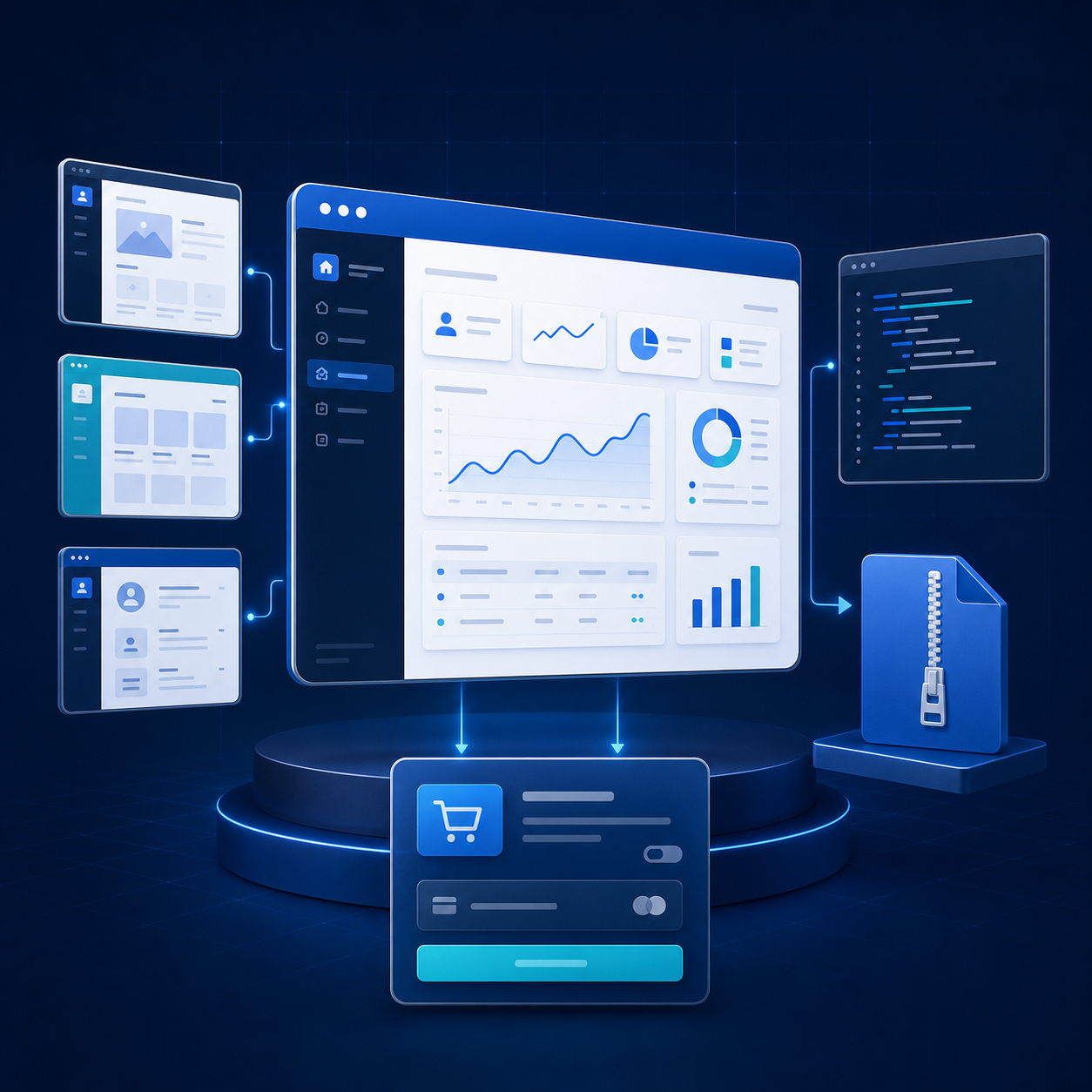
An AI app template is a reusable web application or interface created with help from an AI development tool and prepared for another person to customize. It can range from one production-ready React component to a complete niche application with authentication, database tables, dashboards, and onboarding.
Common products include:
- SaaS starter kits with login, onboarding, settings, and dashboard screens
- Client portals for agencies, consultants, or service businesses
- Directory, marketplace, booking, or membership application templates
- Admin dashboards and analytics interfaces
- Landing-page and checkout component collections
- Internal tools connected to a database or API
- Industry-specific apps for property, fitness, education, events, or creators
The template should shorten the path from blank project to useful product. If a buyer still has to identify every dependency, repair mobile layouts, guess the database setup, and rewrite half the interface, the package is unfinished.
What Makes an AI App Template Worth Buying?
AI can produce a first draft quickly, so raw code alone is becoming less scarce. The commercial value comes from judgment, testing, and packaging.
“Dashboard template” is broad. “Client billing portal for small agencies” immediately tells the buyer what problem the app solves. A focused template is easier to demonstrate, describe, rank in search, and improve from customer feedback.
Publish a safe demo with sample data and show the important flows on desktop and mobile. The buyer should be able to see navigation, forms, empty states, validation, and the core result before purchasing. Never expose production credentials or private customer data in a demo.
Review generated code as if another developer will maintain it—because they will. Remove dead files, duplicated components, placeholder links, console errors, secrets, test accounts, and unused dependencies. Check authentication, database access rules, form validation, loading states, error states, keyboard navigation, and responsive layouts.
Write for a buyer opening the ZIP in a clean environment. List the required runtime and package-manager versions, installation command, environment variables, database migrations, external accounts, development command, build command, and deployment steps. Include a troubleshooting section for the mistakes buyers are most likely to make.
State whether the purchase covers one personal project, one commercial project, client projects, unlimited projects, or a team. Explain whether the buyer may modify the code and whether they may redistribute or resell the template itself. A commercial-use license is not the same as permission to repackage your source as a competing template.
AI App Template Ideas That Are Easier to Sell
Start with a job buyers already understand. Good template opportunities combine repeat demand with setup work that buyers would rather skip.
| Template idea | Useful features | Example offer |
|---|---|---|
| SaaS starter kit | Auth, onboarding, dashboard, settings, billing UI | Core ZIP plus extended license |
| Client portal | Projects, files, messages, invoices, customer access | Niche version for agencies |
| Booking app | Availability, services, confirmation, admin view | Template plus setup guide |
| Directory app | Profiles, categories, search, submission flow | Local or professional niche |
| Admin dashboard | Tables, filters, charts, roles, responsive navigation | Component pack or full app |
| Creator storefront | Products, previews, checkout links, delivery flow | Theme plus launch checklist |
Choose a scope you can test completely. A smaller template with five excellent flows is usually a better first product than a huge application with twenty unfinished features.
How to Sell AI App Templates Step by Step
Look for repeated requests in developer communities, founder discussions, client work, and support forums. Write down the buyer, the job they need to complete, and what they currently assemble manually. Build around that evidence rather than adding features because they look impressive.
Use the AI builder to reach a working first version, then take ownership of the result. Standardize design tokens, component names, folders, data models, and error handling. Test a fresh installation instead of relying on the original development environment.
If you build with Lovable, read the dedicated guide to selling Lovable apps and templates. If your product is a React or Tailwind component collection, see how to sell premium v0 components.
Search the repository for API keys, database passwords, private URLs, email addresses, customer data, analytics identifiers, and test credentials. Replace real values with clearly named placeholders in an environment example.
Audit fonts, icons, photos, UI kits, libraries, copied snippets, and other third-party materials. Your right to use an asset in one project does not automatically include the right to redistribute it inside a template. Replace uncertain assets or tell buyers where to obtain them separately.
A professional package normally includes:
- Source code as a ZIP or repository-access instructions
- README with installation, configuration, build, and deployment steps
- .env.example containing placeholders only
- Database schema, migrations, or seed instructions when required
- Demo URL and labeled screenshots
- Feature list, dependency versions, release date, and changelog
- License, refund policy, support boundaries, and update policy
Run through the documentation on a clean machine or container. If you have to remember an undocumented step, the buyer will get stuck there too.
Do not price only by file count. Price around the decisions, implementation, testing, and launch time the buyer avoids.
| Product | Typical starting structure |
|---|---|
| Focused component or block | Low-cost entry product |
| Small niche app template | One-time standard license |
| Complete SaaS starter | Higher-priced commercial license |
| Team or unlimited projects | Extended license tier |
| Updates, installation help, or community | Optional recurring plan |
Use transparent tiers. A lower tier might cover one end product, while an extended tier allows several client projects. Avoid vague “lifetime” promises unless you can support them sustainably.
Lead with the outcome and audience. Show the live demo, screenshots, feature list, technology stack, prerequisites, what is included, what is not included, license terms, update policy, and support response expectations. Add a short FAQ that answers compatibility, refunds, installation, and client-use questions.
With PayRequest, you can create a digital product storefront, upload the template package, connect Stripe, Mollie, or PayPal, and share one product link. The system can confirm payment and release the protected files automatically.
Publish useful previews: a short build breakdown, a before-and-after workflow, a technical walkthrough, or one free component from the larger system. Link to the relevant product page rather than sending everyone to a generic homepage.
Collect pre-sale and support questions. Repeated questions reveal missing screenshots, unclear requirements, documentation gaps, and future product ideas. Update the listing and package together so new buyers receive the improved version.
Selling Lovable Apps Versus v0 Components
Lovable products are often complete applications or niche starters. Buyers expect a working project, backend or database instructions, deployment steps, and clarity about how the project leaves the original builder environment.
v0 products are often React, Next.js, Tailwind, or shadcn/ui components and blocks. Buyers care about typed props, package versions, dependencies, accessibility, responsive behavior, and installation through source files or a registry.
The commercial principle is the same: do not sell untouched output. Sell a tested shortcut with a clear implementation path.
Common Mistakes to Avoid
- Selling a generic template with no defined buyer or use case
- Claiming “production ready” without testing a fresh installation and build
- Shipping real credentials, private data, or unrestricted database policies
- Including images, fonts, code, or UI assets without redistribution rights
- Hiding required paid services or platform plans until after purchase
- Promising exclusive code when AI output may be similar to other output
- Offering unlimited support inside a low-priced one-time purchase
- Showing beautiful screenshots without documenting what is actually functional
- Failing to state version compatibility and the date the release was tested
How PayRequest Fits the Workflow
PayRequest is the commerce and delivery layer, not the code generator. You bring the finished template and connect your own payment provider. PayRequest provides the hosted product page, checkout workflow, order record, and digital delivery.
That makes it useful when you want to sell from your own link without building a separate store or relying entirely on a marketplace. Every feature is included on the Free plan; PayRequest charges 2% per successful payment, capped at EUR 25 per transaction, in addition to the connected provider's processing fee. Review PayRequest pricing before publishing your offer.
Final Checklist Before You Publish
- The template solves one clearly defined buyer problem
- The demo works on desktop and mobile
- A clean install, production build, and core flows have been tested
- Secrets and private data have been removed
- Every included asset and dependency can be redistributed
- Setup, configuration, and deployment are documented
- The license, refunds, updates, and support scope are explicit
- The product page lists prerequisites and honest limitations
- The paid package is delivered automatically after confirmed payment
- The release has a version number and tested date
AI makes building faster. The seller's advantage comes from making the result dependable, understandable, and easy for someone else to launch.