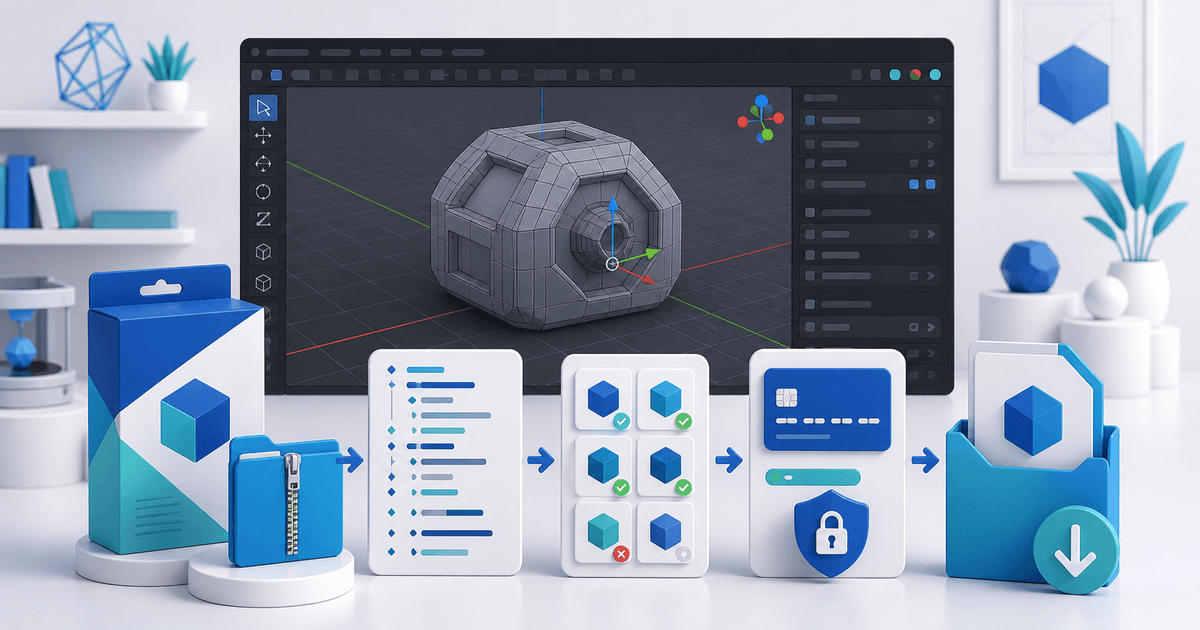
To sell a Blender add-on online, ship the exact installable ZIP, publish a version-and-platform compatibility matrix, test it in a clean Blender profile and explain the GPL implications before checkout. Buyers are paying for a dependable release, documentation, updates and support—not for restrictions that contradict the add-on's license.
This workflow is for independent Blender extension developers. Its original asset is a reproducible release ledger that joins build validation, clean-profile installation and the customer entitlement.
Use a Blender Add-on Release Ledger
| Release check | Evidence | Pass result |
|---|---|---|
| Package | Final versioned ZIP checksum | Downloaded file matches the approved build |
| Manifest | ID, version, minimum Blender version, license and permissions | Validator accepts every required field |
| Compatibility | Blender version, operating system and dependency state | Core workflow completes on every advertised combination |
| Installation | Clean profile, Install from Disk | Add-on enables without editing the archive |
| Permissions | Files, network, clipboard, camera or microphone when used | Product page explains why each permission is needed |
| Entitlement | Order, release version and issued download | Support can identify what the buyer received |
Blender's current extension authoring manual describes a ZIP containing `blender_manifest.toml` and `__init__.py`, required manifest fields, package validation and an Install from Disk test. Use that validator against the retail archive, not only the source folder.
Package the Installable ZIP
Build from a clean release directory. Exclude caches, repository metadata, test renders, credentials, local paths and previous ZIP files. Keep documentation beside the download or inside a clearly named docs folder, but do not wrap the installable archive in extra folder levels unless your tested install flow expects them.
Record:
- release version and date;
- minimum and maximum tested Blender versions;
- supported operating systems and architectures;
- external Python wheels or services;
- declared permissions and their purpose;
- known limitations and migration steps;
- SHA-256 checksum of the delivered ZIP.
A checksum proves which package was released; it does not prove the add-on is safe or compatible. Pair it with the clean-profile test.
Test Compatibility as a Matrix
Choose the smallest honest matrix. “Blender 4.x” is too broad when you tested one point release.
- Start Blender with a clean user configuration or isolated test profile.
- Install the retail ZIP through the documented customer path.
- Enable the add-on and check registration, panels and preferences.
- Run one representative workflow from input to saved output.
- Restart Blender and repeat the saved-project step.
- Test offline behavior when the add-on normally uses a network service.
- Uninstall it and verify that the next clean install still works.
If an optional dependency changes behavior, give that combination its own row. Do not label a platform supported because the interface appeared once.
Explain the License Before the Sale
Blender's official license page states that published Python add-ons using Blender's API must use a GPL-compatible license. It also says developers may sell those scripts, while customers receive the GPL freedoms attached to them. Do not advertise a proprietary “no sharing under any circumstances” code license that conflicts with that guidance.
You can still sell a valuable product: maintained releases, convenient downloads, signed update notices, documentation, examples, support and hosted services can all be part of the offer. Separate the add-on code from unrelated artwork, data or cloud services and obtain legal advice when your licensing model is complex.
Sell the Release, Not a Development Folder
The product page should show the exact compatible versions, main workflow, permissions, dependencies, license, support window and update policy. Use a short screen recording produced from the retail ZIP. State whether updates are included indefinitely, for a fixed term or sold as new major versions.
PayRequest can host the product page, collect payment and deliver the approved ZIP after successful payment. Create a software download product and use secure file delivery to connect the order to a versioned release.
Final Release Gate
Release only when the validator accepts the final ZIP, every advertised matrix row passes in a clean profile, the GPL-compatible license is visible and the downloaded checksum matches the approved build. Complete a buyer-view purchase, download and installation before announcing the version.