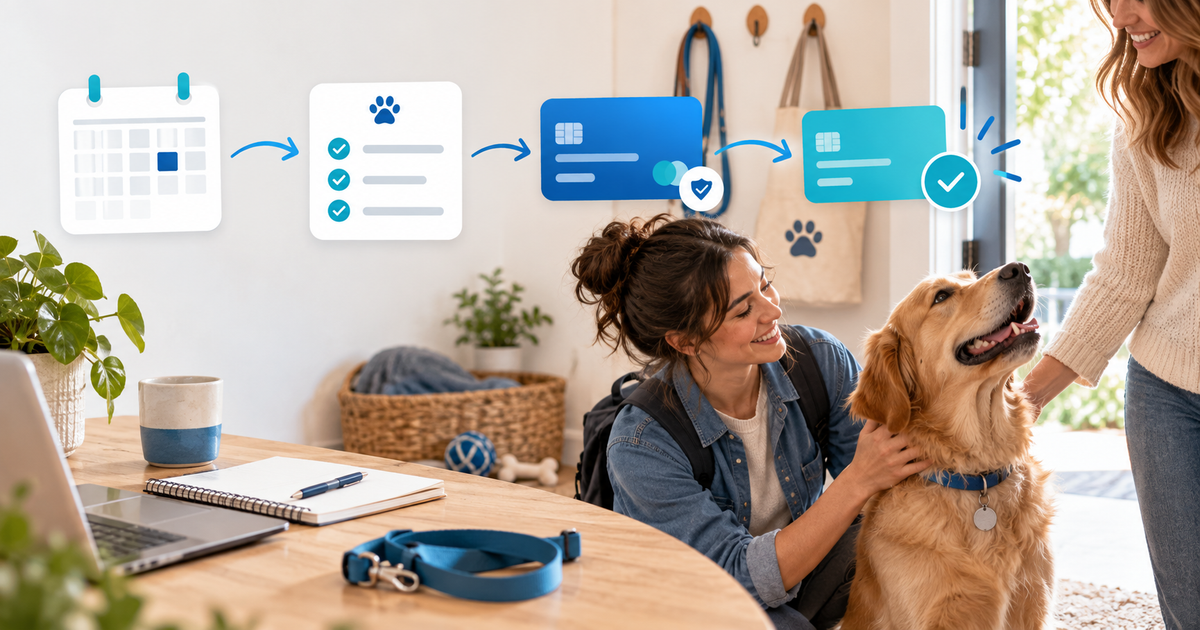
A pet-sitting booking deposit works best when it secures a specific date range and service scope, then is credited against a clearly scheduled balance. Record the pet, care instructions, dates, cancellation terms and payer reference before calling a booking confirmed. A payment screenshot or a chat promise is not a reliable settlement record.
This workflow is for independent pet sitters and small pet-care businesses handling overnight stays, house sitting or holiday visits. It is narrower than a generic booking-deposit article because pet care adds feeding, medication boundaries, access instructions, emergency contacts, multiple pets and a final-balance deadline.
Choose a booking payment model
Use one model consistently for the service you sell: a fixed deposit plus balance, full payment at booking, or a customer-specific invoice for a complex stay. A deposit is not automatically non-refundable, and it is not the same as a security deposit for property damage. Publish the cancellation and credit rules that actually apply to your business.
| Booking field | Example decision | Record after payment |
|---|---|---|
| Care scope | Visits, overnight stay, feeding and walks | Service version and pet count |
| Dates | Start, end, handover and timezone | Confirmed slot and access window |
| Deposit | Fixed amount or percentage | Payment reference and amount applied |
| Balance | Due date and accepted method | Reminder status and paid date |
| Care notes | Food, medication limits, vet and emergency contact | Consent and operational handoff |
Pet-care platforms show that deposits may be fixed or percentage-based and may be collected at a booking request, but their rules differ by service and market. Treat this Time To Pet deposit documentation as an example of product behaviour, not as a universal policy or legal rule.
Make the deposit match the calendar
Do not reserve a date from an unverified message. Once the agreed scope is ready, send a customer-specific payment route with the dates, pet count, deposit amount and cancellation version. Mark the booking as pending until the connected provider confirms the payment; then record it as confirmed and send the handover checklist.
For a long stay, write the balance schedule before payment. For example, a fictional €180 booking might use a €60 deposit at confirmation and a €120 balance seven days before handover. The numbers are an illustration, not a recommended percentage. If the client changes dates or adds a pet, record the new scope instead of silently changing the old amount.
Use a six-state care ledger
Keep a small private record with these states:
- Enquiry received and dates checked.
- Scope and policy accepted; deposit link sent.
- Deposit confirmed; booking and handover are reserved.
- Balance due; reminder sent with the correct reference.
- Balance confirmed; care pack and access details complete.
- Stay completed; notes closed and any credit or refund reconciled.
The ledger separates a payment event from a care event. If a payer uses a different email from the pet owner, pause the confirmation until you can match the booking safely. Do not store unnecessary sensitive information, and avoid putting full access codes or veterinary records in a public product description.
Connect the workflow to PayRequest
Use a PayRequest payment link for a repeatable deposit or balance offer, or use invoicing when the customer needs an itemised, date-specific document. Add the service scope, due date, currency and cancellation reference to the checkout or invoice. PayRequest can collect and record the payment; it does not schedule visits, verify a pet's medical needs or replace your care agreement.
Before launch, rehearse an abandoned deposit, a confirmed deposit, a date change, a failed balance and a completed stay. Send only the handover information that belongs to the confirmed booking. If your business needs recurring care, review subscriptions separately rather than using one reusable link for every animal and date.
For the illustrative €180 booking, PayRequest's Free plan has no monthly charge and applies 2% per successful payment, capped at €25 per transaction; provider fees remain separate. Review pricing and your local tax or consumer obligations before publishing terms.
Measure confirmed bookings, deposit-to-payer matches, balance completion, late reminders, date changes, cancellations and care-scope questions. The practical goal is a booking record that tells you who paid, for which dates, what remains due and what information is safe to hand over.
Editorial note: AI assisted with this article and its illustrative cover. The six-state ledger, scope matrix and €180 example are original planning tools; no live pet-care transaction, customer result or legal advice is claimed.