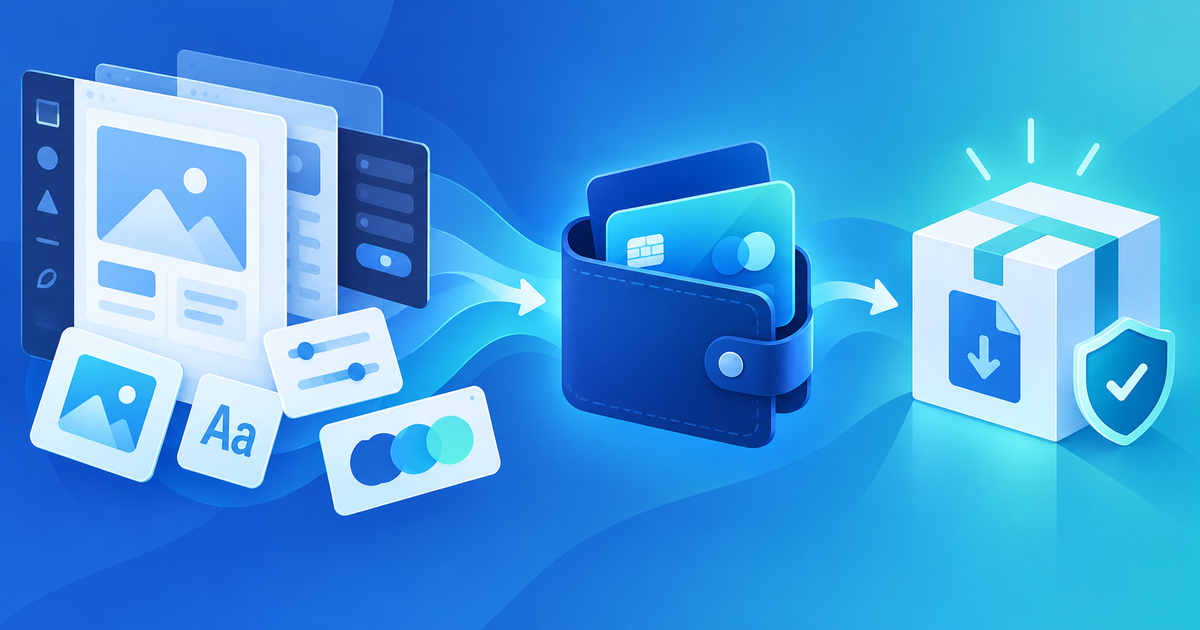
To sell Figma templates with PayPal, present the kit on a product page, collect payment through a connected PayPal Business account, and deliver a controlled access package after the payment is confirmed. The important decision is what the buyer receives: a .fig file, a community link, a PDF containing access instructions, or a ZIP with supporting assets.
Figma's community guidelines and current product terms should be checked for the assets and permissions in your kit. PayPal processes the transaction; it does not prove that your Figma file is licensed for redistribution or that a buyer received the correct version.
Package the Figma Product Around One Buyer Job
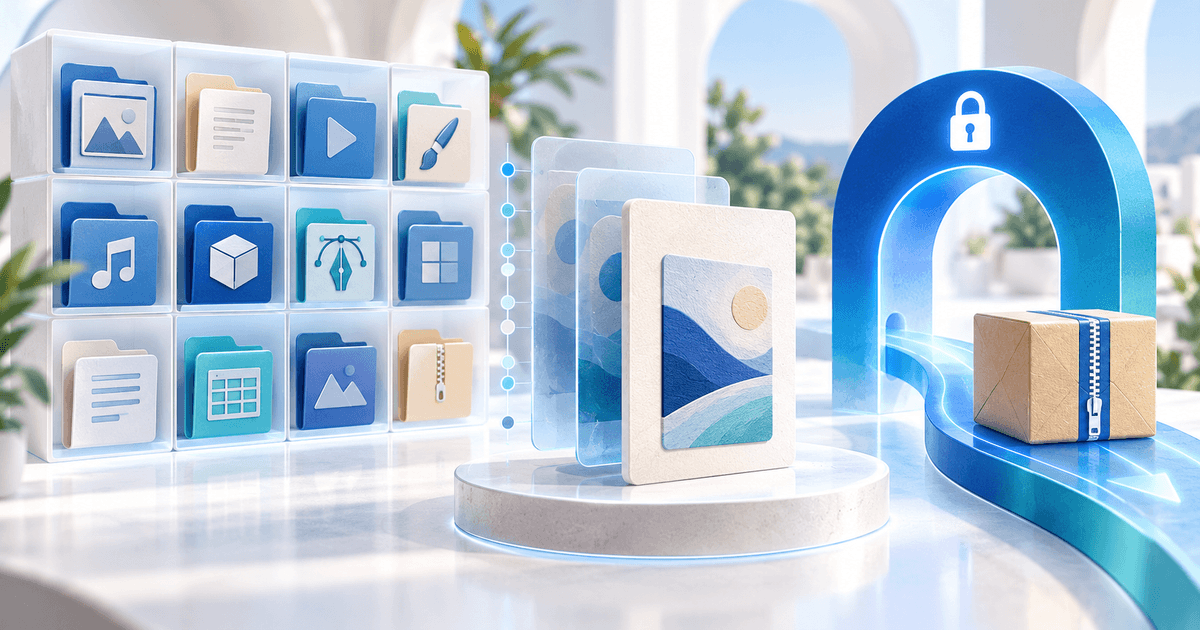
State whether the offer is a UI kit, wireframe library, design system, landing-page template or client-ready component set. List the Figma file, pages, components, variables, fonts, plugins and included documentation. Separate your own work from third-party icons, images and fonts whose license may not allow resale.
Keep a public preview with representative frames and fictional content. The paid file or access link should be versioned, private until payment and easy to identify after delivery. A buyer should not have to guess whether “v2” means a new file, an updated community link or a renamed export.
Choose the PayPal-Compatible Delivery Route
PayRequest connects eligible PayPal Business accounts through PayPal partner onboarding. PayPal's own Payment Links are useful for a simple hosted payment page, while PayRequest is relevant when the product page and protected digital delivery need to sit alongside your connected provider.
Create the offer as a PayRequest digital product. If the native file cannot be uploaded directly in your account's current allowlist, package the file in a ZIP or upload a PDF that contains the controlled access instructions. Verify the actual upload instead of promising a file extension because another platform accepts it.
Test the Figma Handoff Before Promotion
Use a release matrix for the exact version you sell:
| Release check | What to verify | Evidence to retain |
|---|---|---|
| File identity | Name and version match the sales page | Release filename and screenshot |
| Permissions | Buyer can open or duplicate the intended file | Separate-account result |
| Components | Main variants, styles and variables work | Three representative workflows |
| Dependencies | Fonts and plugins are declared | Dependency list and license notes |
| Delivery | PayPal-confirmed order receives the intended artifact | Order, version and download record |
For a fictional “Mobile SaaS UI Kit 1.2,” test a fresh duplicate, change a component property, replace a text style and follow the start guide. Record what you actually checked and leave untested plugins or Figma plan features marked as unknown. Do not call a preview or a successful payment page a complete compatibility test.
PayPal, Direct Checkout and Marketplace Trade-offs
PayPal can reduce payment friction for buyers who already trust its wallet, but country availability, account eligibility, refunds, disputes and provider fees vary. PayPal remains the processor in this workflow. PayRequest adds its platform fee—2% per successful payment, capped at €25 per transaction—so calculate the combined cost with your own provider schedule and currency.
Use a direct PayRequest product when you already have an audience and need one branded destination for the kit, license and delivery. Use a marketplace when discovery or marketplace-managed buyer operations matter more than control. Do not imply that either route transfers your Figma licensing responsibility.
After a confirmed PayPal payment, match the order to the product version and delivery record. If a payment is pending or disputed, keep the editable kit locked and follow the provider's status and resolution process. Read PayPal proof of delivery for digital goods for the evidence trail, then review PayRequest pricing before publishing.
Editorial note: AI assisted with this article and illustrative cover. PayPal and Figma public guidance plus PayRequest provider/product behavior were reviewed; the UI-kit example and release matrix are original planning tools. No live PayPal transaction or Figma purchase was executed.