If you sell VPN access, subscription billing is only one part of the customer experience. You also need a clear way for subscribers to see what they bought, check their renewal date, download invoices, update payment details and ask for changes. A customer portal connects those jobs in one place.
This guide explains a practical VPN subscription billing workflow and the operational decisions to make before you publish a plan.
What VPN subscription billing needs to handle
A recurring VPN offer normally has five connected records:
| Record | What it answers |
|---|---|
| Customer | Who owns the account and where can you reach them? |
| Plan | Which devices, term, price and limits apply? |
| Payment | Was the latest charge completed, pending, failed or refunded? |
| Entitlement | Is the customer currently allowed to use the service? |
| Support history | What changed, and what has already been promised? |
The payment is important, but it should not be the only record. When a customer says “I paid but my VPN is not working,” support needs to connect the payment status to the plan and access state without asking the buyer to explain the whole history again.
Why a customer portal matters for VPN sellers
VPN subscriptions create recurring questions: “When will I be charged?”, “Can I change my card?”, “Which plan am I on?”, and “How do I cancel?” Sending every question to email increases the work around a sale and makes cancellation or renewal status harder to verify.
A self-service customer portal gives subscribers a stable destination for:
- invoices and receipts;
- current plan and renewal date;
- payment-method changes;
- purchase history;
- cancellation or plan-change requests.
It also improves the quality of support conversations because an agent can start from the same customer and billing record rather than a screenshot or an unverified payment claim.
A workable VPN subscription workflow
Write down the exact promise for each plan: billing interval, number of devices, supported platforms, fair-use limits, refund window, renewal behavior and what happens after a failed payment. Avoid vague labels such as “unlimited” unless your terms explain the meaningful limits.
The checkout should show the price, currency, billing frequency and whether the plan renews automatically. If there is a trial or introductory price, state when the first standard charge will occur. Do not rely on an email after payment to explain a recurring commitment that was unclear at checkout.
A successful payment does not prove that an app session is authenticated, and a missing redirect does not prove that a payment failed. Use the payment record as the source for billing status, then connect it to your access-provisioning process. Keep pending, failed, refunded and disputed states distinct.
The confirmation message should answer three questions: what plan was purchased, when does it renew, and where can the customer manage billing? Link to the portal from the receipt and from future renewal reminders.
Decide how long a customer keeps access after a failed renewal, which reminders are sent, and who can restore service after a successful retry. Cancellation should also be clear: say whether access ends immediately or at the end of the paid period, and confirm the result in writing.
What to show inside the portal
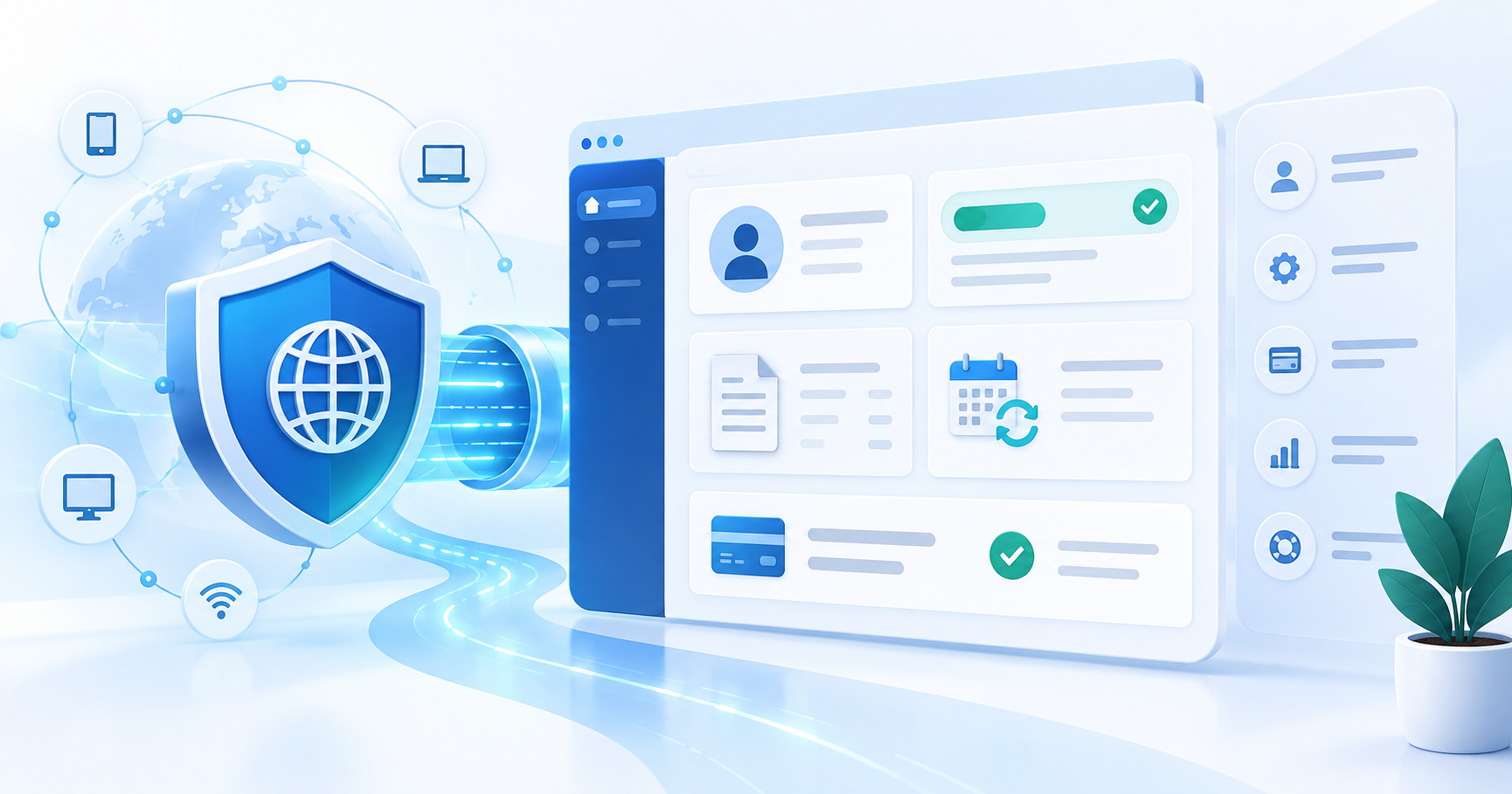
The first screen should make the current state obvious. A useful layout includes:
- current VPN plan and active status;
- next renewal date and amount;
- payment method with a safe update action;
- invoice and receipt history;
- support or cancellation route.
Do not expose full card numbers, provider secrets or internal fraud signals. Keep the portal focused on customer actions and the minimum billing information needed to make a decision.
How PayRequest fits this workflow
PayRequest provides the billing layer for a hosted selling flow: payment pages and links for checkout, subscription features for recurring plans, invoices and a customer portal for self-service. Connect the relevant provider for your business and confirm the exact methods and recurring capabilities available for your market before publishing them as a promise.
The customer portal is the most relevant destination for the post-purchase experience. Use subscription billing for the recurring workflow and payment links when you need a reusable checkout URL for a plan or campaign.
PayRequest's Free plan includes standard platform features and charges 2% per successful payment, capped at €25 per transaction; payment-provider fees are separate. Check the current pricing and provider terms before you calculate margins.
VPN billing checklist before launch
- Plan name, access scope and device limits are written in plain language.
- Price, currency, interval and renewal behavior appear before payment.
- Trial or introductory pricing states the next charge clearly.
- Payment status and VPN access status are tracked separately.
- Receipt, renewal and failed-payment messages link to the portal.
- Customers can find invoices and update billing details themselves.
- Cancellation, refunds and grace periods are documented.
- Your payment providers approve the business model and regions you serve.
- You have tested a successful payment, failed renewal, cancellation and refund.
The goal is not to add more billing screens. It is to give a subscriber one reliable place to understand their account and give your team a consistent way to reconcile payment, access and support.