Retour au blog
Vente

How to Sell Digital Downloads With PayPal Automatically

Sell digital downloads with PayPal and deliver files automatically. Set up protected links for ebooks, PDFs, ZIP files, audio, software and more.

July 10, 202611 min de lecture
P
PayRequest Team
Payments Experts

Selling a digital download with PayPal sounds like a two-step job: add a PayPal button and email the file after someone pays. That works for the first few orders. It becomes unreliable as soon as buyers arrive while you are offline, emails land in spam, or a payment appears before you have checked whether it actually completed.

The better setup connects PayPal to an automatic delivery system. The buyer opens a product page, pays through PayPal, and receives a protected download only after the payment is confirmed. You do not need to watch your inbox, expose a public file URL or build a store from scratch.

This guide explains how to sell ebooks, PDFs, ZIP archives, audio, videos, templates, software and other digital files with PayPal while automating the part PayPal does not handle: secure delivery.

Key Takeaways

  • PayPal processes the payment but does not host or automatically deliver your digital file
  • Use a digital-product platform to verify the PayPal payment before unlocking the download
  • A hosted product page lets you sell without building a website or checkout
  • Protected, order-specific links are safer than attaching files to email or sharing a public cloud link
  • PayRequest can show PayPal alongside cards and local payment methods on the same product page
  • Every PayRequest feature is included on the Free plan; PayRequest charges 2% per successful payment, capped at EUR 25

Can You Sell Digital Downloads With PayPal?

Yes. PayPal can collect payment for almost any permitted digital product, including ebooks, design assets, music, presets, templates, reports, software, ZIP files and video downloads. The important distinction is that PayPal is the payment provider, not the product-delivery system.

When a buyer pays, PayPal records the transaction and returns a payment status. Something else must connect that confirmed order to the correct file, decide whether the buyer is allowed to download it, and present the download securely.

You could do that manually. You could also build it with PayPal APIs, webhooks, file storage and an order database. For most creators and small businesses, a hosted platform such as PayRequest Digital Products is the faster route: connect PayPal, upload the product and publish the link.

Does PayPal Deliver Digital Files Automatically?

No. A standard PayPal payment link, PayPal.Me link or PayPal button does not store your file or email it to the buyer. PayPal confirms that money moved; it does not know which PDF, ZIP file or software package belongs to the order.

That leaves four jobs for your delivery platform:

  • Match the payment to the correct product and buyer
  • Wait for a successful status rather than trusting a return-page visit
  • Generate protected access to the purchased file
  • Send or display the download instructions immediately

Do not unlock a file merely because the buyer reaches a thank-you page. Return URLs can be opened without a completed payment. Delivery should follow a verified provider event recorded against the order.

What You Need Before You Start

Prepare the product before configuring checkout:

  • The final file or archive buyers should receive
  • A clear product name and short description
  • A product image that shows the real download or its result
  • The price, currency and applicable tax treatment
  • A support email and basic refund policy
  • A PayPal account that can receive commercial payments in your market

If the product contains several files, package them in one ZIP archive with clear filenames and a short readme. Test the archive on another device before uploading it. Buyers should not discover missing fonts, broken links or confusing folders after paying.

Step 1: Create the Digital Product

Open your digital-product platform and create a new product. Use a literal name that tells the buyer what is included, such as "Lightroom Preset Pack - 24 Presets" or "Freelance Contract Templates - PDF and DOCX."

Add a concise description covering:

  • What files the buyer receives
  • Which software or device is required
  • Whether updates are included
  • Whether the license is personal or commercial
  • How the buyer gets support

Avoid using the checkout page as a long sales letter. The buyer should understand the offer quickly, especially on mobile.

Step 2: Upload and Protect the File

Upload the finished product to a system built for paid delivery. The original storage path should not become the link you publish publicly. A secure system generates access for the paid order instead.

Useful controls include:

  • Tokenized links connected to the order
  • Download-attempt limits
  • Expiring access where appropriate
  • A record showing which buyer downloaded which product
  • The ability to replace a file for future buyers without changing the product URL

These controls do not make piracy impossible, but they prevent the easiest abuse: one permanent public link being forwarded indefinitely.

Step 3: Connect PayPal

Connect your PayPal account through the platform's provider settings. Use the normal provider authorization flow rather than sharing your PayPal password or pasting credentials into an untrusted form.

Once connected, PayPal becomes a payment option on the product checkout. The order system receives the status needed to decide whether delivery should proceed. Keep the product platform and PayPal account under business email addresses you control, and enable two-factor authentication on both.

With PayRequest, you can connect PayPal while also keeping Stripe or Mollie active. That matters because not every buyer wants to use PayPal, and not every local payment preference is available inside one PayPal flow.

Step 4: Build the Product Payment Page

A hosted product payment page removes the need to build a website. Add your logo and colors, publish the product and share the URL in email, social profiles, communities, direct messages or a QR code.

The page should show:

  • Product name and preview image
  • Exact price and currency
  • A short description of the contents
  • Available payment methods
  • Delivery timing, such as "download available immediately after payment"
  • Support and refund context

Keep the primary action focused on buying. Extra navigation and unrelated offers make a small checkout harder to scan.

Step 5: Configure Automatic Delivery

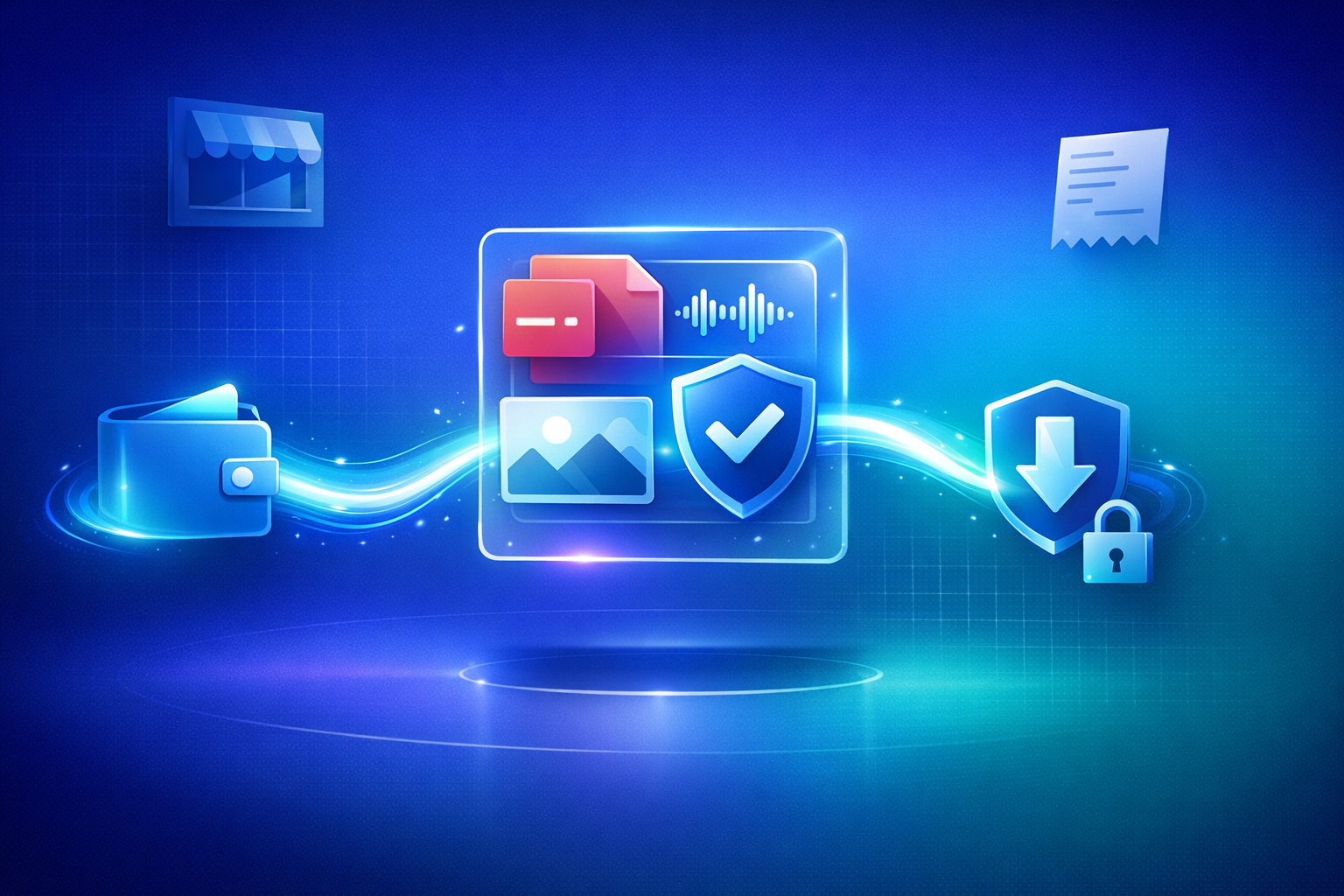
The correct sequence is simple:

  1. The buyer chooses the product and PayPal
  2. PayPal processes the transaction
  3. The platform receives and verifies the successful payment
  4. The order changes to paid
  5. The buyer sees a protected download and receives confirmation

Delivery should normally happen within seconds of confirmation. If a payment remains pending, the order should remain pending too. Do not promise instant delivery for a payment status that still needs review.

Step 6: Test the Complete Purchase

Previewing the product card is not enough. Run through the complete customer journey before publishing:

  • Open the link in a private browser window
  • Check the mobile layout
  • Confirm the correct product, price and currency
  • Complete a test or low-value payment
  • Verify that delivery waits for payment confirmation
  • Open the download from the buyer's email and success page
  • Check that an unpaid order cannot access the file
  • Confirm the receipt and support details are correct

Also test a failed or cancelled checkout. The buyer should return to a useful page without receiving the product.

Manual Email vs Automatic PayPal Delivery

Manual PayPal and emailAutomated digital delivery
You check each transaction yourselfThe provider status is checked automatically
Buyers wait until you are availablePaid buyers receive access immediately
Attachments may hit size or spam limitsFiles open from a protected delivery page
A cloud link may be forwarded foreverAccess can be linked to the paid order
Order records and downloads are separatePayment, customer and delivery stay together

Manual delivery can work for a custom service where you want to review every order. It is a poor fit for a ready-made download that buyers expect immediately.

Accept PayPal and Other Payment Methods Together

PayPal is valuable because many buyers already recognize and trust it. Making it the only option can still lose customers who prefer a card wallet or a local bank method.

PayRequest lets one product page combine PayPal with methods provided by connected Stripe or Mollie accounts. Depending on availability, buyers can choose cards, Apple Pay, Google Pay, iDEAL, Bancontact, SEPA, Klarna or PayPal while the same order system controls delivery.

You keep PayPal for the customers who want it without forcing every buyer through PayPal.

Refunds, Disputes and Digital Goods

Write a clear policy before the first order. Explain whether refunds are available after a file has been downloaded, what happens when a file is defective, and how buyers should contact you.

Keep evidence that connects the payment, order and delivery. Useful records include the product description shown at purchase, payment identifier, confirmation timestamp, buyer email and download activity. These records do not guarantee the outcome of a dispute, but they give you a coherent order history instead of a payment with no delivery context.

Never describe a digital purchase as Friends and Family to avoid commercial fees. Use the correct business-payment flow and describe the product accurately.

How Much Does It Cost?

PayPal charges its normal processing rate for the transaction, which varies by country, account and payment type. PayRequest charges 2% per successful payment, capped at EUR 25, on top of the connected provider's processing fee. Every product, branding and delivery feature is included on the Free plan.

There is no PayRequest charge for uploading the product or building the page before a sale. Check PayRequest pricing and your PayPal account for the current rates that apply to you.

Frequently Asked Questions

Do I need a PayPal Business account?

Use an account that is eligible to receive commercial payments in your country. A business account also keeps the seller identity, checkout settings and transaction reporting separate from personal transfers.

Can I sell a ZIP file through PayPal?

Yes. Upload the ZIP as the product file, connect PayPal and deliver it only after the order records a successful payment. Test the archive before publishing and avoid exposing its storage URL.

Can I sell an ebook without a website?

Yes. A hosted product page supplies the product display, checkout and protected delivery URL. Share that page directly without hosting a separate site.

What happens if a PayPal payment is pending?

Keep the order pending and do not release the file until the provider confirms success. The buyer can receive a status message explaining that delivery follows confirmation.

Can customers pay by card instead?

Yes. Connect another provider alongside PayPal so eligible card and local methods appear on the same product page. The delivery workflow remains the same regardless of the method chosen.

Start Selling Your Download

PayPal can collect the money, but a complete digital-product setup must also verify the order and deliver the correct file. Automating those steps gives buyers immediate access and gives you a reliable record of every sale.

Create your digital product page, connect PayPal and publish one protected link. For a broader comparison of direct selling costs, read How to Sell Digital Downloads Without Marketplace Fees.

Frequently Asked Questions

Can I sell digital downloads with PayPal?

Yes. Connect PayPal to a digital-product platform, upload the file, set a price and share the product link. After PayPal confirms the payment, the platform should release a protected download automatically instead of requiring you to email the file manually.

Does PayPal automatically deliver digital files?

No. PayPal processes the payment but does not host or securely deliver your ebook, PDF, ZIP, audio, software or other file. You need a delivery platform such as PayRequest to verify the payment and unlock the download.

Do I need a website to sell a download through PayPal?

No. A hosted PayRequest product page provides the storefront, checkout and delivery page. You can connect PayPal, upload the file and share one link through social media, email, chat or a QR code.

How do I stop buyers from sharing the download link?

Use tokenized download links rather than a public file URL. A protected delivery system can tie access to the paid order, limit download attempts and keep the original storage location private.

Can buyers pay without using PayPal?

Yes. PayRequest can show PayPal alongside cards and local methods from Stripe or Mollie on the same product page. The buyer chooses a method while the order and file delivery stay in one system.

Partager cet article

Prêt à commencer ?

Rejoignez des milliers d'entreprises qui utilisent PayRequest pour être payées plus rapidement.

Commencer