Yes, you can sell an ebook with PayPal without building a complete online store. The reliable setup has four parts: a clear ebook offer, a commercial PayPal checkout, protected file delivery and a simple record of what was delivered.
PayPal handles the payment. It does not replace the product page, secure file storage or download fulfillment. That separation is the key decision for authors who want buyers to receive the book immediately without manually emailing a public PDF link.
What You Need Before Publishing
- A PayPal account eligible to receive commercial payments in your country
- A finished ebook in the formats you promise, such as PDF, EPUB or MOBI
- A product page that states the edition, file size, supported devices and license
- A protected delivery method that unlocks access after payment confirmation
- A refund and customer-support address
PayPal's current Payment Links documentation says sellers can create a shareable checkout for a product without building a custom checkout. Availability, payment methods and account requirements vary by market, so check the PayPal settings shown for your own Business account.
Package the Ebook Like a Product
The download should be more than a filename. Include the final ebook, a short read-me file, the edition or version date, a license and a support contact. If you sell PDF and EPUB together, explain which format works best on phones, tablets and e-readers.
Before uploading, open the files on a clean device. Check the cover, table of contents, hyperlinks, page breaks, font embedding, image quality and file name. Remove draft comments, private metadata and unfinished chapters. Purchase the product yourself so you experience the same confirmation and download flow as a buyer.
The PayPal Ebook Sales Flow
- Create a product page with the title, promise, preview pages, format and price.
- Upload the ebook bundle to a protected digital-product system.
- Connect your eligible PayPal account as a payment provider.
- Publish one product URL and share it from your author bio, newsletter or social profile.
- Let the buyer complete PayPal checkout.
- Release the order-specific download only after the payment is reported as successful.
- Keep the transaction, order, product version and delivery event together.
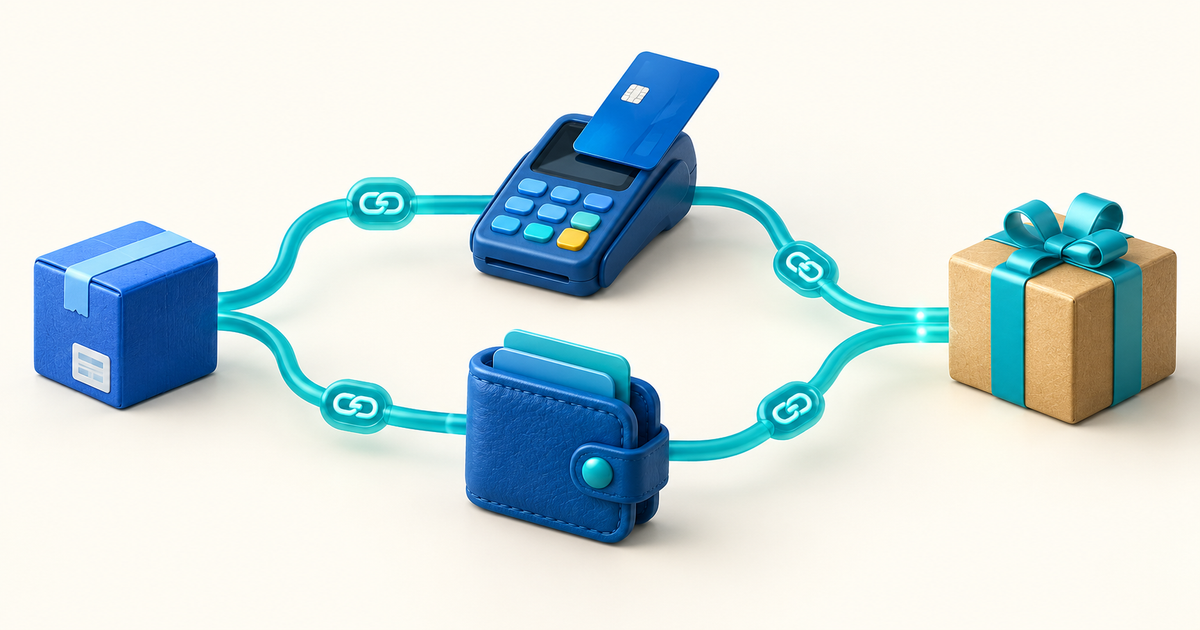
This workflow is safer than sending a Google Drive or Dropbox link from a payment notification. A public file URL can be forwarded, changed or deleted, and an email screenshot is not proof that the payment settled.
How to Reduce Ebook Refunds and Disputes
Make the buyer's expectations explicit before checkout. Show a sample chapter, list the exact formats, identify the edition date and say whether updates are included. If the ebook contains worksheets, bonus files or links to external resources, name them.
PayPal's seller guidance for digital products recommends keeping evidence of delivery and related communications. For every order, retain the PayPal transaction ID, buyer email as shown in the transaction details, product version, issued download token and download activity. This does not guarantee a dispute outcome; PayPal's current terms and the transaction's eligibility control that decision.
PayPal Alone or a Digital Product Checkout?
| Job | PayPal | PayRequest digital product flow |
|---|---|---|
| Accept PayPal | Yes | Connect your PayPal account |
| Describe the ebook | Basic checkout details | Product page with full offer and FAQs |
| Host the ebook | No | Protected product storage |
| Deliver a download | Not the core job | Automatic, order-specific delivery |
| Record fulfillment | Payment record | Payment, order and delivery trail |
For an author selling one book to an existing audience, a hosted product page is often quicker than adding ecommerce to a blog. PayRequest digital products lets you upload the file, connect PayPal and publish a protected product link. The standard Free workflow charges 2% per successful payment, capped at €25, in addition to provider charges; verify current provider fees in your own market.
Ebook Launch Checklist
- Buy the ebook yourself from the public URL.
- Confirm the amount, currency and payment status in PayPal.
- Check that the confirmation email identifies the correct product.
- Download on mobile and desktop.
- Test a failed, cancelled or pending payment path.
- Record the edition date and update policy on the product page.
- Link to a support address that can resend legitimate access without exposing a public file.
When the product, payment and delivery records agree, PayPal becomes the payment option buyers already trust while your ebook business keeps control of fulfillment. Create a PayRequest digital product and connect PayPal when the file is ready.
Frequently Asked Questions
Yes. Use a commercial PayPal account eligible in your market and connect it to a product-delivery flow that releases the ebook after successful payment confirmation.
No. PayPal processes and reports the payment. A separate product system must host the ebook and deliver protected access.
Offer the formats your buyers need and test each one. PDF preserves layout, while EPUB is usually more flexible for reflowable reading; the right choice depends on the book and audience.
No. A hosted product page can provide the public offer, PayPal checkout connection and protected delivery without a full website.