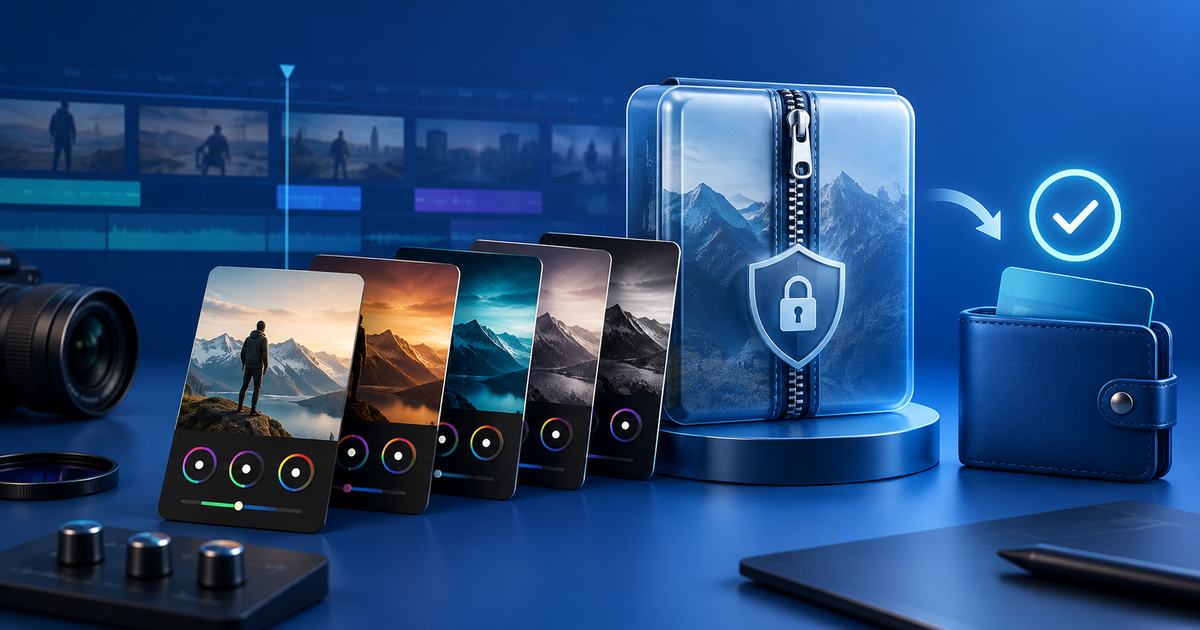
To sell Premiere Pro presets with PayPal, package the actual preset files with an install guide and license, show a compatible version range, then deliver the ZIP only after the PayPal payment is confirmed. The payment method is only one part of the buyer's decision: editors also need to know whether they are buying an .prfpset preset, a project template, or both.
This guide is for video editors and creators selling a focused preset pack directly to an audience. Adobe's current Premiere Pro help explains how presets are imported and exported; check the workflow against the version you actually support before publishing compatibility claims.
Define the preset product before checkout
Name the job the pack solves: dialogue cleanup, color workflow, captions, transitions or a repeatable social-video look. List the included file type, Premiere Pro version tested, required fonts or plug-ins, and whether the pack changes effect settings, export settings or project assets. A preset is not the same deliverable as a project template with media and sequences.
Keep a public preview safe. Show a short before-and-after clip or a watermarked still, but do not publish the paid preset file in a publicly accessible folder. Your license should say whether buyers may use the result for client work, whether they may share the preset itself, and which third-party assets are excluded.
Use a Premiere Pro release matrix
This original matrix makes the compatibility promise inspectable. Replace the example versions with the versions you have actually checked.
| Release check | Evidence to record | Publish only when |
|---|---|---|
| Preset import | Import result in the named Premiere Pro version | The file appears in the expected preset group |
| Effect dependencies | Fonts, plug-ins, LUTs and media requirements | Missing dependencies are disclosed or removed |
| Representative edits | Three clips with different resolution or frame rate | The result is usable without hidden assumptions |
| Install guide | Fresh-project steps and reset/uninstall note | A buyer can follow it without your workstation |
| Delivery archive | File list, version and license match the product page | A clean extraction contains only approved assets |
Do not claim “works in every version” because one import succeeded. Premiere Pro features and third-party plug-ins change. Record the exact test environment and mark untested combinations as unknown.
Connect PayPal payment to protected delivery
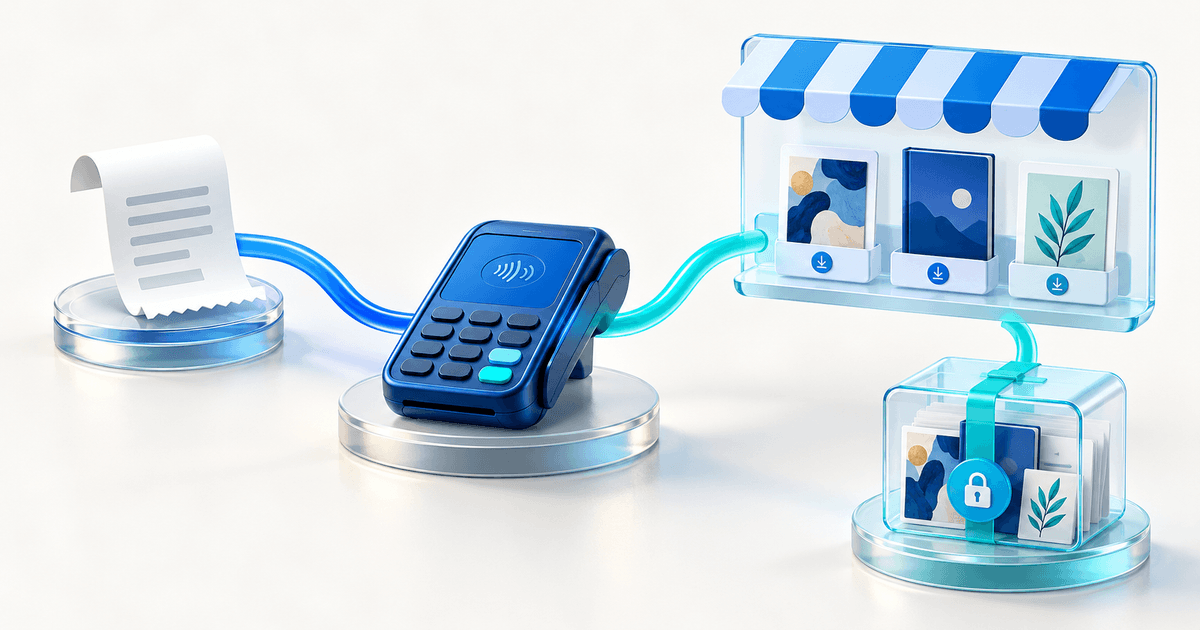
Create the offer as a PayRequest digital product, use a product-specific payment link, and connect your eligible PayPal provider. Upload a versioned ZIP containing the preset, install guide and license. PayRequest provides the hosted sales and delivery path; it does not verify Adobe compatibility, copyright ownership or your license terms.
Run this buyer-view test before promotion:
- Open the public product page in a private browser and compare name, price, currency and preview with the intended pack.
- Complete the supported provider test route and confirm that an unconfirmed or pending state does not unlock the archive.
- Download and extract the delivered ZIP outside your editing workstation.
- Import the preset into a clean Premiere Pro project and apply it to the clips listed in your matrix.
- Record the release version, date, device and result; replace the archive when a file changes.
For a fictional €19 pack, PayRequest's 2% fee is €0.38, before provider fees, taxes, support and production costs. The platform fee is capped at €25 per successful payment; review current pricing before setting your margin. This is arithmetic for planning, not a revenue forecast.
PayPal, a marketplace or direct checkout?
PayPal can be useful when buyers already expect its wallet, but availability, eligibility, disputes and fees vary by market and account. A marketplace can contribute discovery but usually constrains branding and delivery control. A direct PayRequest page fits an editor who already has traffic from tutorials, YouTube, an email list or a portfolio and wants the product, license and download in one buyer path.
Start with one narrow pack, one documented Premiere Pro test matrix and one versioned archive. The useful promise is not “instant presets”; it is “this exact file, for this declared workflow, delivered after the confirmed payment.”
Editorial note: AI assisted with this article and illustrative cover. Adobe's public preset guidance and PayRequest destinations were reviewed; the matrix and €19 example are original planning tools. No live PayPal transaction or Premiere Pro compatibility test is claimed.