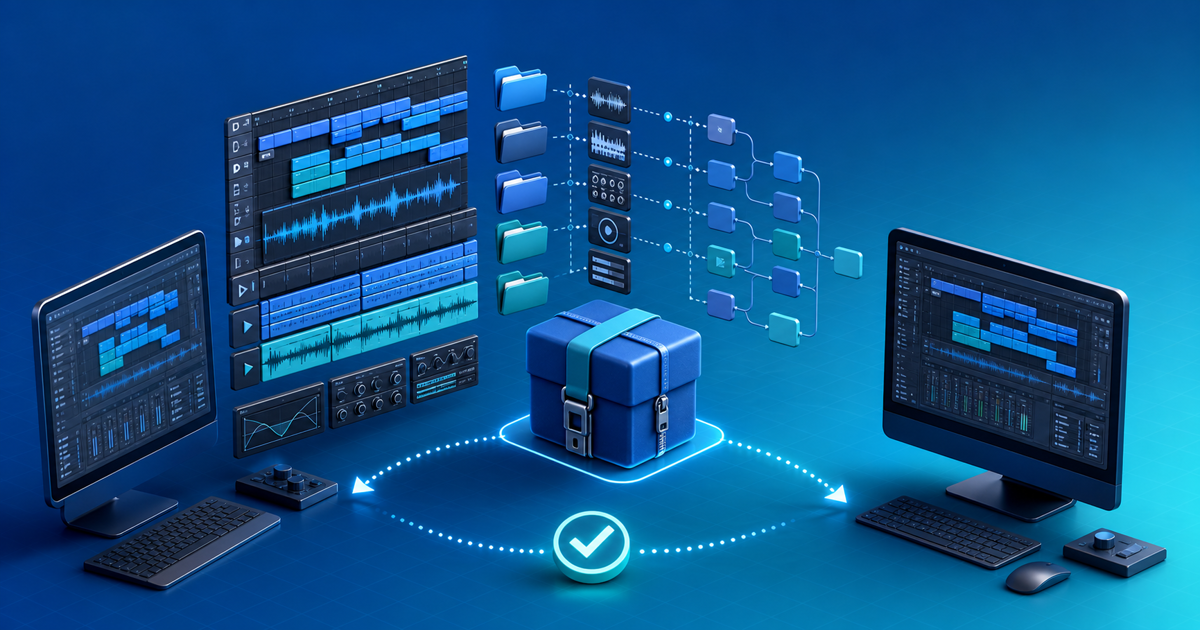
Sell an Ableton Live project only after the exact retail download opens on a second computer without missing media, undisclosed plug-ins or ambiguous usage rights. Give buyers an editable project, a dependency manifest and rendered reference files—not just an .als file that still points to your studio drive.
This release workflow is for producers selling original project files, track deconstructions or production templates. Its original asset is a two-computer portability test that checks both the editable promise and the fallback audio.
Define the Editable Promise
| Release mode | Buyer receives | Best fit | Main limitation |
|---|---|---|---|
| Native-only | Live Set using only named Ableton devices | Learning and remix templates | Requires the stated Live edition/version |
| Plug-in project | Set plus exact third-party dependency list | Buyers with the same studio setup | Plug-ins are not bundled |
| Frozen compatibility | Frozen tracks plus MIDI/audio where useful | Broader inspection and playback | Editing is less complete |
| Audio fallback | Full mix, stems and tempo/key notes | Any DAW | Not an editable Live project |
State the earliest Live version and edition tested, operating system, sample rate, tempo, required Packs, Max for Live devices and every external plug-in. Do not advertise “works everywhere” because one rendered preview plays.
Collect the Project Without Collecting Rights Problems
Ableton's current Collect All and Save guidance explains that a normal Set stores references, while Collect All and Save copies selected audio and video into the Project folder. It also notes that plug-ins cannot be copied and must be installed separately.
Run Collect All and Save in a dedicated release Project, then use File Manager to inspect missing and unused files. Keep the Ableton Project Info folder. Remove alternate masters, client recordings, unused takes and personal file paths that are not part of the product.
Collection solves portability, not licensing. Ableton's current EULA restricts redistributing isolated factory or third-party content. Audit every sample, preset and recording against its source terms. Replace anything you cannot sublicense with original material or a clearly documented buyer-supplied dependency.
Build the Dependency Manifest
For each device, record developer, product, version, format and whether it is required, optional or replaced by frozen/rendered audio. For each Pack or Max for Live device, name the exact source. A screenshot of the device chain is useful, but keep the manifest as searchable text.
Include a START-HERE file with tested Live versions, load order, expected warnings, tempo, key, track list, license and support boundary. Put reference mix and aligned stems in a separate folder so buyers can verify the musical result before troubleshooting their setup.
Run the Two-Computer Retail Test
- Close Live and copy only the proposed retail archive to a second computer or clean user account.
- Extract it into a new local folder; do not open the studio source.
- Open the documented main Set in the earliest supported Live version.
- Record every missing media, device and version warning.
- Play from start to finish and compare the output with the reference mix.
- Disable one optional plug-in and verify the documented fallback.
- Export a short section and confirm tempo, alignment and tail length.
- Download the final uploaded archive and repeat the open test from that copy.
The test fails when Live silently searches a connected drive, a font or plug-in changes the sound materially, or the buyer cannot identify which Set is authoritative. Fix the package and rerun it rather than adding a vague disclaimer.
Sell and Deliver the Approved Archive
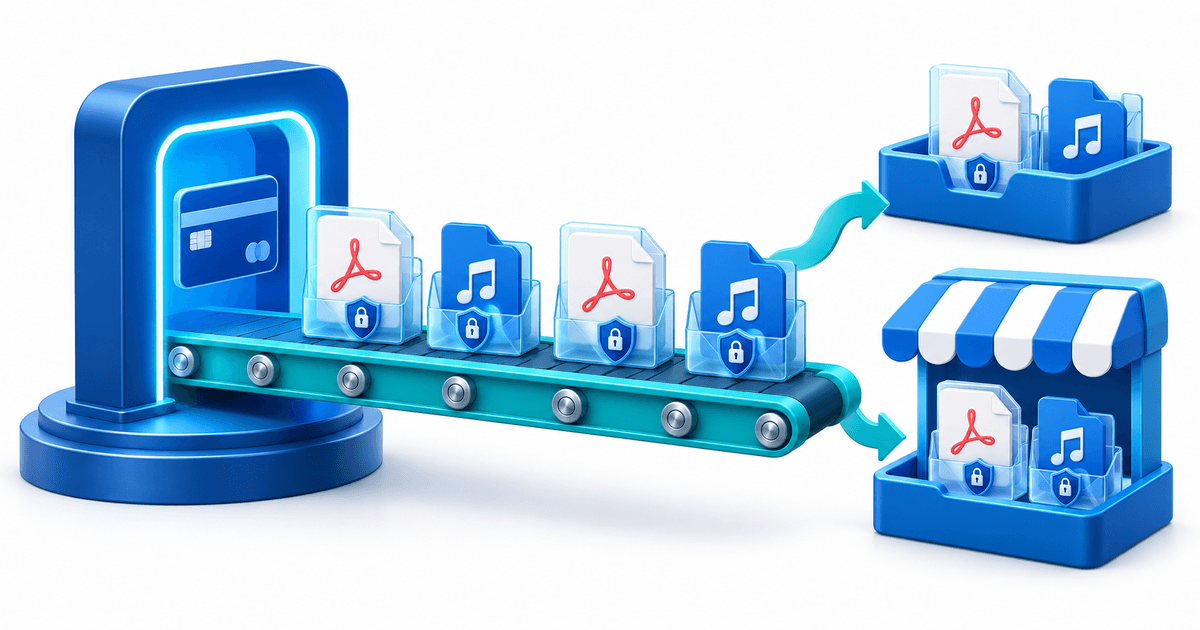
Use the music and audio digital-product page for the offer and secure file delivery for the approved archive. Match the product version, filename and manifest version, then complete a real test order through the intended provider.
Publish when a clean machine can open the promised project, the audio fallback matches, every dependency is disclosed, every included file is licensed for distribution and the buyer receives the same archive you approved.