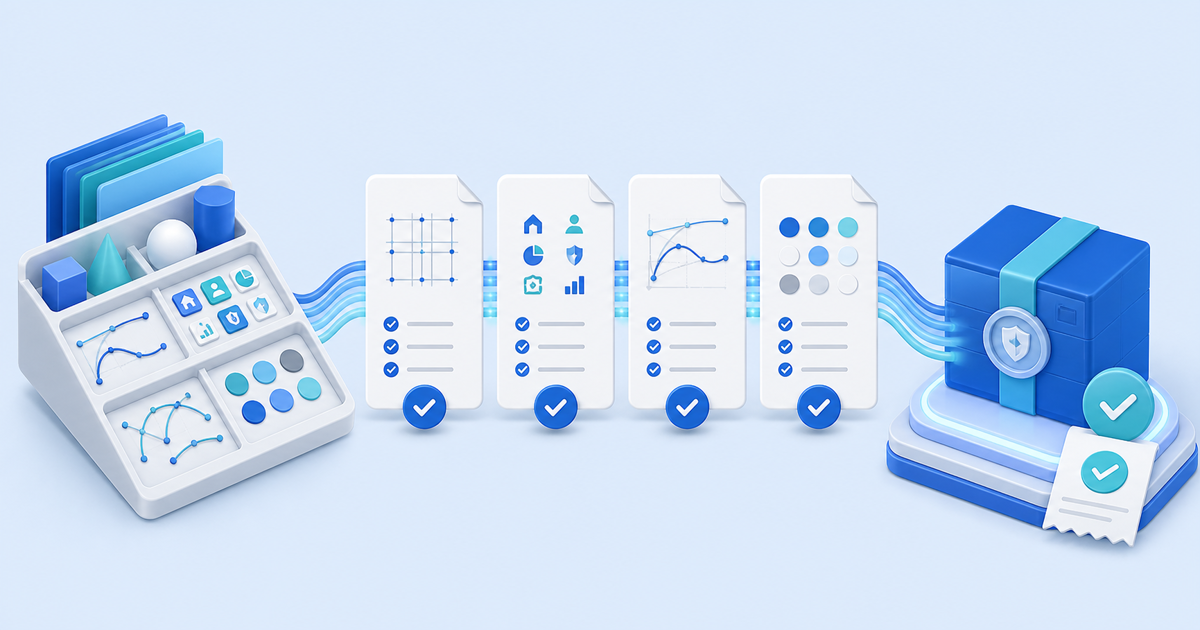
Sell an Affinity Designer asset pack only after the exported `.afassets` file imports into a clean asset library, every promised object remains editable and the customer ZIP contains no private or unlicensed dependencies. A polished preview proves appearance; it does not prove that symbols, styles, fonts, linked images or naming survive delivery.
This workflow is for independent designers selling reusable icons, ornaments, UI elements or illustration components. Its original asset is a four-document import-and-edit matrix tied to the exact retail archive.
Define the Asset Pack Boundary
An Affinity asset is a reusable design element stored in the Assets panel. Affinity's official asset guidance explains that categories can be exported and imported as files. Build one product around a clear job instead of mixing unrelated experiments.
| Include | Disclose | Exclude unless licensed |
|---|---|---|
| Exported `.afassets` category | Tested Affinity app/version and operating system | Stock previews and client artwork |
| PNG or PDF catalogue | Editable properties and raster/vector content | Fonts that cannot be redistributed |
| Start guide and license | Color space, dimensions and linked resources | Hidden drafts and personal paths |
| Optional source document | Whether symbols/styles are included | Third-party brushes or textures |
Use filenames and category names that describe the buyer's job. Keep the preview catalogue separate from the installable library so a buyer can inspect it without confusing the preview for the product.
Run the Four-Document Matrix
Create a clean user profile or reset test library, import the retail `.afassets` file and place representative assets into four documents.
| Document | Stress case | Pass condition |
|---|---|---|
| Small RGB canvas | Scale down, recolor and duplicate | Edges and named layers remain usable |
| Large RGB canvas | Scale up and export PNG/SVG where promised | No unexpected raster softness or clipping |
| CMYK print page | Place, recolor and export the advertised PDF type | Colors and transparency behave as disclosed |
| Dependency test | Open without creator fonts, links or local resources | Missing items are disclosed or removed |
Test only behaviors named on the sales page. If the pack promises Affinity Photo or Publisher compatibility, repeat the import and a representative edit in those exact applications. Do not infer cross-app support from a shared brand name.
Audit Rights and Editability
Expand representative objects and inspect embedded raster layers, placed documents, symbols, effects, fonts, brushes and styles. Record the source and redistribution permission for anything you did not create. Affinity's current terms do not grant a right to resell content owned by somebody else.
State what buyers may do with finished designs and separately prohibit or permit redistribution of the source library. Client work, commercial end products, team sharing and resale as another asset pack are different permissions. This is a practical licensing checklist, not legal advice.
Package and Verify the Retail ZIP
Include the `.afassets` export, catalogue, start guide, license and changelog. Add an optional source document only when it helps buyers and passes the same dependency audit. Give the archive a version and record its file list and SHA-256 checksum.
Move the ZIP to the clean profile, extract it, import the library and repeat the small RGB test. Then delete the imported category and import it again to expose accidental reliance on a previous local copy. A pack is ready when the downloaded archive alone can reproduce the promised result.
Deliver the Approved Pack After Payment
Publish the tested formats, application versions, object count, editability, license and support boundary before checkout. Use PayRequest's graphics and design download workflow with protected file delivery to release the approved ZIP after confirmed payment.
Complete one buyer-view order, download from the receipt and compare its checksum with the approved build. The release is complete only when that delivered file passes the clean-library import test.