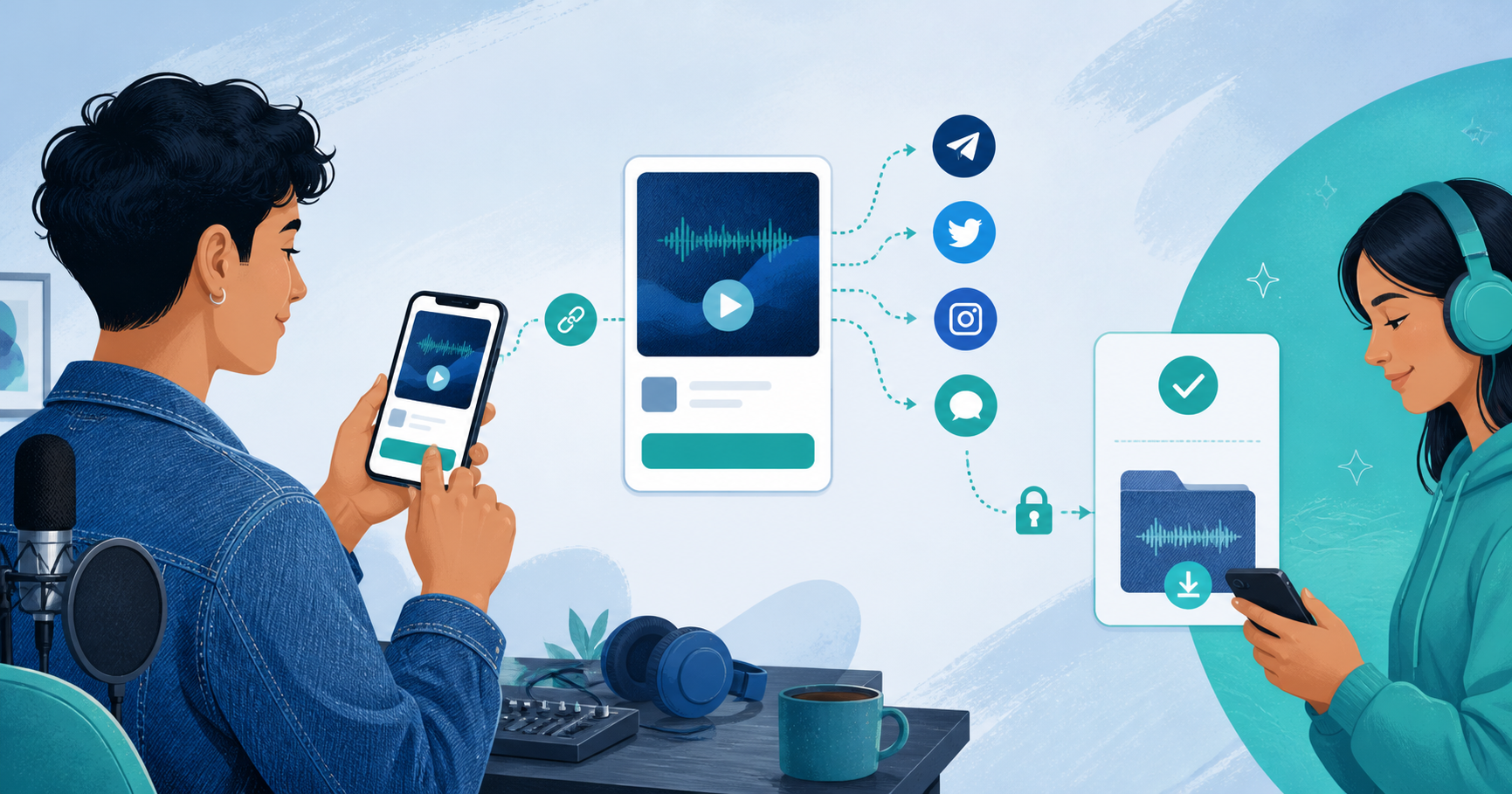
You do not need a full website to sell an audio download. If you already have an audience on social media, YouTube, a newsletter, or a community, one hosted product link can provide the preview, checkout, and delivery flow.
The important distinction is between discovery and fulfillment. Your existing channels help people find the audio. A dedicated product page handles the private original, payment, and delivery so you do not have to negotiate every sale in messages.
What You Need Before You Start
Prepare one finished track, beat, sample pack, meditation, lesson, or premium episode. You also need:
- A title that explains what the listener gets
- Cover art, if the product benefits from a visual identity
- The full MP3, WAV, or FLAC file, up to 100MB
- A short free preview between 5 and 60 seconds
- A price and clear delivery or licensing terms
Only upload audio you created or have permission to distribute. A payment link cannot transfer rights you do not own.
Why a Hosted Link Is Enough
A normal social post is good for reach but poor at delivery. A cloud-storage link may expose the file before payment. A manual DM flow creates repeated questions: how much is it, what format is included, did payment clear, and where is the download?
A hosted Pay to Unlock Audio product puts the listener's decision and the transaction in one place. The public page can show a short preview and the full track length while the original stays private until payment.
Set Up an Audio Download Without Building a Site
- Go to Products and click New Product.
- Choose Pay to Unlock (Audio).
- Upload the private original in MP3, WAV, or FLAC format.
- Use the preview slider to choose 5–60 seconds of free listening.
- Add optional cover art, a clear product description, and the unlock price.
- Save, test the preview, and complete a test checkout.
- Copy the product link into your bio, post, show notes, or newsletter.
The preview is a separate, physically shorter audio file generated from the stored original. It is not the full file with playback cut off in JavaScript. That means the public player does not receive the remainder of the track.
Match the Product Page to the Channel
The link can stay the same while the introduction changes around it.
- Instagram or TikTok: lead with the sound, result, and a short call to preview
- YouTube: explain the license and put the link near the relevant track
- Newsletter: tell subscribers why this release is different from the free catalog
- Discord or Telegram: state the format, price, and delivery expectation directly
- Portfolio or creator profile: use the product as a permanent audio catalog item
Do not make buyers hunt for basic details. The title, preview, duration, format, price, and rights should be understandable without a back-and-forth conversation.
Test the Complete Buyer Journey
Before promotion, open the link on your phone and desktop. Confirm that:
- The preview starts quickly and ends naturally
- The full duration and preview duration are accurate
- Cover art is clear at a small size
- The price and included format are visible
- The payment methods work for your audience
- The success page and email provide the promised file
Ask one person who is not involved in production to describe what they think they are buying. Confusion at this stage usually means the product description needs editing.
What to Do When You Update the Track
Open the product's Unlock Track tab to replace the original. The old full track and its preview are automatically replaced. If the audio stays the same but the free preview should be shorter or longer, change the preview length without uploading again; the preview is regenerated from the stored original.
When You Should Build a Website Later
You may eventually want a website for your catalog, search traffic, editorial pages, or artist story. That is an audience and brand decision, not a prerequisite for validating one paid release. Start with one strong product link, learn what listeners buy, and expand the surrounding site when the catalog earns that investment.
Explore Pay to Unlock Audio, sell audio downloads, or create a free PayRequest account.