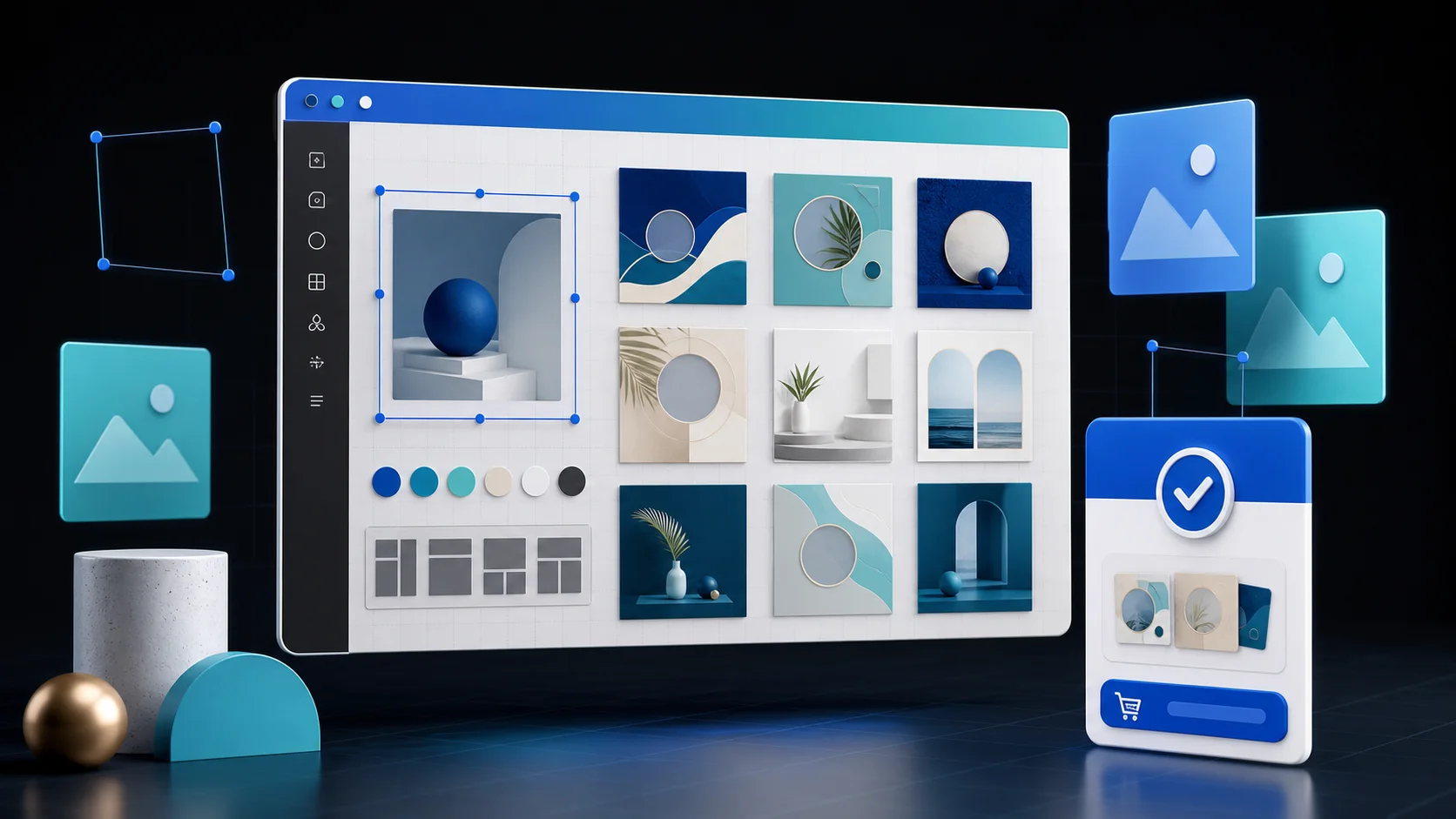
Canva templates can turn a repeatable design process into a digital product: social media kits, pitch decks, workbooks, media kits, menus, invitations, lead magnets, and client onboarding packs. The difficult part is not creating one attractive design. It is packaging a template that another person can understand, customize, and use without asking you for help.
This guide shows how to prepare, price, sell, and automatically deliver Canva templates from your own checkout page.
What You Are Actually Selling
You are not normally delivering the original file itself. You are selling access to a reusable template link plus the instructions, license, and support terms that make it a usable product. The buyer opens the link, creates their own copy, and edits that copy.
A strong product package contains:
- A PDF with the template access link and clear opening instructions
- A short start-here guide with font, color, image, and export tips
- Preview images that show every important page or layout
- A license explaining personal or commercial use
- A support email and a clear list of what support includes
- A version date so customers know whether they have the latest release
Test the complete buyer journey in a private browser before launch. The buyer should not need access to your master design or permission to edit your account.
Choose a Specific Buyer and Outcome
Generic template bundles compete mostly on quantity. A focused product is easier to explain and easier to find. “30 Instagram templates” is vague; “30 property-listing templates for independent estate agents” connects a buyer to an outcome.
Start with work you already understand. If you design for coaches, photographers, restaurants, or local services, turn the repeated parts of that work into a system. Remove client names, licensed assets, and confidential material before selling it.
Useful Canva template niches include:
- Client welcome guides for freelancers and agencies
- Social launch kits for course creators
- Media kits for creators and podcasters
- Price lists and service menus for salons
- Workbooks and lead magnets for coaches
- Event invitations and signage collections
Check Fonts, Photos, and Elements
Only sell material you have the right to distribute. Your own layout does not automatically give you permission to redistribute every photo, font, illustration, logo, or stock element inside it.
Make the buyer requirements visible before checkout. If a design relies on Canva Pro features, say so prominently and consider offering a free-element version. Replace example logos and personal photos with safe placeholders. Do not advertise a template using another company's trademark unless you have permission.
How to Price Canva Templates
Price around usefulness, specificity, and time saved rather than the number of pages alone.
| Product | Practical starting range | What raises the value |
|---|---|---|
| Small single-purpose template | €7–€19 | Clear niche and polished instructions |
| Coordinated business kit | €19–€59 | Multiple formats and consistent system |
| Complete launch or brand bundle | €49–€149+ | Strategy, tutorials, updates, commercial terms |
These are testing ranges, not universal market prices. Start with one clear offer, watch conversion and support questions, then improve the product before adding a larger bundle. A commercial-use license should normally cost more than personal use because it gives the buyer broader value.
Build a Product Page That Converts
Your product page should answer five questions quickly: who is it for, what does it help them create, what is included, what software or plan do they need, and what happens after payment?
Show several full-size previews, not one decorative cover. List the page count, dimensions, included formats, editable elements, and exclusions. Add a short screen recording if customization is easier to understand visually. Never promise that a template will guarantee followers, leads, or revenue.
Sell and Deliver With PayRequest
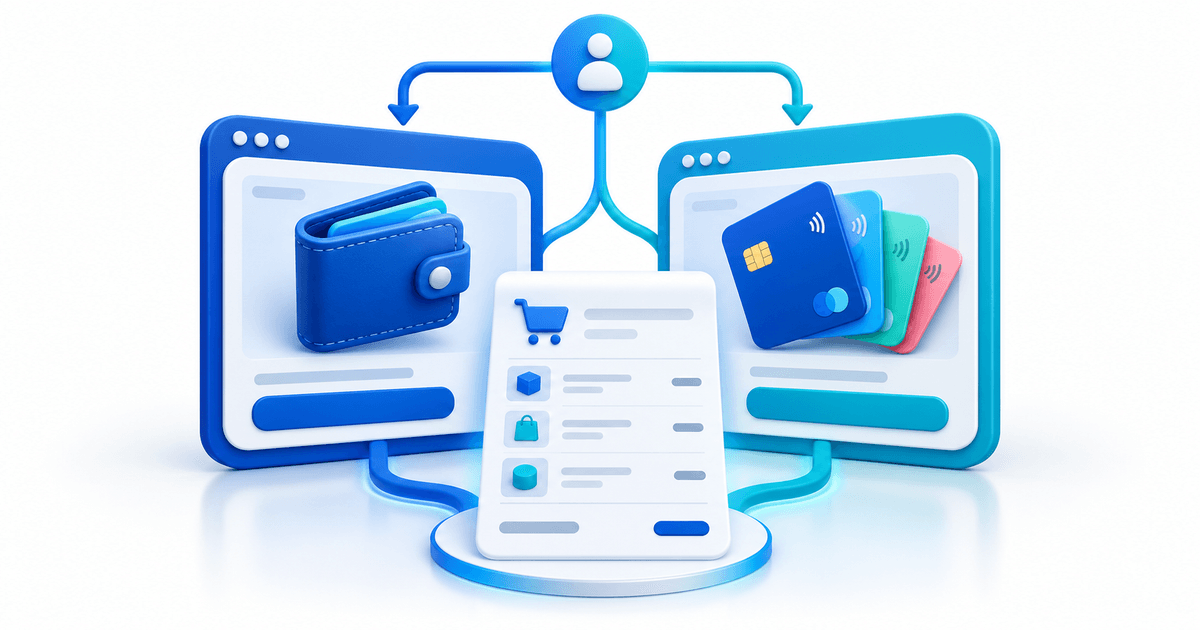
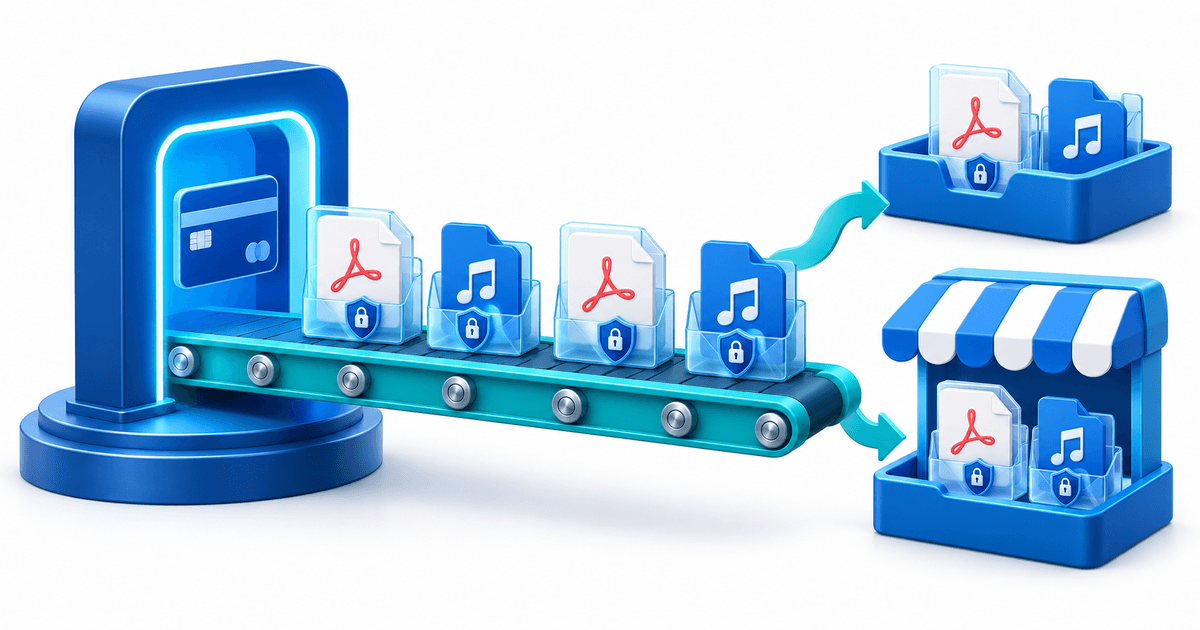
Create a digital product in PayRequest, upload the access PDF and any supporting files, set the price, and publish the sales page. Connect your preferred supported payment provider so customers can pay through a checkout they recognize. After successful payment, the buyer receives access without you manually sending a link.
This setup works especially well when you promote through Instagram, Pinterest, TikTok, YouTube, a newsletter, or a portfolio. Put the same focused checkout link wherever the relevant audience finds you.
For the broader delivery workflow, see how to sell digital products and the digital downloads product page. If you want to compare a marketplace with direct selling, read the Etsy alternative.
Launch Checklist
- Duplicate and edit the template from a test account
- Check every link in the delivery PDF
- Confirm which elements require Canva Pro
- Export every promised format
- Add license and refund terms before checkout
- Complete a real test purchase and open the delivered files
- Ask the first buyers where they became confused
Final Advice
The best Canva template product is not the biggest bundle. It is the product that gives one type of buyer a faster, clearer route to a finished result. Start narrow, document the experience well, and use early support questions to make the next version easier to use.